
What is Sora Image Generator ?
Sora Image Generator is an innovative AI tool developed by OpenAI that allows users to generate high-quality images from text descriptions. Initially known for its text-to-video capabilities, Sora has expanded its functionality to include image generation through integration with ChatGPT's image generation technology. This enables users to create images with improved text rendering, better instruction following, and more customization options. Whether you're creating marketing visuals, educational materials, or personalized sora wallpaper, Sora is an ideal tool for both creative professionals and hobbyists.
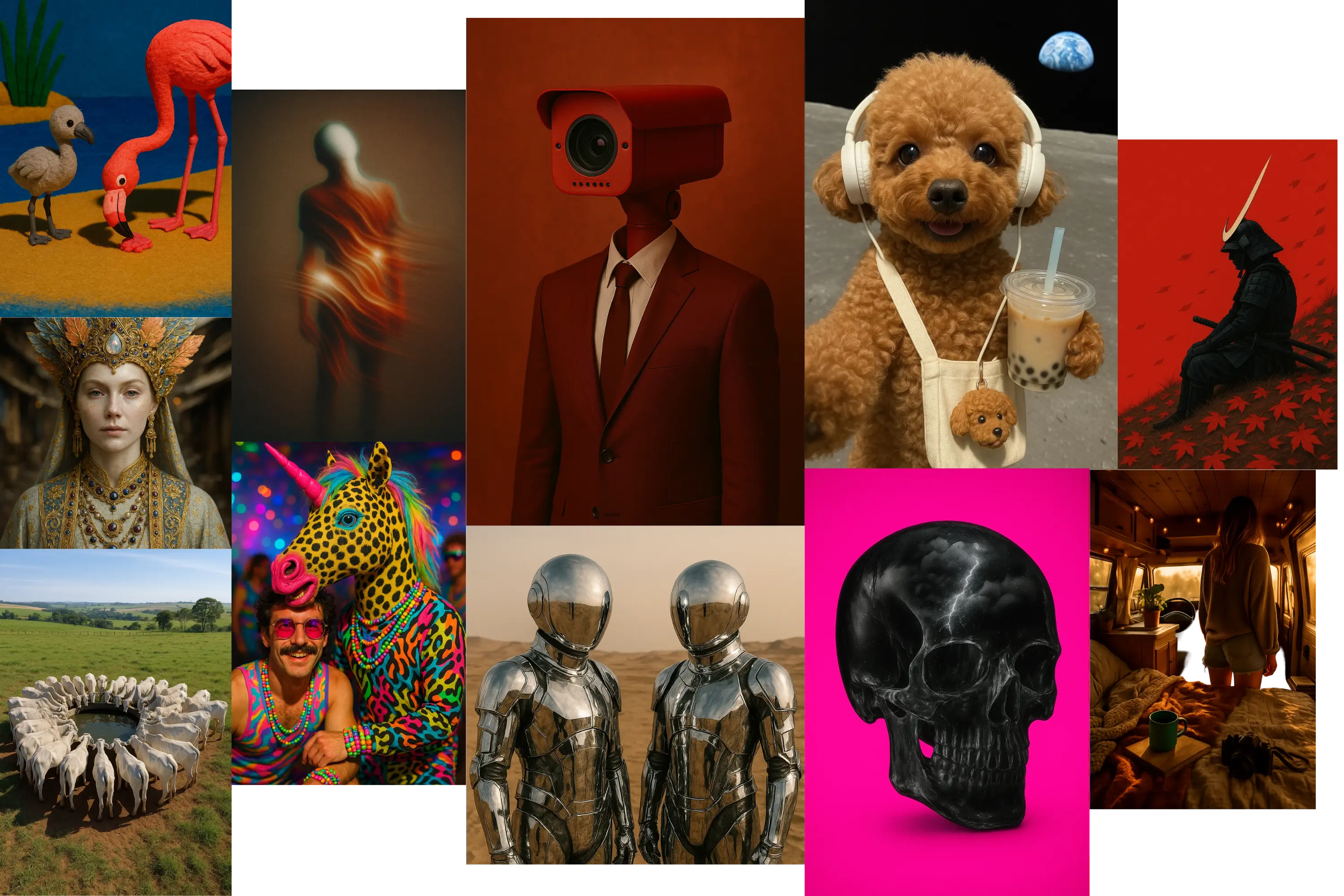
Key Features of Sora Image Generator
Text-driven creation
Users only need to enter a description and Sora will generate the corresponding image, simplifying the creative process.
Customization and flexibility
Supports adjusting color, style, and even merging multiple images to meet personalized needs.
Batch Generation
ChatGPT Pro users can generate up to 4 images at once, increasing efficiency.
Integration with ChatGPT
Generate images directly through the ChatGPT interface without switching tools, which improves the convenience of use.
What Can You Do With Sora ?
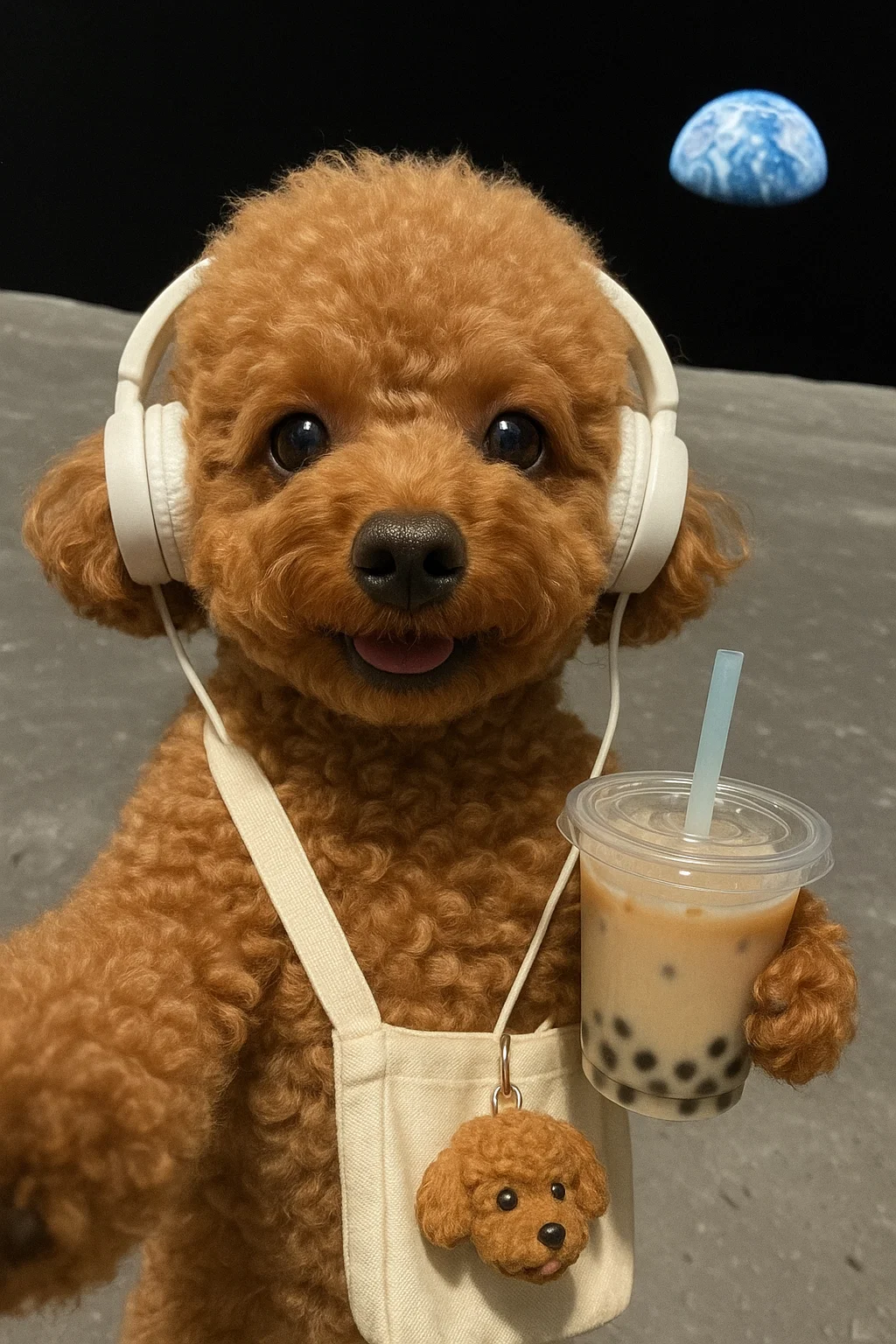
Sora Wallpaper
For hobbyists, Sora by OpenAI offers a creative playground to craft personalized sora wallpaper or digital art. Turn imaginative prompts into stunning visuals, like a fantasy landscape for your desktop or a custom poster for a special occasion.
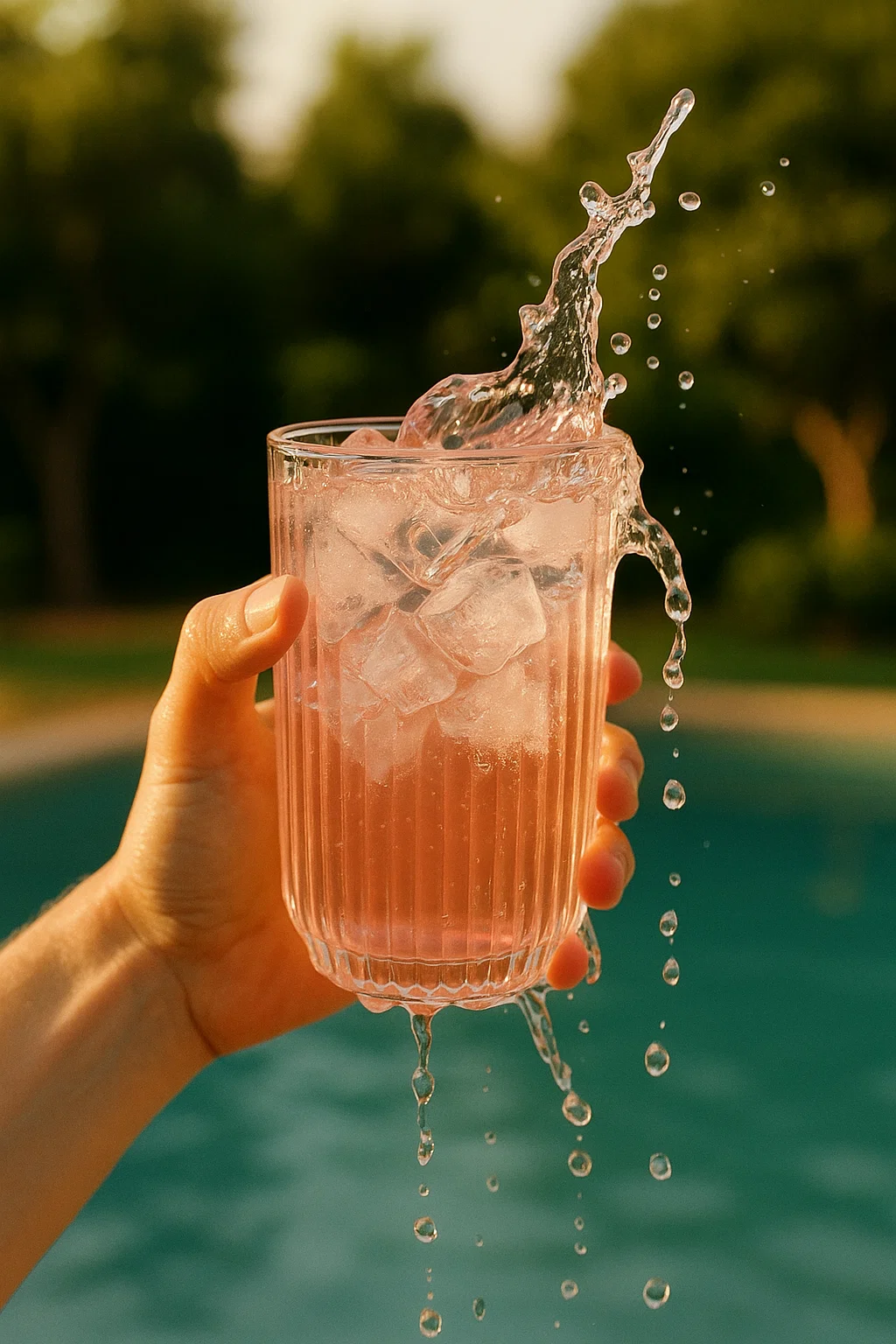
Marketing and Advertising
Sora AI Generator empowers marketers to create compelling sora images for social media, websites, and ad campaigns. Generate eye-catching visuals like product banners, promotional posters, or branded sora wallpaper to boost engagement.
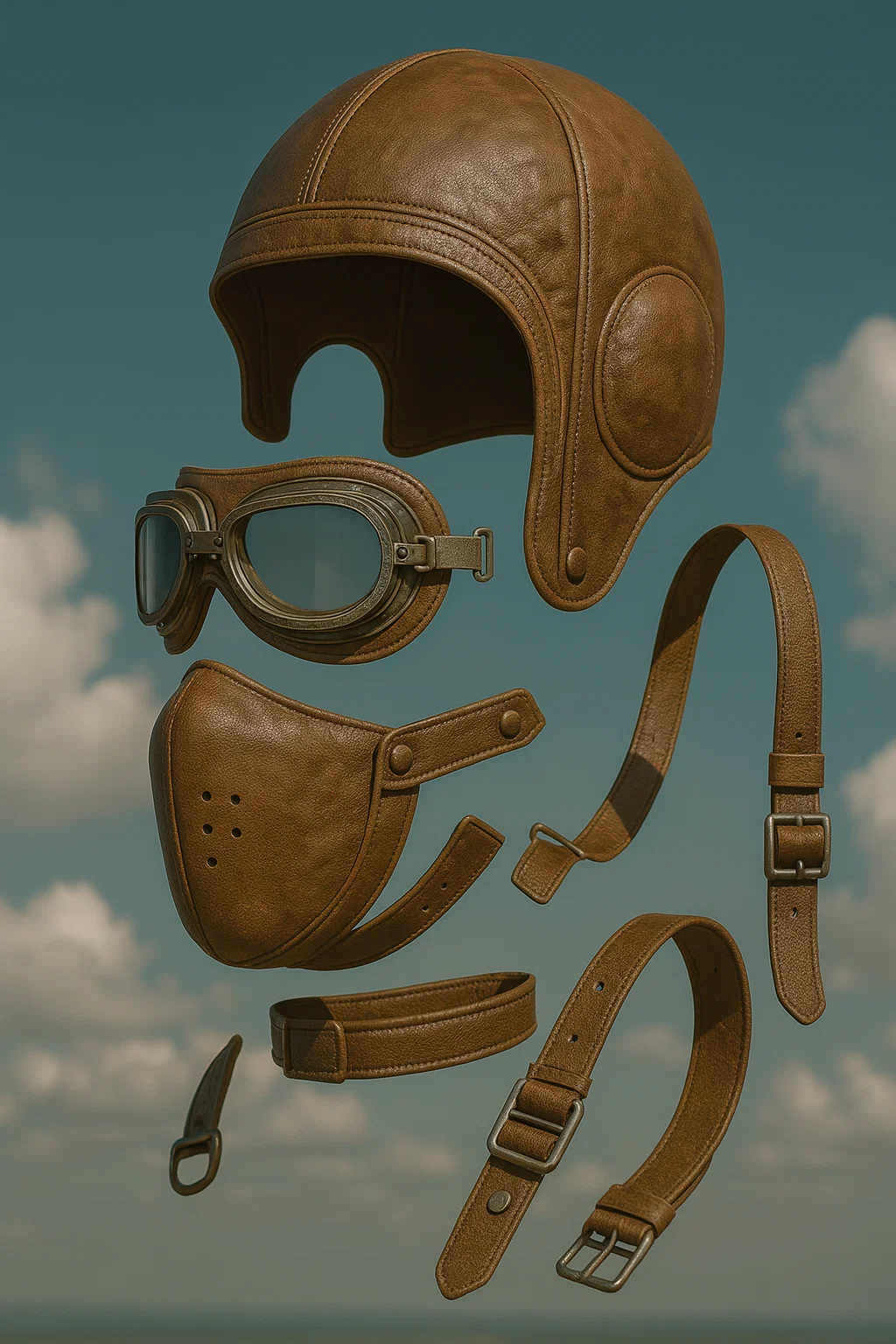
Design and Prototyping
Designers can leverage Sora AI Image Generator to quickly mock up product concepts, app interfaces, or website layouts. Generate realistic renderings, like a futuristic gadget or a clean UI design, to visualize ideas without extensive manual work.
Sora vs. GPT-4o
Sora: OpenAI’s High-Resolution Image and Video Powerhouse
✅ Key Strengths:
·High-resolution output with detailed, multi-object scenes
·Superior text rendering with minimal errors
·Image-to-video generation and video extension capabilities❌ Limitations:
·Less conversational flexibility compared to GPT-4o
·Restricted generation of human-centric images
·Occasional surreal artifacts in intricate scenes
GPT-4o: Conversational Multimodal Creator
✅ Key Strengths:
·Seamless conversational image generation within ChatGPT
·Strong contextual understanding for iterative prompt refinement
·Accessible for non-technical users❌ Limitations:
·Lower resolution and less detailed complex scenes compared to Sora
·Weaker text rendering with occasional errors
·No video generation or extension capabilities
Sora Image Generator Pricing
Sora is included in these ChatGPT plans
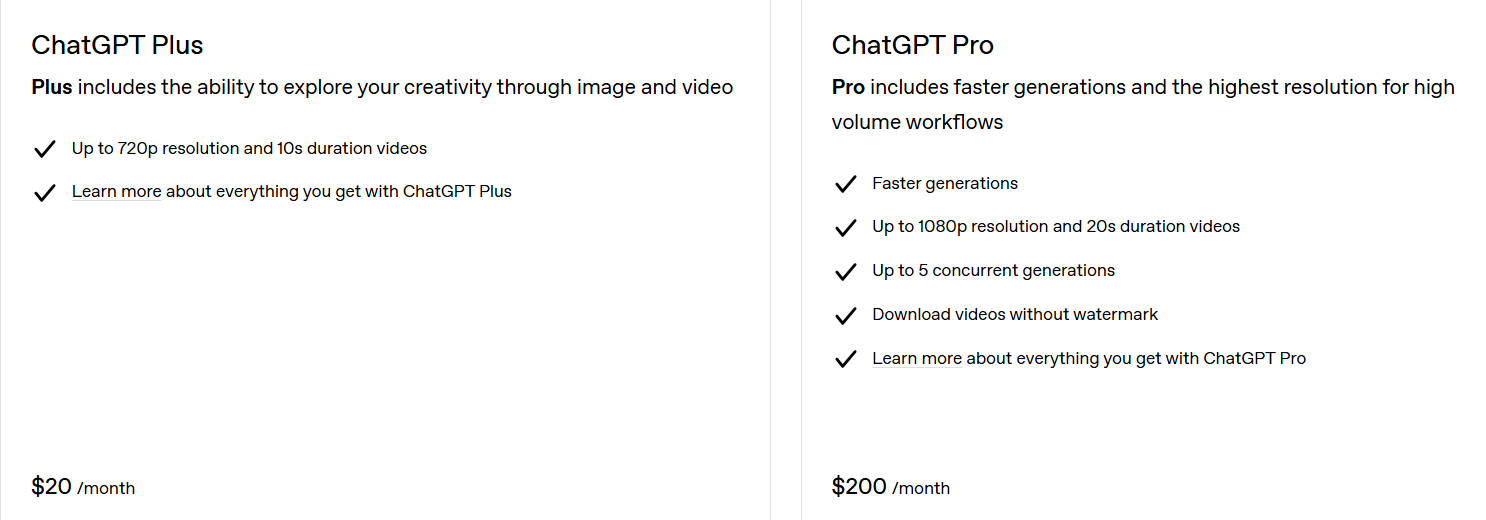
Sora Image Generator FAQs
What is the Sora Image Generator?
Sora is an AI-powered model developed by OpenAI that generates high-quality, photorealistic images and videos from text prompts or existing media. It leverages advanced AI, including diffusion models and transformer architecture, to create visuals with detailed customization options.
How do I access the Sora Image Generator?
You can access Sora through the ChatGPT interface or at sora.com with an OpenAI account. Image generation is free for all ChatGPT users (Free, Plus, Pro, Team), but video generation requires a Plus or Pro subscription. Sign in, go to the "Images" tab or select “Image” in the prompt window, and enter your text prompt.
Is the Sora Image Generator free to use?
Yes, image generation is free for all ChatGPT users, with a limited number of images per day for Free tier users (previously around three images daily with DALL·E 3). Video generation requires a paid subscription (Plus or Pro).
What types of images can Sora generate?
Sora can create photorealistic images, stylized visuals (e.g., Film Noir, Pixel Art, Cartoonify), and custom-style images based on text prompts or reference media. It supports resolutions up to 4K and various aspect ratios (e.g., 16:9, 1:1, 9:16). You can generate images for social media, websites, or creative projects like fan art or cosplay references.
Can I customize the style of the images?
Yes, Sora offers predefined style presets like Film Noir, Balloon World, or Pixel Art, and you can create custom presets by describing specific attributes (e.g., lighting, colors) or uploading reference images.
What are the limitations of Sora’s image generation?
Sora may struggle with complex scenes, unrealistic physics, or highly specific text rendering (e.g., detailed handwritten notes). It can sometimes produce artifacts, lighting inconsistencies, or hyperrealistic features like overly smooth skin. For precise results, simple prompts work best.
How can I tell if an image was generated by Sora?
Generated images include metadata indicating they were created by Sora. Some may have subtle watermarks, especially in preview versions. Look for hyperrealistic features, lighting inconsistencies, or artifacts as indicators of AI-generated content.
Can I use Sora-generated images commercially?
OpenAI’s terms generally allow commercial use of generated images, but you should confirm ownership and rights, especially if using uploaded media. Avoid using content that violates OpenAI’s policies. Check OpenAI’s official terms for the latest details.