Test at 1K, Then Scale Up
Try a prompt at 1K first to check the layout and style, then generate the version you like again at 2K or 4K.
 Yeschat
Create and edit images with OpenAI's GPT Image 2.5 through YesChat: write a prompt or add your own reference images, then pick 1K, 2K or 4K.
Describe a picture and GPT Image 2.5 creates it, or upload images and say what to change. Kie.ai's model page describes GPT Image 2.5 as an OpenAI model for both generating and editing images, with stronger reference fidelity and more precise refinement.
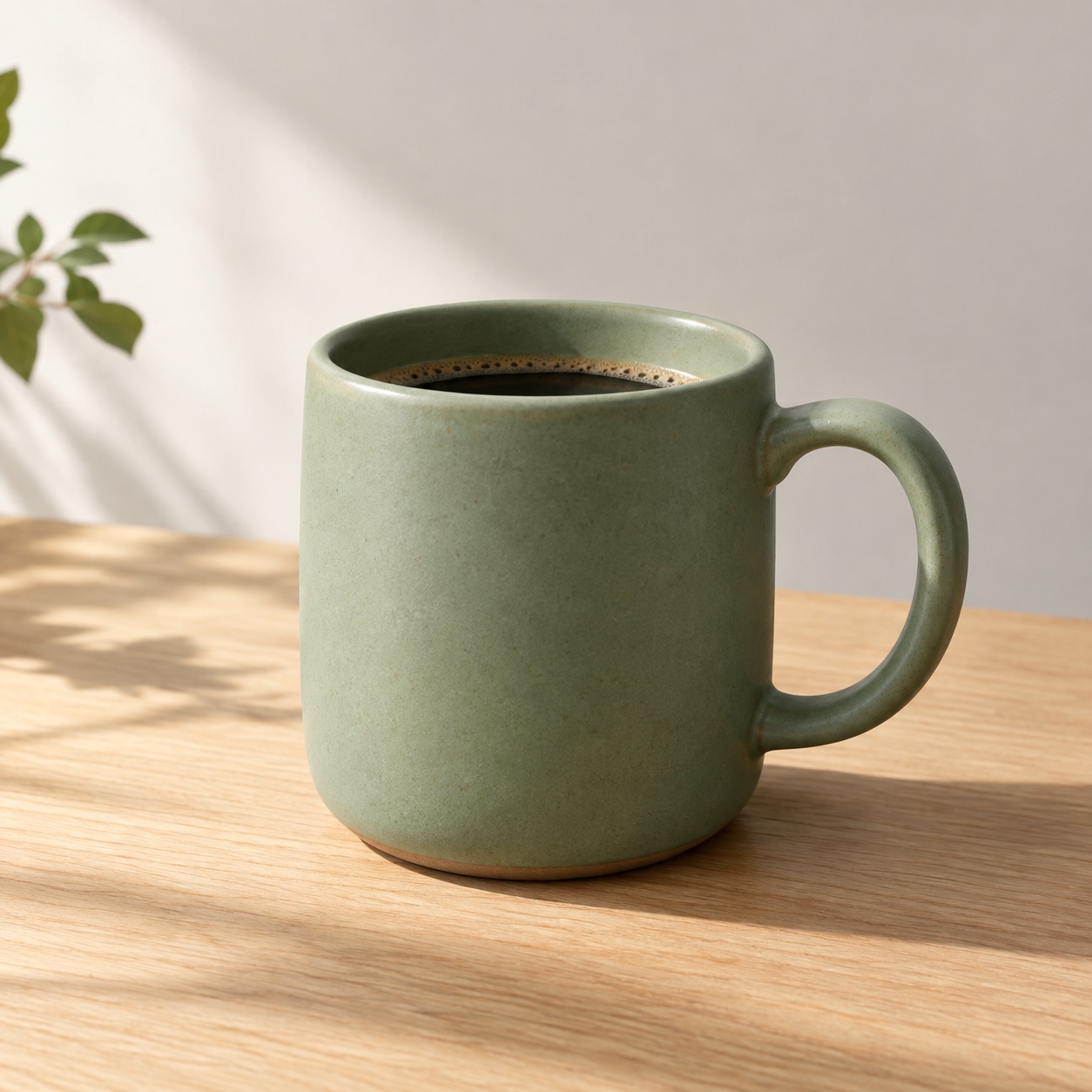
Add up to 16 reference images in one request to show a subject, a product, colors or a style. Use this when one picture is not enough to explain what you want.

Pick 1K for drafts, 2K for everyday web and social use, or 4K when you need a larger, sharper file. Higher resolution uses more credits; once you are signed in, the cost is shown before you generate.
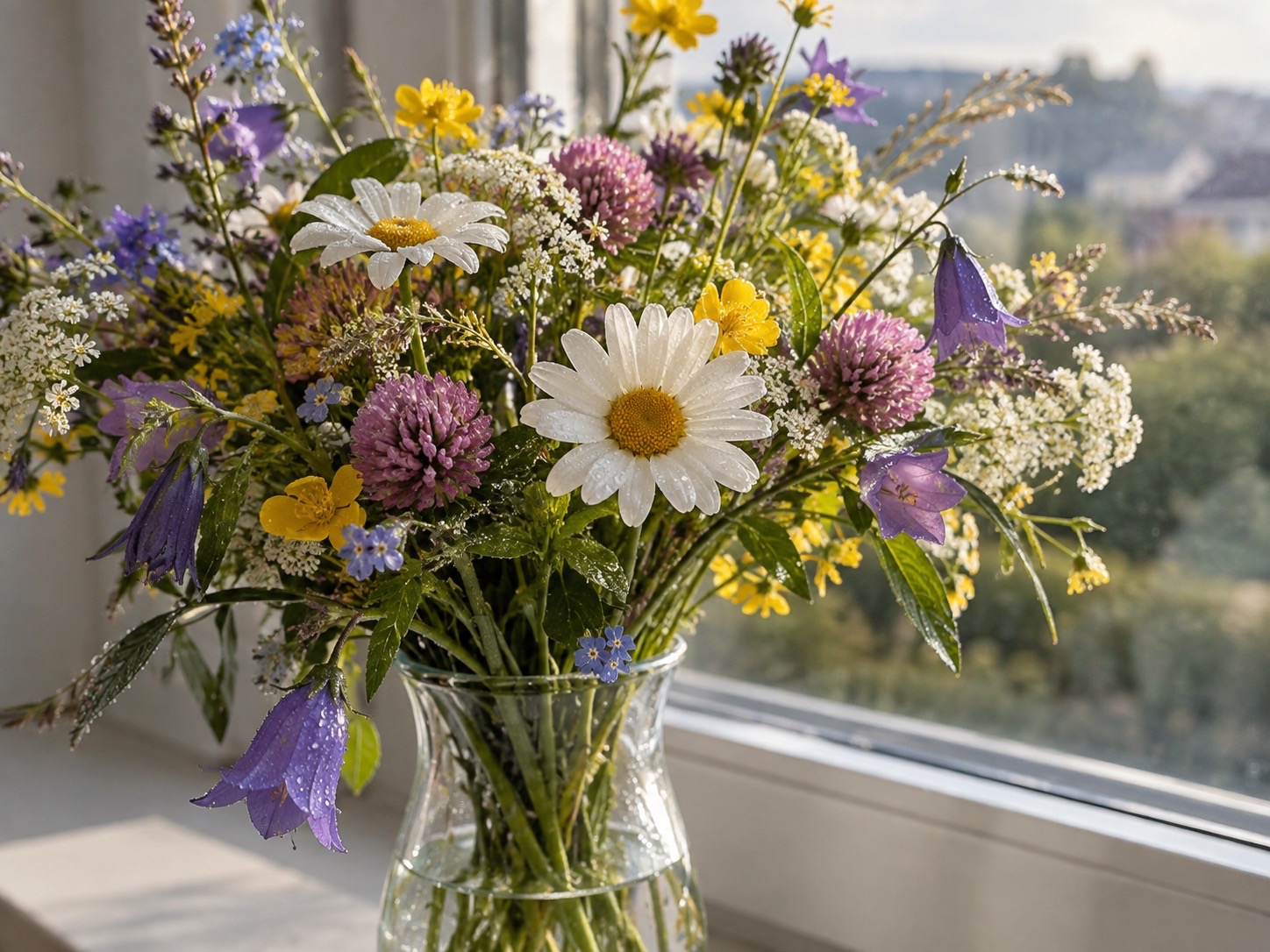
Choose Auto or one of 1:1, 3:2, 2:3, 4:3, 3:4, 16:9, 9:16 and 21:9, so the image fits a post, a story, a slide or a banner.
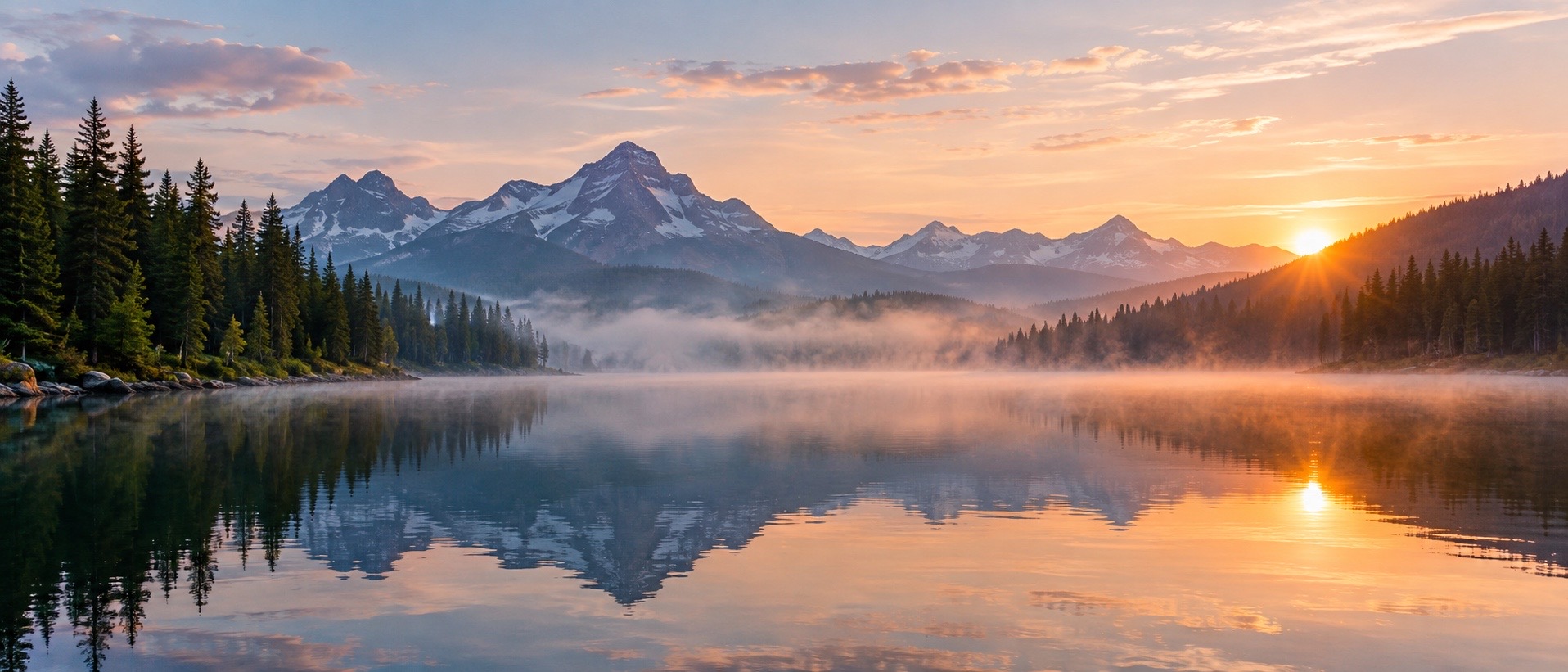
Three steps from idea to finished image. Sign up for free to generate; new accounts get welcome credits.
Describe the layout, headline and style to create posters, ad creatives and promo visuals, then export at 2K or 4K for a sharper file.
Upload product photos as references and ask for a new scene, background or lighting for listings and campaigns.
Use 1:1 or 4:3 for feed posts and 9:16 for stories and short-video covers, so each image is sized for the platform before you generate.
Wide formats such as 16:9 and 21:9 suit website headers, presentation slides and video thumbnails without cropping afterward.
Combine several reference images of a character, mascot or brand palette to keep the same look across a series of images.
Upload an image and describe the change, such as a new background, a different art style or added elements, to rework a picture you already have.
Try a prompt at 1K first to check the layout and style, then generate the version you like again at 2K or 4K.
Each image uses credits based on its resolution. Once you are signed in, you see how many credits each image will use before you click Generate. New accounts get welcome credits to try it.
Switch between GPT Image 2.5 and GPT Image 2 on this page. The same YesChat account also gives you chat, other image models, video and music.