
AI Chat That Does the Work: An Agent on Every Plan
Ask the AI chat anything, or give it the actual file and the actual job. It reads PDFs and spreadsheets, searches the web with sources, and hands back the finished document, using the latest GPT, Claude and Gemini models and more from one pool of credits.
Latest models, one account


What You Can Do with YesChat AI
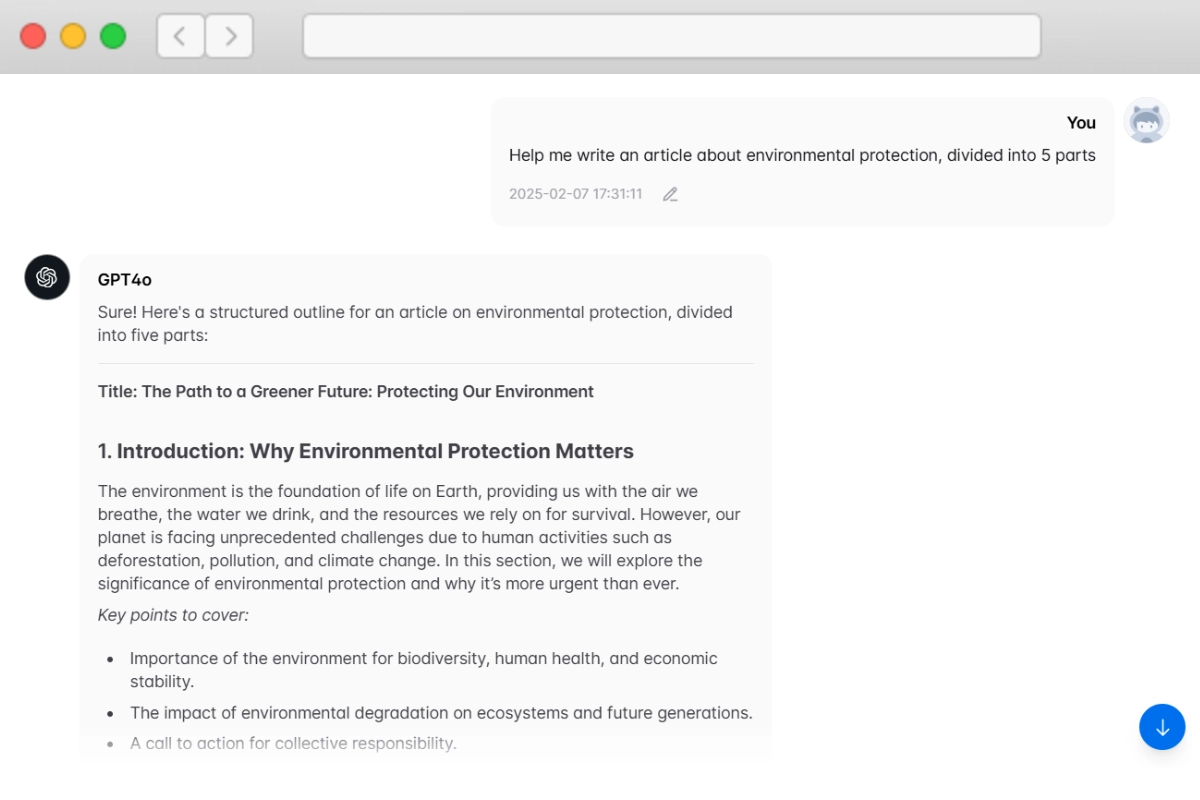
Ask, Upload a File, Get the Work Done
Chat with GPT-6, Claude Opus 5, Claude Sonnet 5, Gemini 3.1 Pro, Grok and DeepSeek in one place. Agent mode is on for every model: upload a PDF, Excel or Word file and it reads it, searches the web when the answer has to be current, and returns an edited file you can download.
AI Agent Chat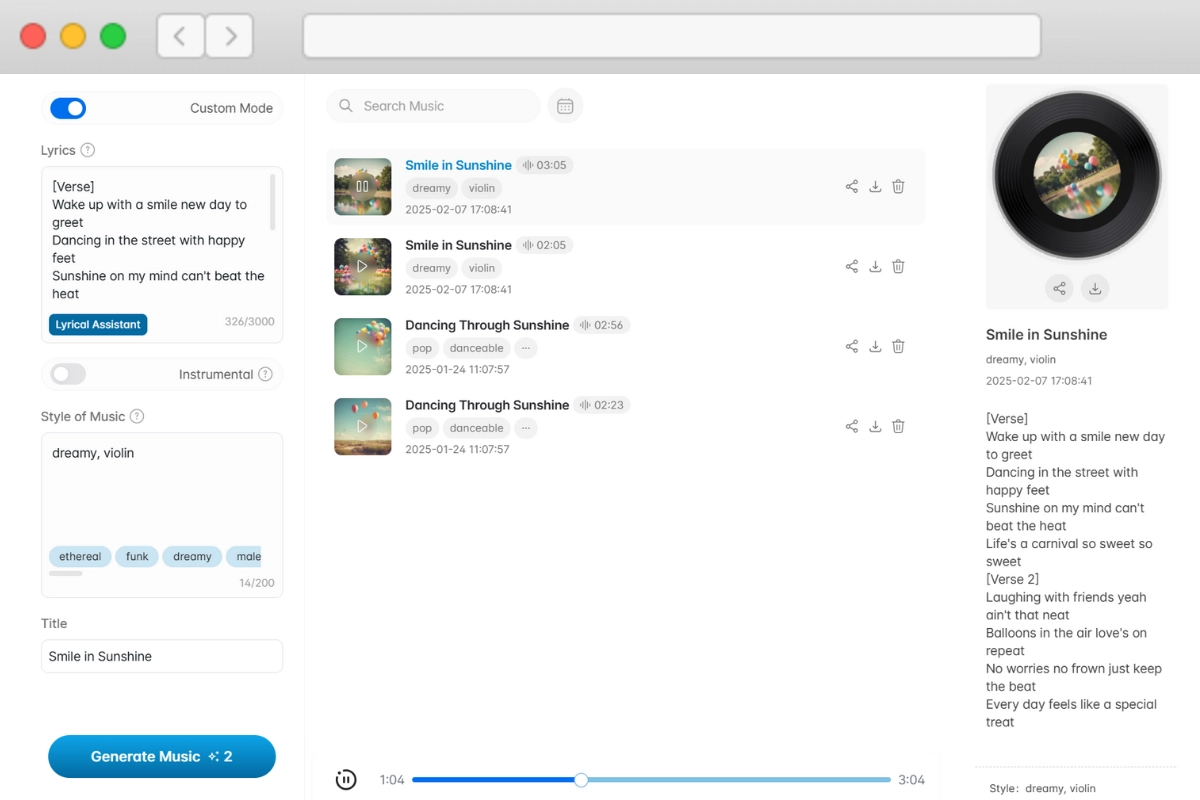
Turn a Description or Your Lyrics into a Song
Describe the mood, genre and instruments, or paste your own lyrics, and the AI music generator writes a full track with vocals or an instrumental. On paid plans the music comes with a commercial license, so you can use it in videos, ads and games.
AI Music Generator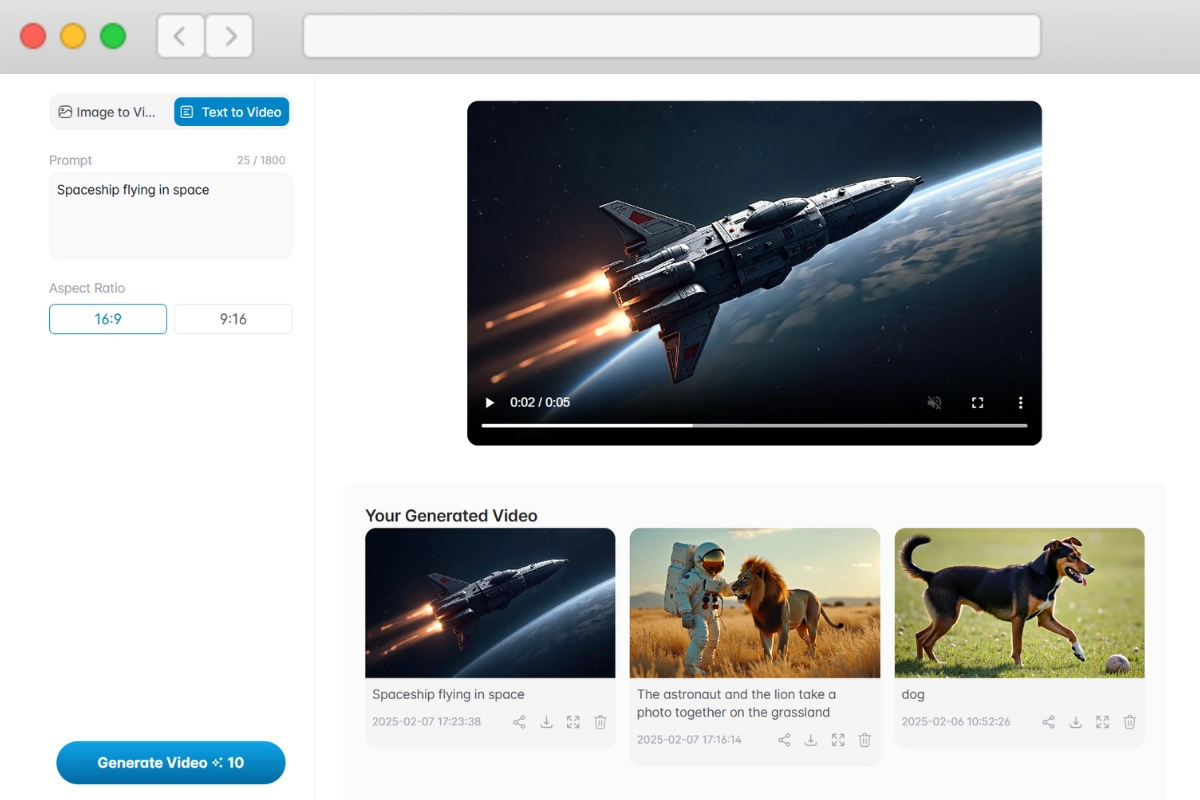
Make Video from Text or a Photo with Kling 3.0, Veo 3.1 and Seedance
Write a scene or upload a photo and pick the model that fits the shot: Kling 3.0, Veo 3.1, Seedance 2.0, Wan 2.6, Grok Imagine and others. Animate product shots, bring old photos to life or draft clips for social media.
AI Video Generator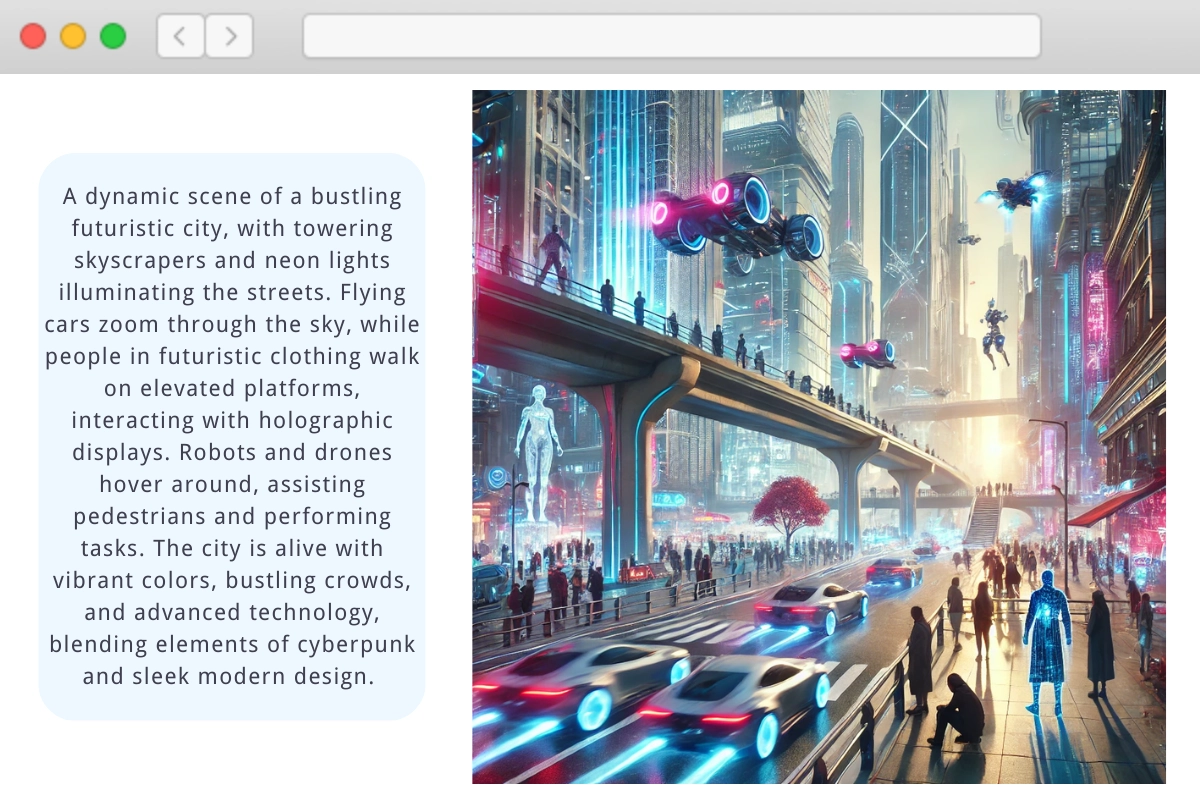
Create and Edit Images with Nano Banana, GPT Image and Seedream
Generate images from a prompt or edit a photo you upload with Nano Banana Pro, GPT Image 2, Seedream and FLUX.1 Kontext. Make product photos, posters with readable text, illustrations and social media visuals.
AI Image Generator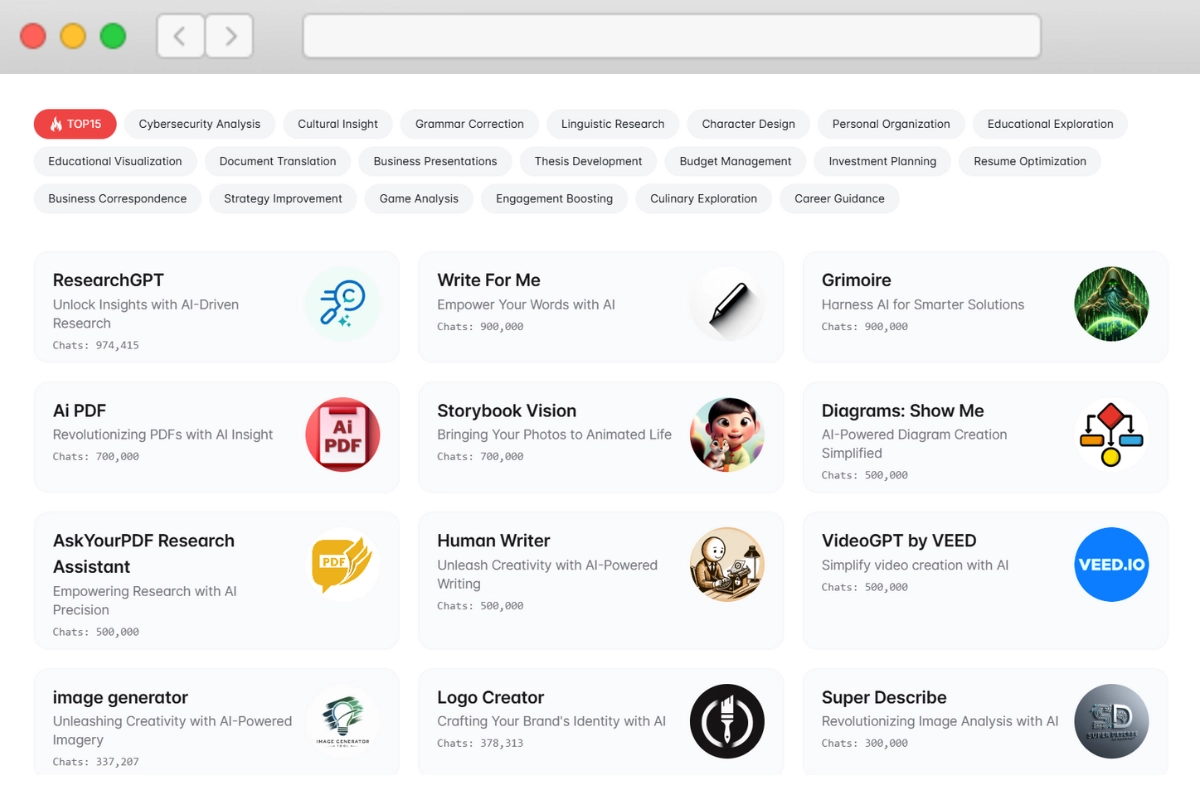
Open Ready-Made GPTs for Specific Tasks
Use GPTs from the GPT Store for math, coding, writing, translation and other specialised jobs without setting anything up. Each message to a GPT costs a flat 1 credit, and on the free plan it counts toward your daily messages.
GPTsWhy People Use YesChat AI
Top Models from OpenAI, Anthropic and Google in One Account
Switch between GPT-6, Claude Opus 5, Claude Sonnet 5, Gemini 3.1 Pro, Grok and DeepSeek in the same chat. Compare answers, or pick the model that is best at the task in front of you, without separate subscriptions.
Turn a Long PDF into a One-Page Brief
Upload contracts, reports, papers or manuals. The agent reads every page, answers with the page each point came from, and can list deadlines, risks or numbers in a table. Try: "Summarize this contract and list every deadline and penalty."
Clean Up and Analyze a Spreadsheet
Upload Excel or CSV. It fixes formats, removes duplicates, adds formulas, builds a pivot table or a chart, and gives the file back. Try: "Merge these two sheets by email and flag the mismatches."
Start Free, No Credit Card
The free plan gives you 15 messages a day with GPT-6 Luna, with agent mode included, plus welcome credits for images, video and music when you sign up. It runs in the browser on your computer or phone, so there is nothing to install.
Research with Sources You Can Check
When the answer has to be current, the agent searches the web, compares what it finds and links to where every number came from. Try: "Compare the latest pricing of these three tools, with links."
See What Every Reply Costs
Paid plans share one pool of Advanced Credits across chat, images, video and music. Every reply shows the tokens it used and the credits it cost, and a failed request costs nothing.
Real Work It Does for You
Edit the Document Itself
Upload a Word file and get it back rewritten for tone or length, restructured, and ready to download.
Write in Many Languages
Draft or translate posts, emails and articles in English, Russian, Spanish and other languages in one chat.
Outline from Your Notes
Paste rough notes and get a structured outline, headlines and a first draft to edit.
Check Facts Before You Publish
Ask the agent to search for current figures and cite the sources next to each claim.
What People Use YesChat For
Contract review
Upload a 40-page contract and ask for every deadline and penalty in a table, with the page each one is on.
Weekly report
Drop in last week's sales export and get a cleaned sheet, a chart and three sentences on what changed.
Research with links
Ask for the current prices of three tools and get a comparison with a link next to each number.
Product photo
Upload one product photo and turn it into a studio shot and a short clip for social media.
Song from lyrics
Paste your lyrics, name the genre, and get a full song with vocals to use in your video.
Coding help
Paste an error and the code around it, and fix it step by step with Claude or GPT.