 Yeschat
AI Age Filter: See What You Will Look Like When You Are Older
Upload a clear photo of your face and write what age to show. The AI adds wrinkles and gray hair, or takes years off. It is for fun, not a prediction.
How to see your future self
Step 1. Upload your photo
Choose a photo of yourself where your face is clearly visible: facing the camera, in even light, without sunglasses.
Step 2. Say what age to show
Write what you want in the description: "show me at 70", "add 20 years, gray hair" or "make me 10 years younger". You can add "keep my facial features and hairstyle".
Step 3. Download and share
Click "Change age". You need to sign in to process photos; new users get welcome credits. You can download the result and send it to friends.
What the age filter can do
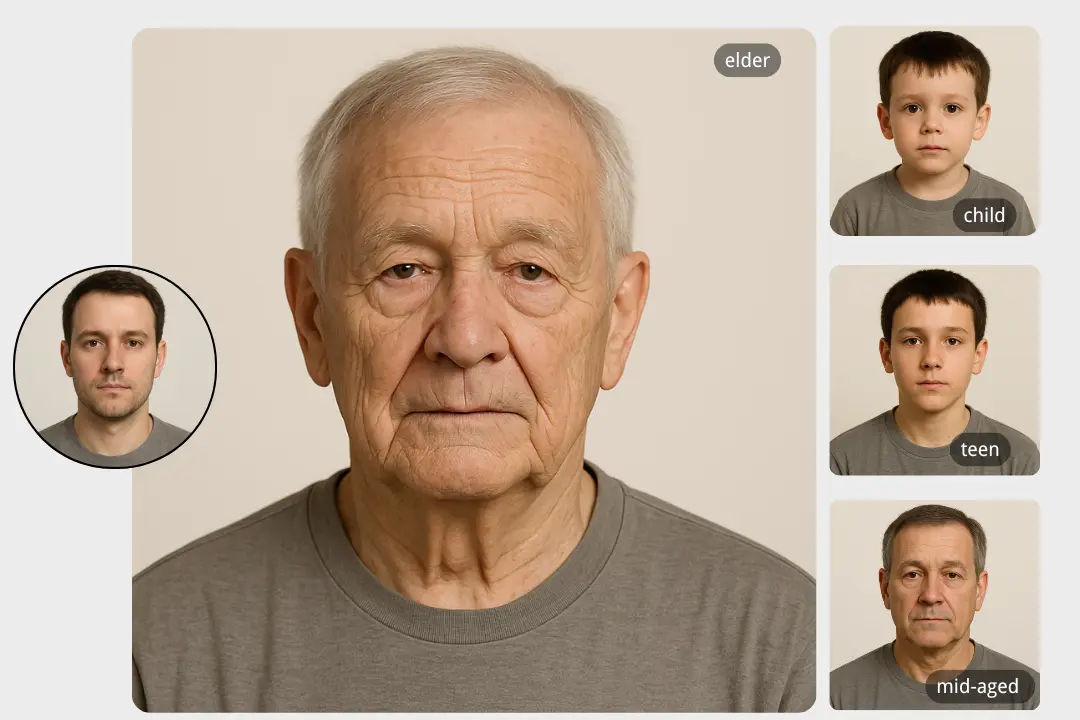
Age progression from a photo
Wrinkles, gray hair, changes in the skin: the AI shows how you might look in 20, 30 or 50 years while keeping your recognizable features.
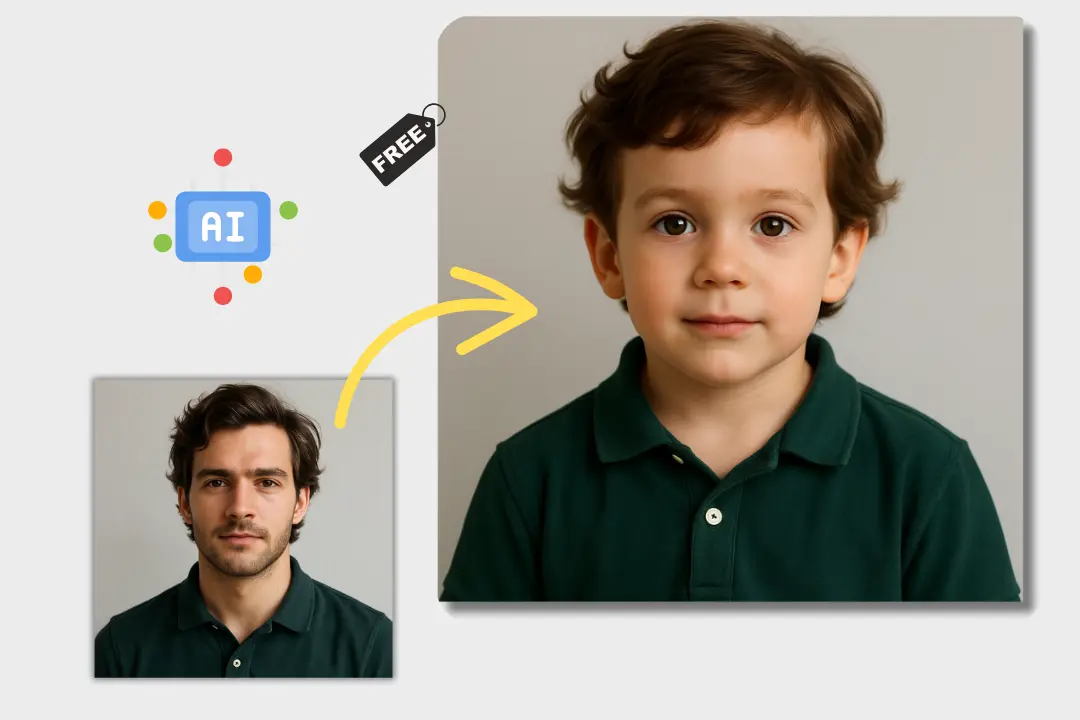
Look younger
It works the other way too: ask it to "make me 10 years younger" and compare the result with how you used to look.
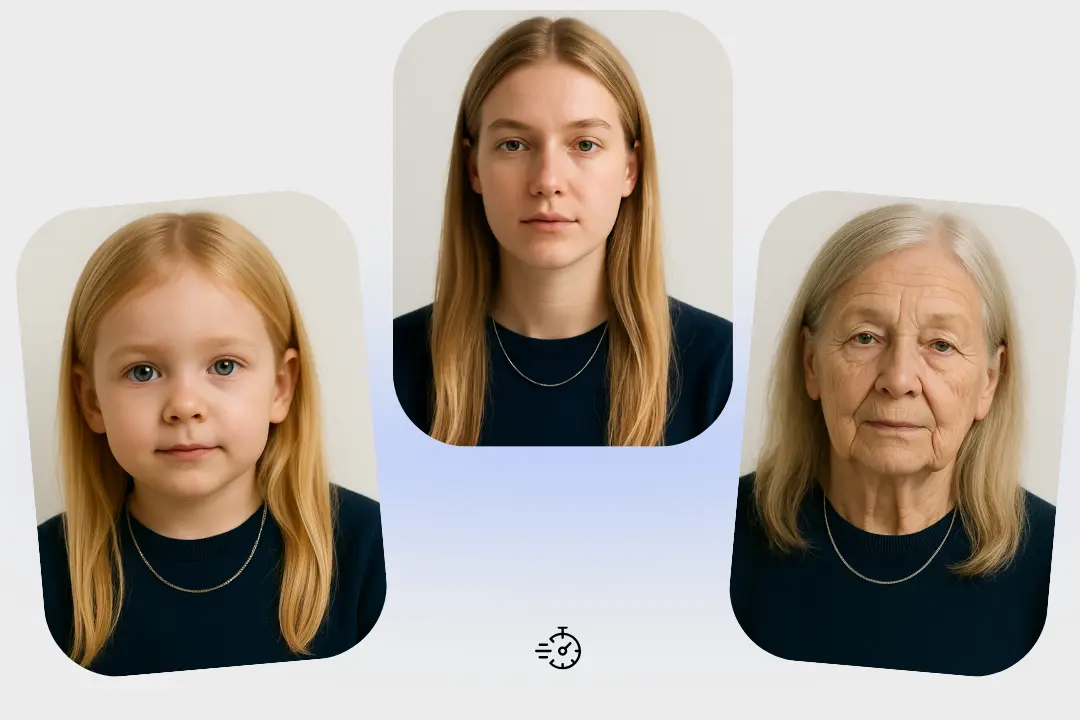
Any age you choose
You set the age in words: an exact number of years, "in 30 years" or "as an old man / old woman". If the change looks too strong or too weak, reword the description.
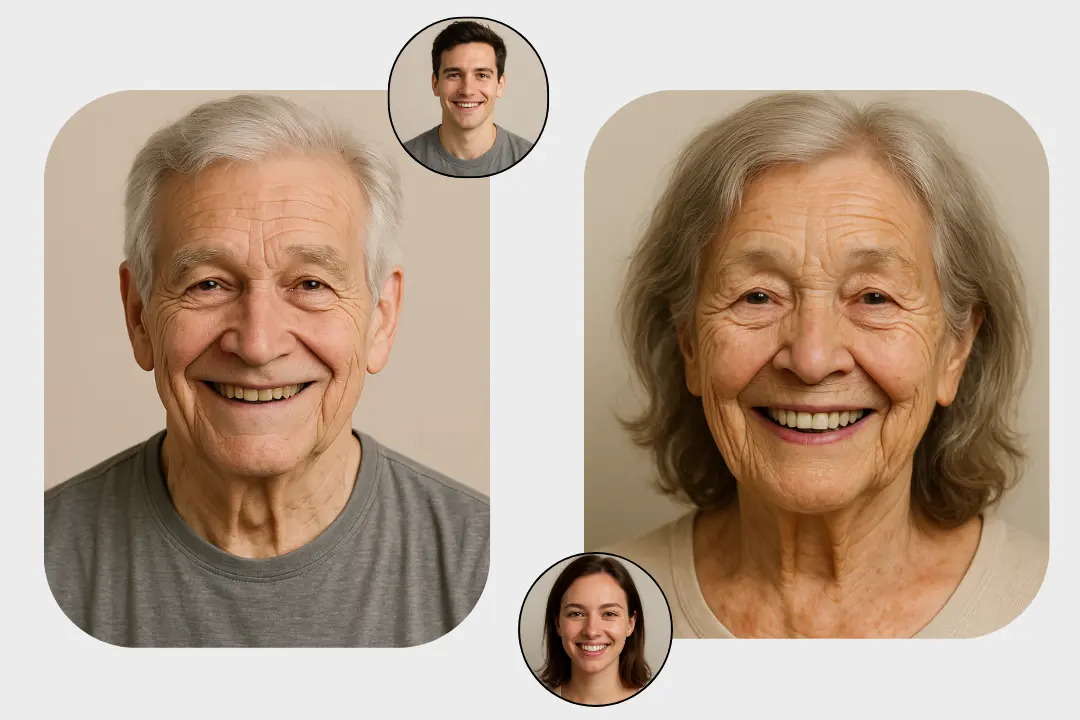
Works in your browser
Nothing to install: the page opens on computers and phones, and you can download the finished photo right away.
Who it is for
Just for fun
See yourself as an older person, compare results with friends or make a funny before-and-after for your stories.
Gifts and celebrations
A joke card for a milestone birthday: "this is us in 40 years", made with the consent of everyone in the photo.
Content creators
A series of videos or posts, "me in 10, 30 and 50 years", all from one photo of yourself.
Artists and writers
Show your character at different stages of life: as a young hero and decades later.
Example uses
Upload your selfie and write "show me at 80, gray hair, keep my facial features".
Me at 80
Example
Ask it to "make me 10 years younger, keep the same hairstyle" and compare the result with old photos.
10 years younger
Example
Upload a photo of you and your partner and write "show us in 40 years" for an anniversary card.
A couple in 40 years
Example
Make three versions from one photo, in 20, 40 and 60 years, and post them one after another.
A series for stories
Example
Upload a portrait of an adult character and ask for "the same person in old age, in the same drawing style".
A book character
Example
Age a friend's photo (with their consent) for a milestone birthday and caption it "this is you at your next big birthday".
A joke birthday card
Example
FAQ
How can I see what I will look like when I am old?
Upload your photo, write an age, for example "show me at 70", and click "Change age". You need to sign in to process photos.
How accurate is the result?
It is not a prediction but an artistic version: the AI draws believable aging, but how a person will really look depends on many things a photo does not show.
Can I make myself look younger?
Yes, write "make me 10 years younger" or give the age you want.
Can I use it for free?
Yes: new accounts get welcome credits for photo processing. After that, there are paid plans with a monthly pool of credits.
What kind of photo works best?
A clear, front-facing photo of your face in even light, without sunglasses or heavy filters. The better your face is visible, the more of the likeness stays.
Why does the face not look like me?
This can happen with big age changes. Add "keep my facial features" or ask for a smaller step, such as "plus 20 years", and try again.
Can I upload photos of other people?
Upload photos of yourself or of people who have agreed to it. Do not use the result to pass it off as a real photo of someone.
Do I need to sign up?
Yes, you need an account to process photos. Sign-up is free and needs no credit card.
Do I need to install anything?
No. There is no separate app; YesChat works in the browser on computers and phones.