 Yeschat
AI Headshot Generator by Yeschat.ai – Create Professional Avatars Instantly
Upload a selfie and describe your look, and the AI headshot generator returns studio-quality professional headshots for LinkedIn and resumes.
Key Features of the AI Headshot Generator by Yeschat.ai
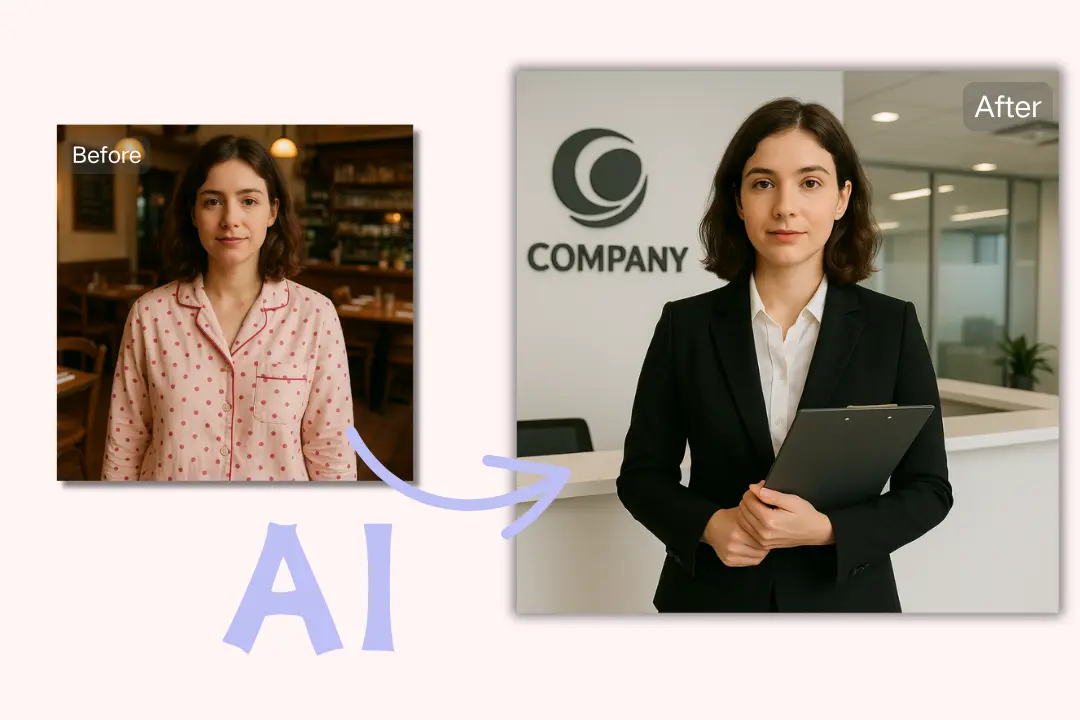
Instant Headshot Generation
Yeschat.ais AI headshot generator lets users create professional headshots in minutes. Just upload a clear selfie and add a text prompt—no need for photography skills or expensive sessions.
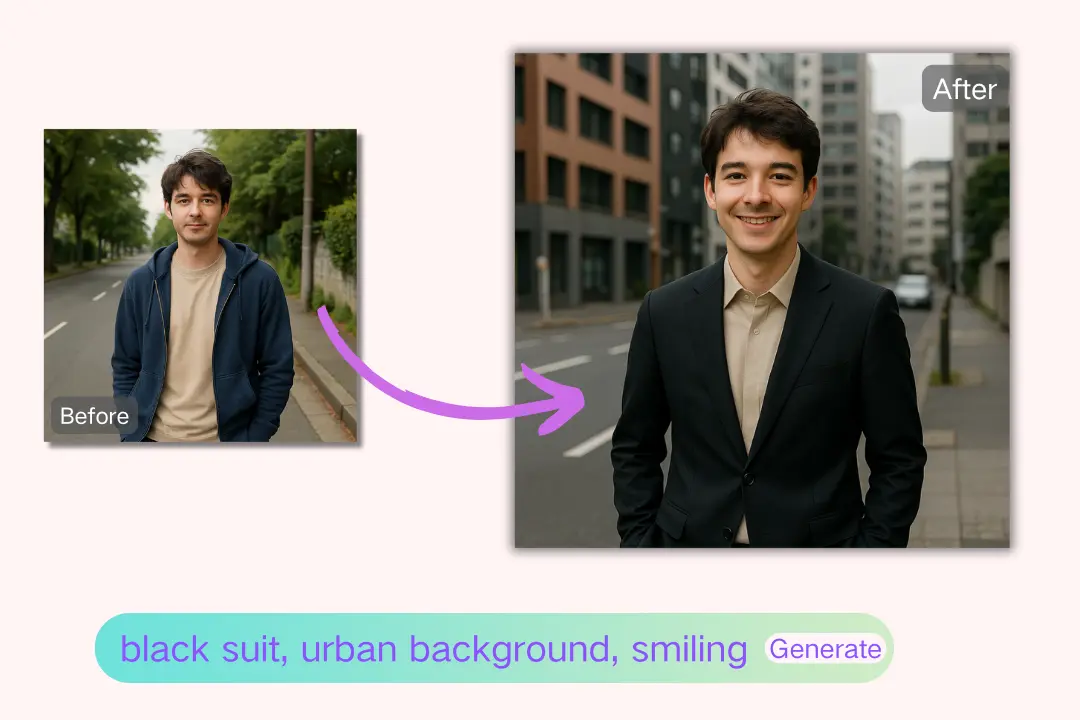
Diverse Style Options
Choose from business, casual, artistic, outdoor, or ID photo styles. The AI headshot generator adapts to your text instructions to deliver a personalized, high-quality result.
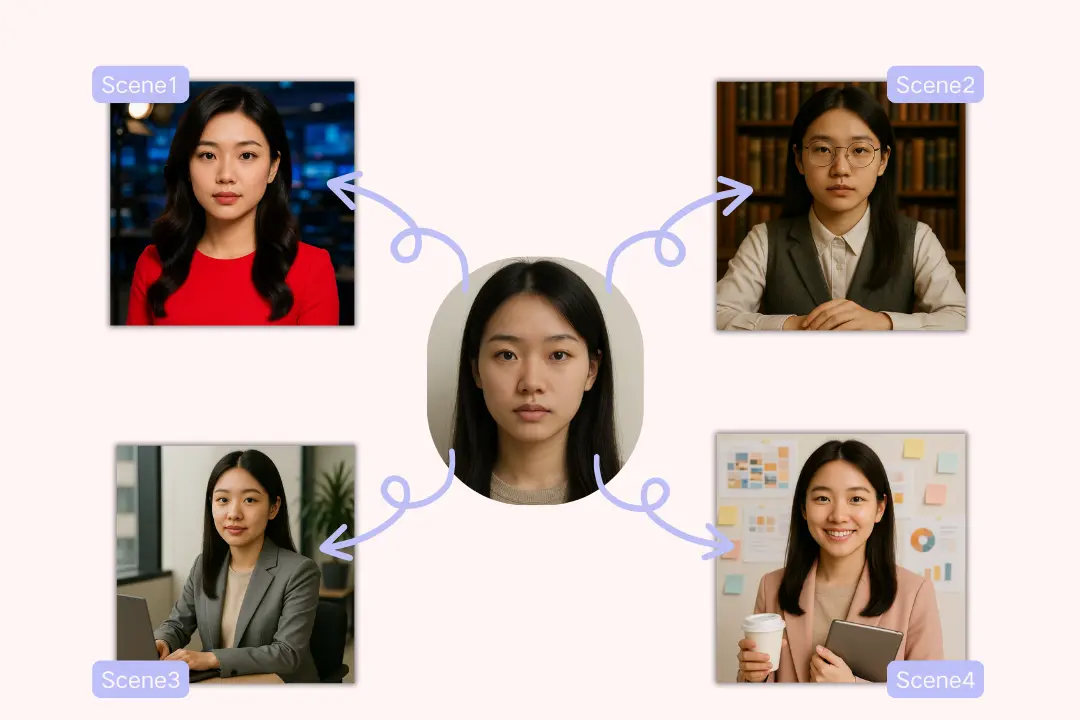
Customizable with Text Prompts
Guide the output using simple phrases like 'wearing a navy suit, smiling, in an office setting.' The AI blends your description with the uploaded image for a tailored headshot.
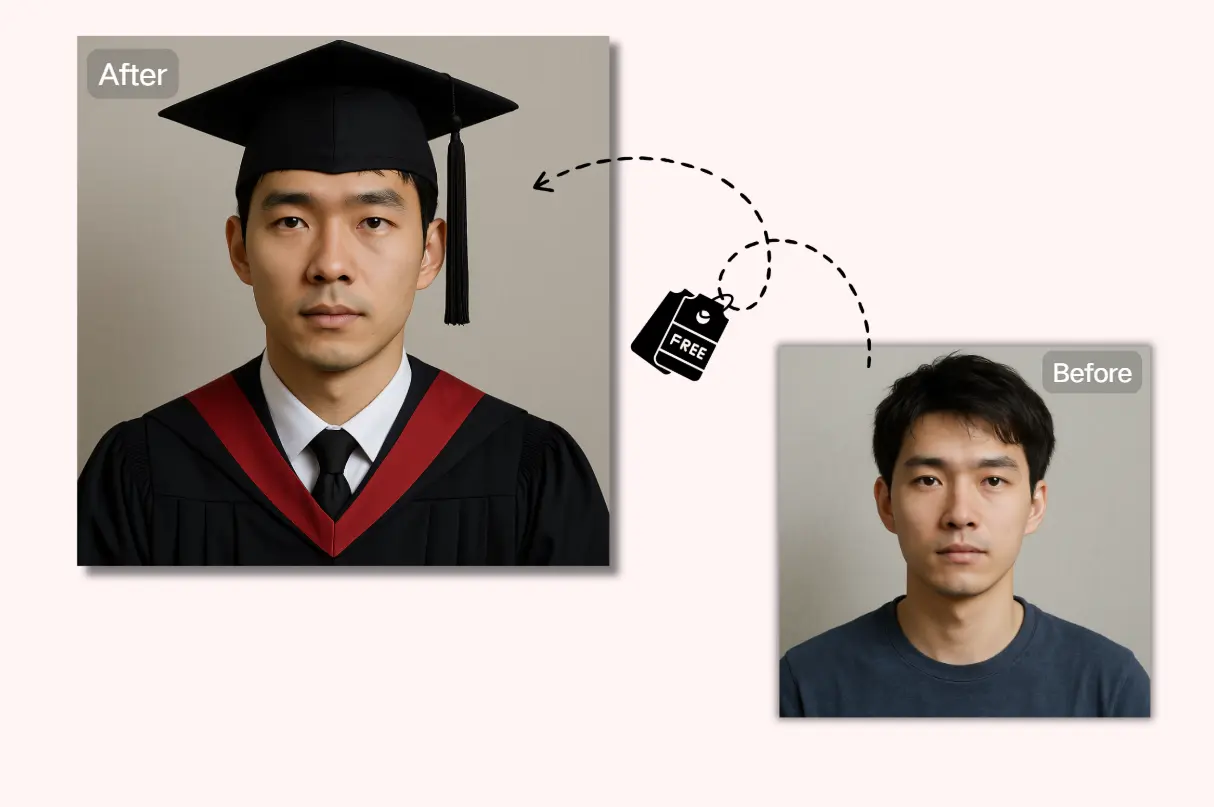
Free to Try: Sign Up and Get 60 Credits
Access core features of Yeschat.ai’s AI headshot generator with a free account and 60 credits on sign-up. It’s fast, friendly, AI Headshot Generator Content and designed to minimize barriers for first-time users.
How to Use the AI Headshot Generator on Yeschat.ai
Upload a Clear Front-Facing Photo
Start by uploading a high-resolution, front-facing selfie. Make sure your face is well-lit and unobstructed.
Describe Your Desired Headshot
Enter a text prompt detailing the style, clothing, expression, and background you want. For example: 'professional, in a grey suit, with a soft smile, and office background.'
Generate, Preview, and Download
The AI processes your input and quickly produces your headshot. Preview the results, and download your favorites.
Who Can Benefit from Using an AI Headshot Generator
Job Seekers & Professionals
Create a polished LinkedIn or résumé photo that showcases your professionalism—ideal for standing out in competitive job markets.
Companies & Remote Teams
Quickly generate consistent team headshots for company websites, internal directories, and team bios, without organizing photo shoots.
Freelancers & Creators
Present a unified, personal brand across platforms like Instagram, YouTube, or personal websites with unique AI-generated avatars.
Parents & Students
Generate high-quality photos for school yearbooks, family albums, or even ID photos with ease and minimal cost.
User Feedback on Yeschat.ai’s AI Headshot Generator
This is the most accurate AI headshot generator I've used. The results look just like professionally taken photos!
Emily Zhang
Marketing Specialist
We used Yeschat.ai to create consistent headshots for our global team—fast, affordable, and surprisingly high quality.
James Ortega
HR Manager
As a busy mom, this tool saved me hours and a trip to the studio. The portraits look amazing.
Sophie Liang
Full-Time Mom
Frequently Asked Questions
What is an AI headshot generator?
An AI headshot generator is a tool that uses artificial intelligence to create realistic headshots from a photo and text prompt.
Do I need to register to use Yeschat.ai’s AI headshot generator?
Yes, a free account is required, but sign-up is free and you get 60 credits to try the basic features.
What kind of photo should I upload?
A clear, front-facing selfie with good lighting and minimal background distractions works best.
Can I choose the style of the headshot?
Yes, you can describe the style, clothing, background, and expression using text prompts.
Is the generated headshot suitable for LinkedIn or resumes?
Absolutely. The results are professional and tailored for platforms like LinkedIn or job applications.
Can I use the tool on mobile devices?
Yes, Yeschat.ai’s AI headshot generator is mobile-friendly and works smoothly on smartphones.
How long does it take to generate a headshot?
Typically, it takes just a few minutes from photo upload to final download.
Is it free to download the headshots?
Yes, downloading generated headshots is free with the basic functionality of the tool.