
Select the model you want to generate your image with.
Free GPT Image 1.5 Image Generator by OpenAI
Generate and edit images online with OpenAI’s GPT Image 1.5 model. Faster results, clearer text, and consistent image editing—free to try on YesChat AI.

Your Generated Images
GPT Image 1.5 by OpenAI – The New ChatGPT Images Model
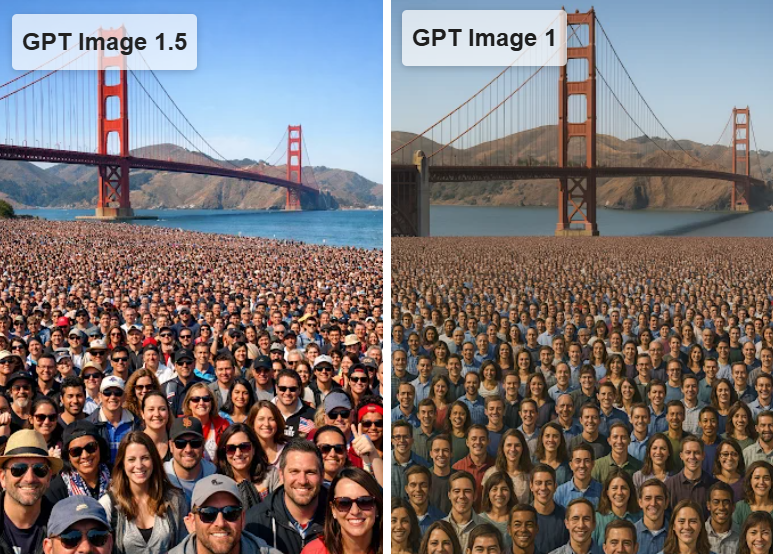
GPT-Image-1.5 vs GPT Image 1.0 – What’s Improved
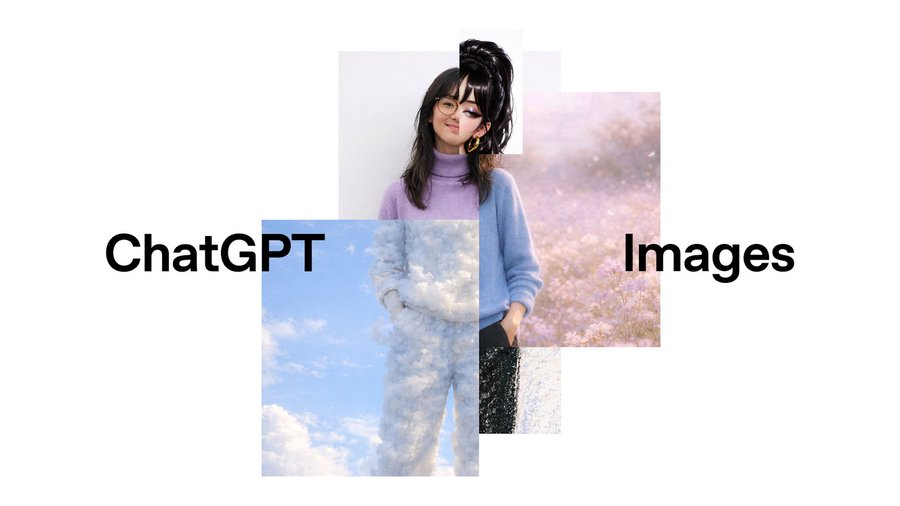
GPT Image 1.5 is OpenAI’s latest ChatGPT Images model, delivering faster generation, more accurate instruction following, and stronger image editing. Compared to GPT Image 1.0, it preserves lighting, composition, and visual consistency while enabling precise edits, creative transformations, and improved text rendering for more reliable, production-ready results. You can try GPT Image 1.5 for free on YesChat today.

Key Features of GPT Image 1.5 on YesChat AI
4× Faster Image Generation with GPT Image 1.5
GPT Image 1.5 delivers up to 4× faster image generation compared to GPT Image 1, making it easier to create and iterate without delays. On YesChat AI, GPT Image 1.5 allows you to generate and refine chatgpt images with minimal waiting, supporting smoother creative workflows for design, marketing, and everyday chat gpt image use cases.

More Reliable Image Editing with Visual Consistency
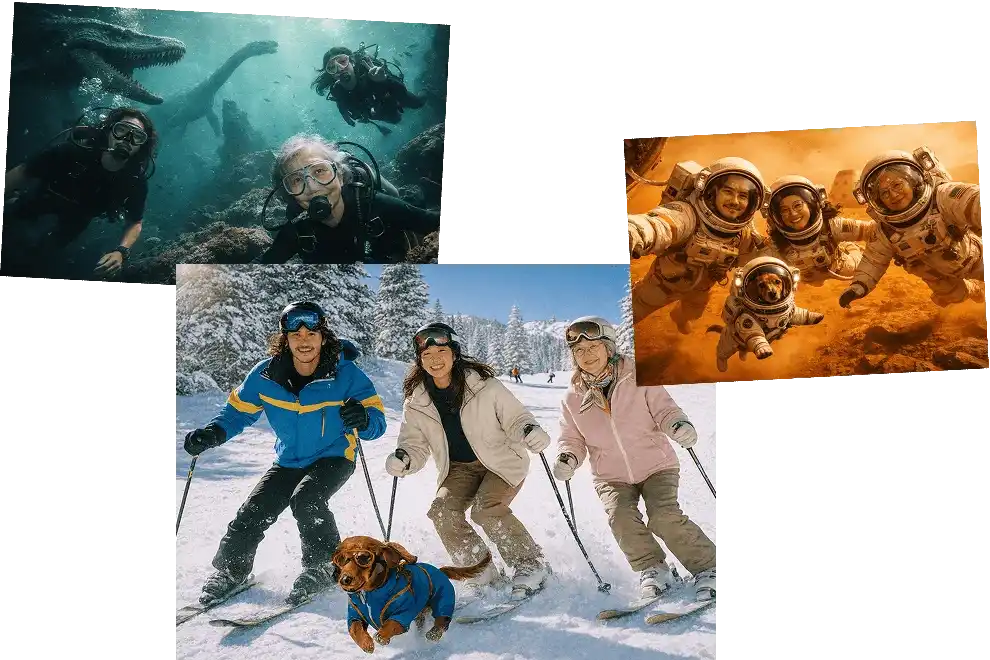
When you edit an image, GPT Image 1.5 focuses on exactly what you ask to change and leaves everything else intact. Lighting, composition, and facial details stay consistent, which makes ChatGPT Images more dependable for real photo edits and repeated adjustments.

Better Prompt Understanding for Complex Requests
GPT Image 1.5 handles detailed and multi-step instructions more accurately than GPT Image 1.0. Whether you generate an image from text or refine an upload, results align more closely with your intent, reducing the need for trial-and-error edits.

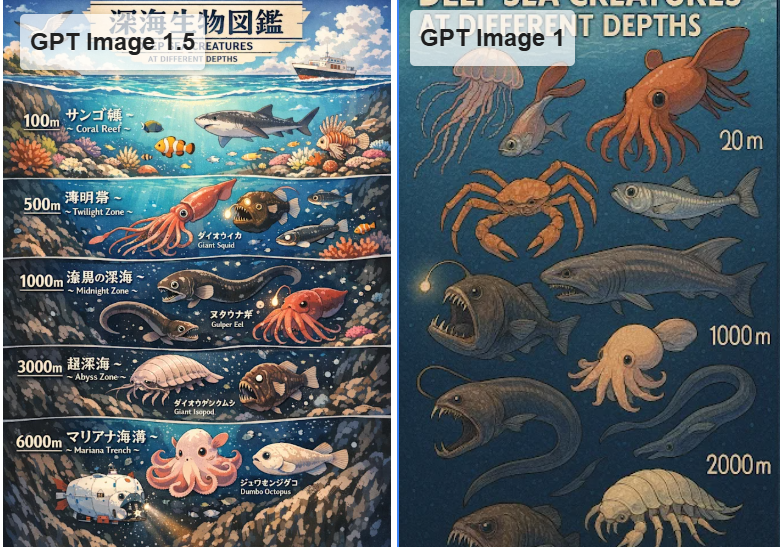
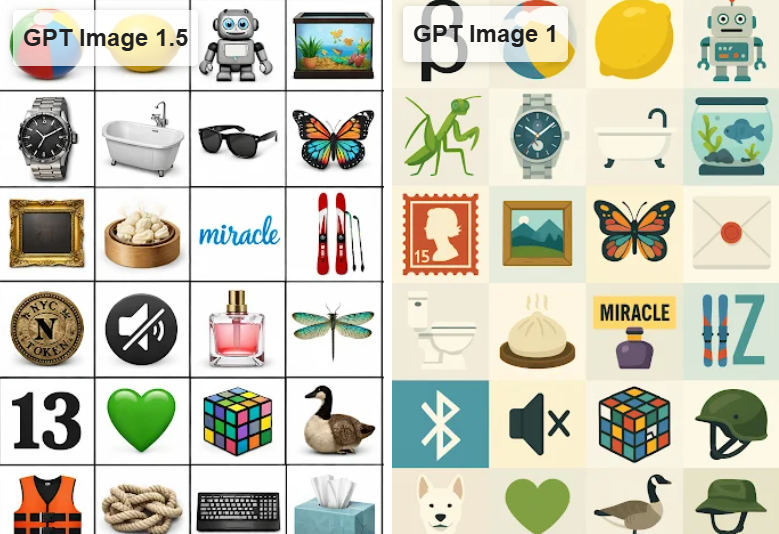
Clearer Text Rendering in Images
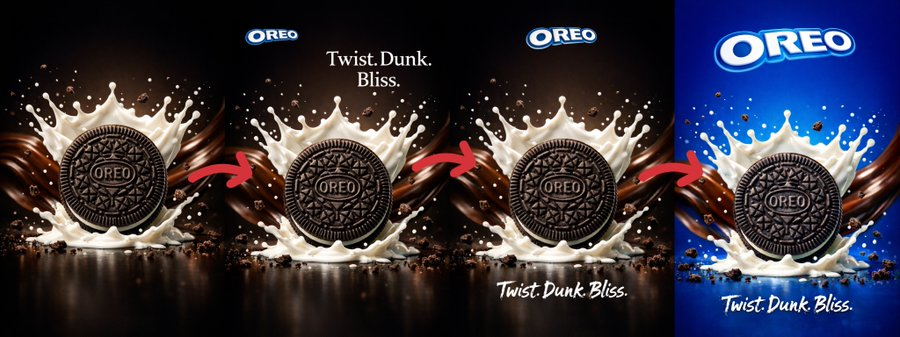
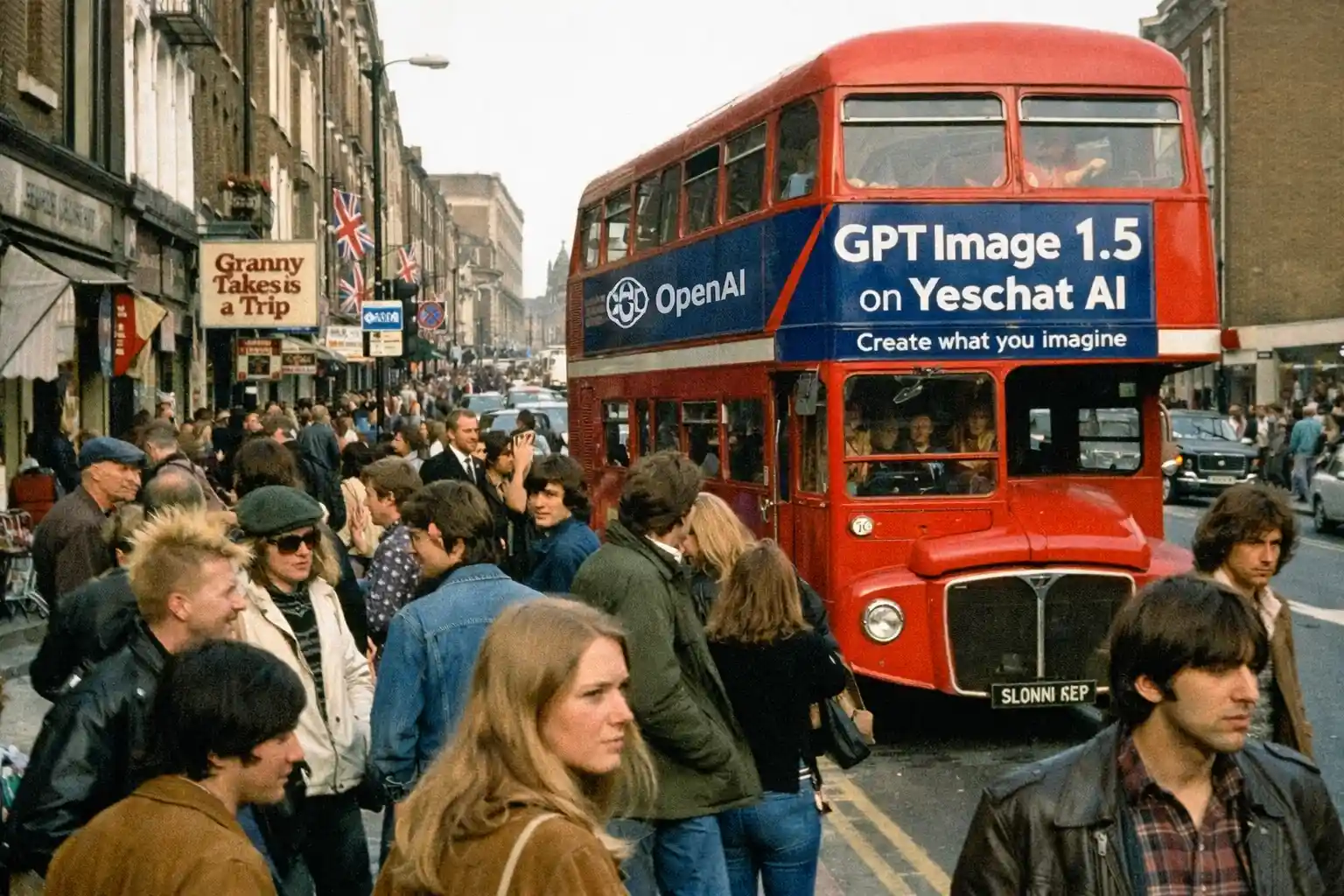
Text appears sharper and more readable with GPT Image 1.5, even at smaller sizes. This makes chatgpt images practical for posters, infographics, UI mockups, and marketing visuals where text clarity is important, not just visual style.

Creative Changes Without Losing Original Identity
GPT Image 1.5 lets you explore style changes and creative transformations while keeping the original image recognizable. You can experiment with different looks or concepts and still maintain a natural, coherent result across multiple chat gpt image 1.5 generations.

GPT Image 1.5 Free to Try on YesChat AI
You can try GPT Image 1.5 free on YesChat AI and see how it fits into your workflow. Generate images, edit existing ones, and test ChatGPT Images directly in browser without setup or extra steps.

How to Use GPT Image 1.5 Online on YesChat AI
Step 1: Select YesChat AI GPT Image 1.5
Open YesChat AI and choose GPT Image 1.5 from available image tools. This gives you access to ChatGPT Images powered by GPT Image 1.5 OpenAI model, ready for both text-to-image generation and image editing in one place.
Step 2: Describe What You Want to Create or Edit
Enter a text prompt to generate an image, or upload an image you want to modify. You can ask for specific edits, style changes, or creative transformations. GPT Image 1.5 understands detailed instructions, so you can be clear and direct about your intent.
Step 3: Review Results and Refine if Needed
View generated chatgpt images instantly and make adjustments if needed. You can continue editing, refine prompts, or try variations without losing visual consistency. This makes GPT Image 1.5 on YesChat AI easy to use for quick ideas and detailed image work alike.
GPT Image 1.5 vs GPT Image 1 on YesChat AI
GPT Image 1.5 vs GPT Image 1 for Image Generation Speed
GPT Image 1.5 generates images up to 4× faster than GPT Image 1, allowing you to move through ideas and variations with less waiting. This makes GPT Image 1.5 more practical for iterative creation, especially when exploring multiple concepts or refining prompts across multiple rounds.

GPT Image 1.5 vs GPT Image 1 for Editing Accuracy
GPT Image 1.5 follows edit instructions more reliably than GPT Image 1. When making changes to an existing image, it focuses on requested elements while keeping lighting, composition, and visual details consistent, which helps reduce unexpected changes during revisions.

GPT Image 1.5 vs GPT Image 1 for Text Rendering
Compared to GPT Image 1, GPT Image 1.5 produces clearer and more stable text inside images. This improvement makes it easier to create posters, layouts, and text-heavy visuals where readability and alignment matter across different image sizes.

GPT Image 1.5 vs Google Nano Banana Pro on YesChat AI
OpenAI GPT Image 1.5 vs Gemini Nano Banana PRO for Text to Image
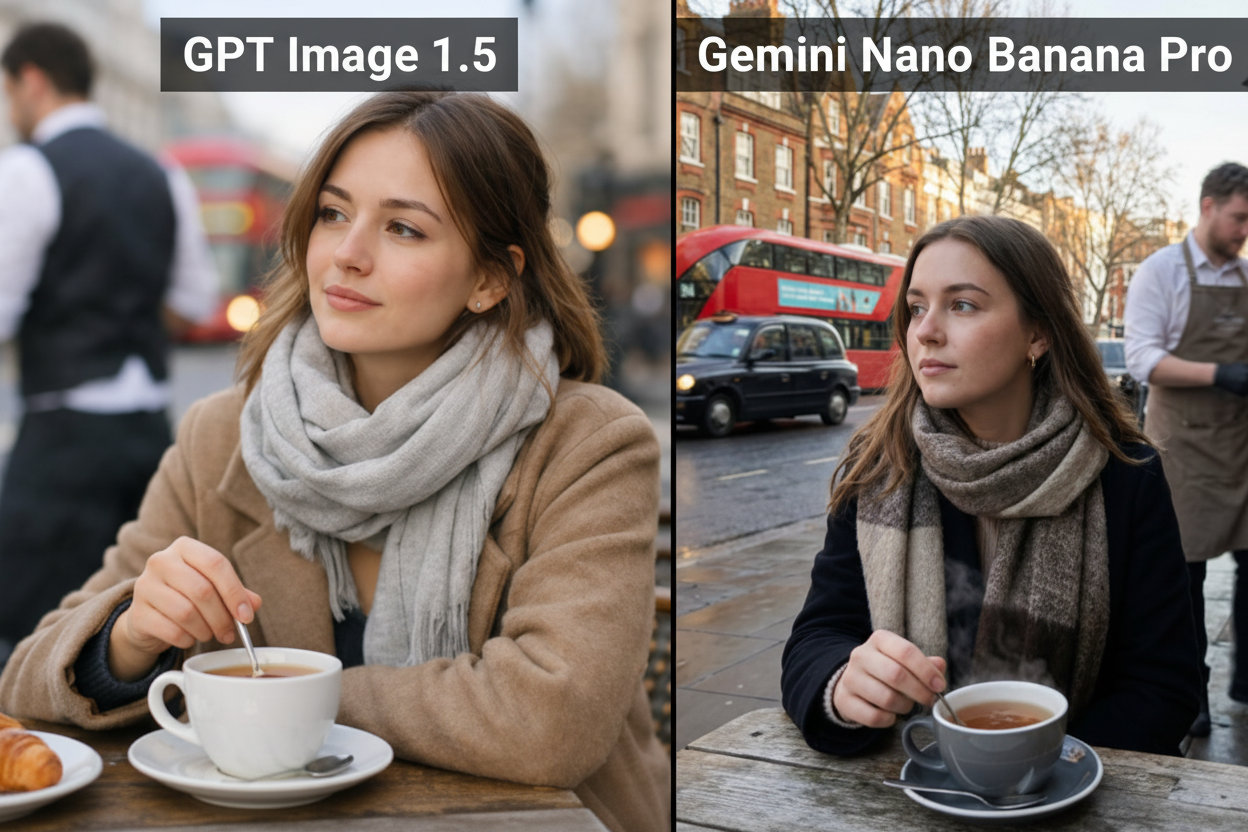
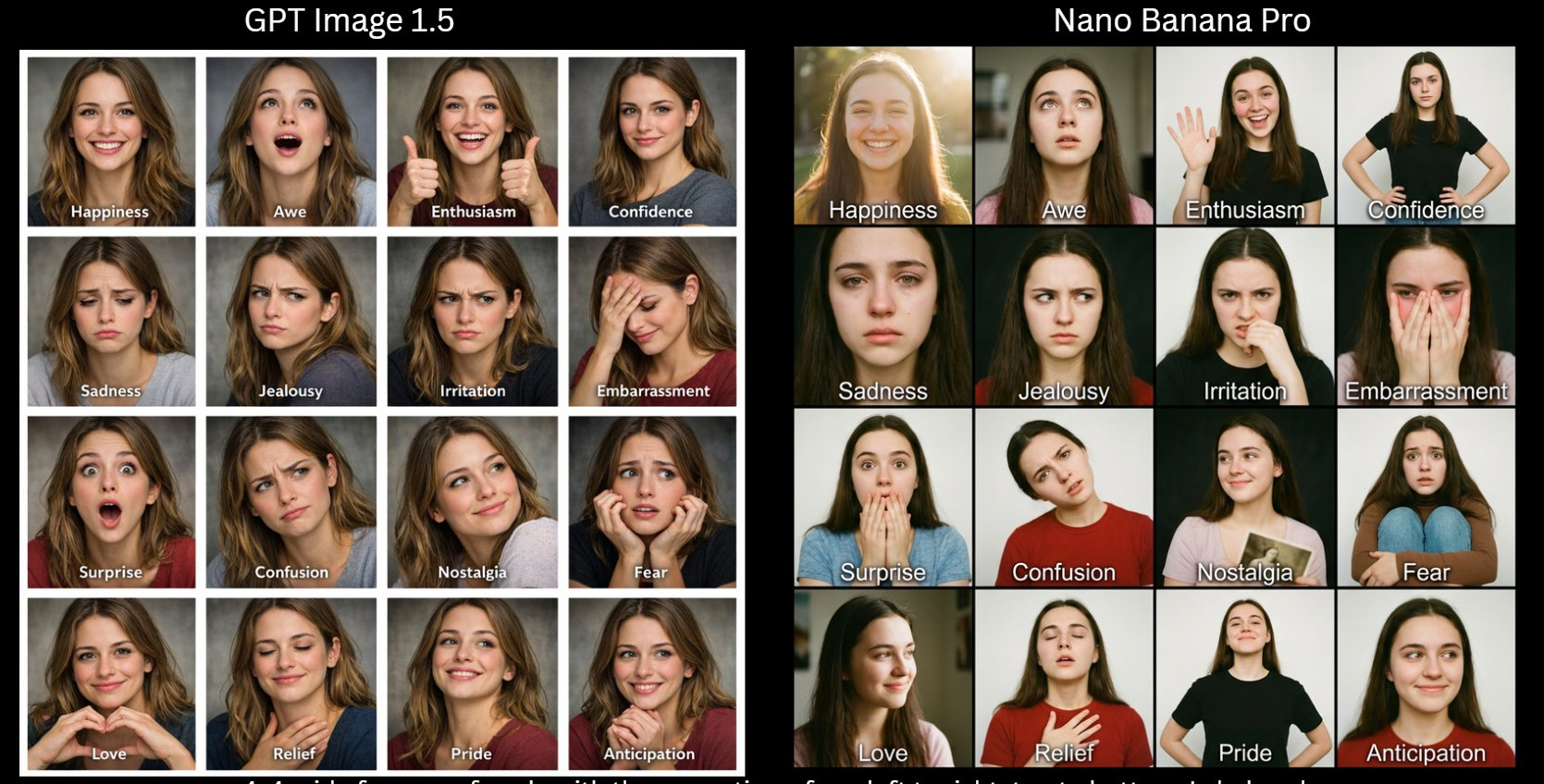
In text to image generation, GPT Image 1.5 focuses on translating detailed prompts into structured visuals that are easy to refine. Gemini Nano Banana PRO emphasizes natural, photorealistic output. Both support fast generation, serving different creative styles and use cases.

GPT Image 1.5 vs Google Nano Banana Pro for Image to Image Editing
For image to image editing, GPT Image 1.5 applies targeted changes while keeping lighting and composition stable. Google Nano Banana Pro is commonly used for realism-oriented transformations. On YesChat AI, users can choose based on editing control or visual style needs.

GPT Image 1.5 Use Cases on YesChat AI
ChatGPT Image Editing for Photo Fixes and Object Removal
Use chat gpt image 1.5 to fix photos by removing unwanted objects, adjusting backgrounds, or refining specific details. GPT Image 1.5 focuses only on requested changes while keeping lighting and composition stable, making it suitable for everyday photo cleanup and practical image edits.
ChatGPT Images for Marketing and Social Media Creatives
GPT Image 1.5 openai works well for creating ads, banners, and social media visuals where speed and consistency matter. You can generate multiple chatgpt images, refine text placement, and keep brand visuals aligned, which helps teams produce marketing assets efficiently.
GPT Image 1.5 Model for Posters, Infographics, and Text-Heavy Images
GPT Image 1.5 offers clearer and more reliable text rendering than GPT Image 1, especially for small or dense text. This makes ChatGPT Images more suitable for posters, infographics, UI mockups, and other visuals where readable text is essential, not optional.
GPT Image 1.5 Free for Creative Style Exploration
With gpt image 1.5 free access on YesChat AI, you can explore style changes, visual concepts, and creative transformations without setup. Try different looks, themes, or layouts while keeping original image identity intact, making experimentation simple and low friction.
