One Editor for Prompts, Frames and Shots
Start from a text prompt, add a start frame and an end frame, or split your video into several shots, all in the same editor.
 Yeschat
Turn a prompt, a start frame or a multi-shot script into a video with sound, using Kling 3.0 Omni.
Kling 3.0 Omni is a video generation model in the Kling family. On YesChat.ai it brings multi-shot storytelling, subject elements and start and end frames together in one editor, and generates videos at 720p, 1080p or 4K with native audio.
Start from a text prompt, add a start frame and an end frame, or split your video into several shots, all in the same editor.
The cost depends on the resolution you choose, 720p, 1080p or 4K, and on whether sound is on. Kling 3.0 Omni starts from 54 credits per video, and the exact cost is shown before you generate.
Turn on multi-shot to split one video into up to 5 shots, each with its own prompt and duration. All shots together can last up to 15 seconds.
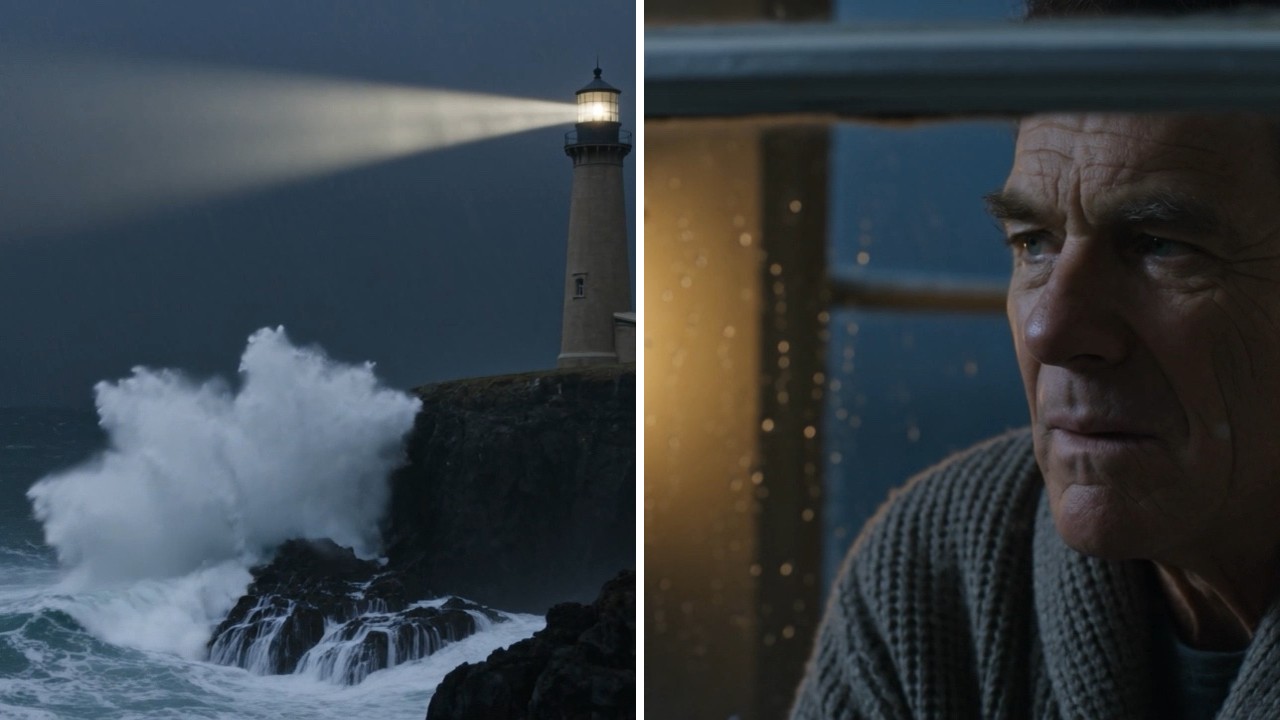
Add subject elements and mention them in your prompt with @, so the same character or object can appear across your shots. A start frame is required when you use elements.

Upload a start frame to set the opening of the video, and add an end frame to control where a single-shot video finishes.
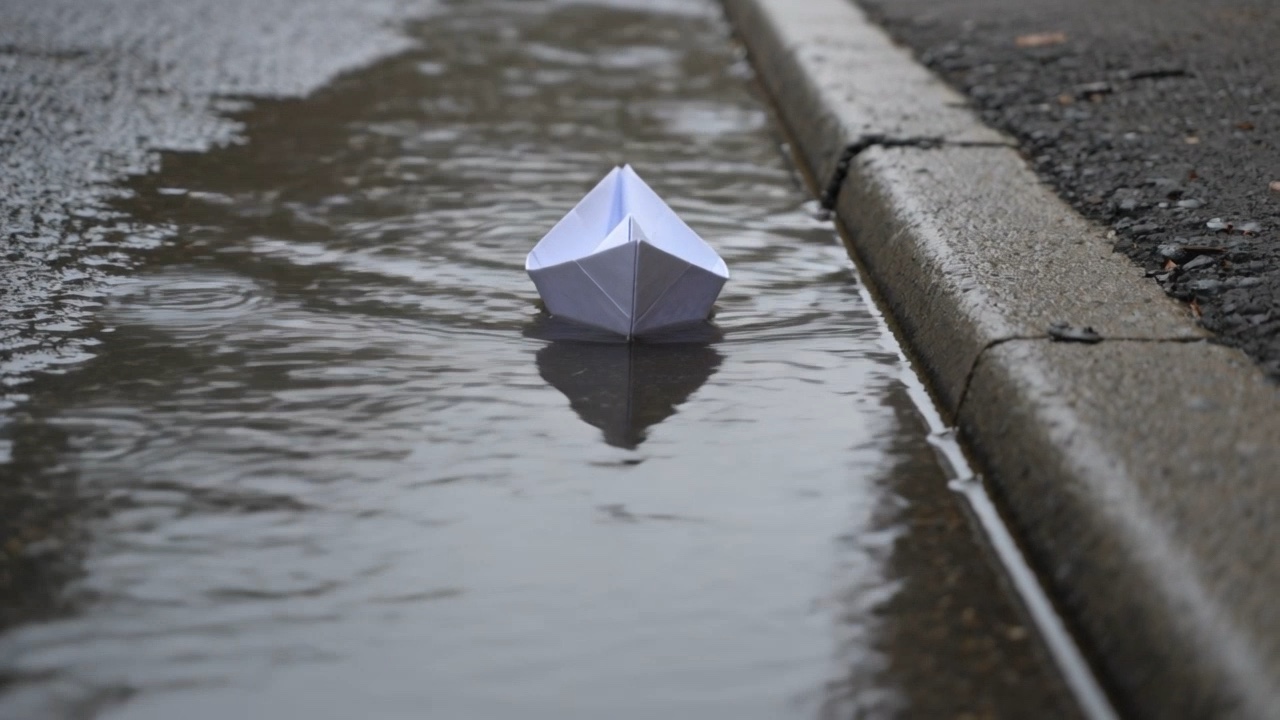
Choose 720p, 1080p or 4K, and an aspect ratio of 16:9, 9:16 or 1:1. Sound is on by default, and in single-shot mode you can switch it off.
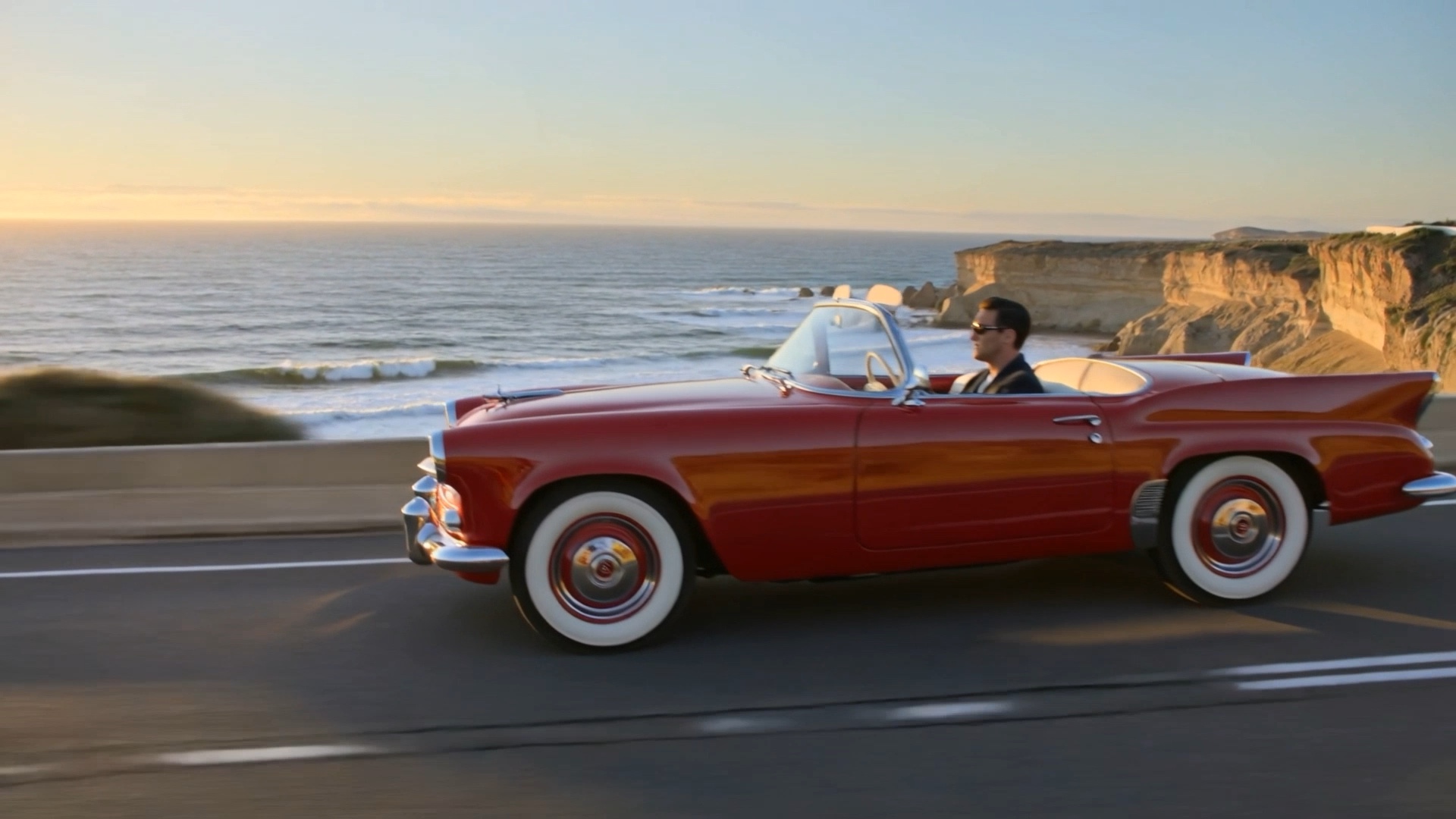
Keep multi-shot off for one continuous clip, or turn it on to build a video from several shots.
Write a prompt of up to 2500 characters, upload a start frame and, for a single shot, an end frame, and mention any elements with @.
Pick the resolution, aspect ratio and duration, check the credit cost, then generate and download your video.
Plan a short scene as several shots, each with its own prompt, and get one video that moves from shot to shot.
Use elements to keep the same character or product across the shots of an ad, an explainer or a social clip.
Use 9:16 for vertical feeds or 1:1 for square posts, with sound already included in the video.
Set a start frame and an end frame to decide how a single-shot video begins and ends.