 Yeschat
Restore Old Photos Online with AI
Upload an old or damaged photo. The AI removes scratches, stains and noise, makes the image sharper and, if you ask, colorizes a black-and-white picture.
How to restore an old photo online
1. Upload the photo
Scan the old print or take a picture of it with your phone, then upload it. The flatter and sharper the scan, the better the result: shoot straight on and avoid glare.
2. Add your instructions
Choose a model and, if needed, write what matters: "colorize the photo", "keep the facial features", "remove the writing in the corner". With no notes, the AI simply fixes the damage and improves the quality.
3. Download the result
You need to sign in to process photos; new users get free credits. You can download the restored photo, send it to your family or animate it into a short video.
What AI photo restoration can do
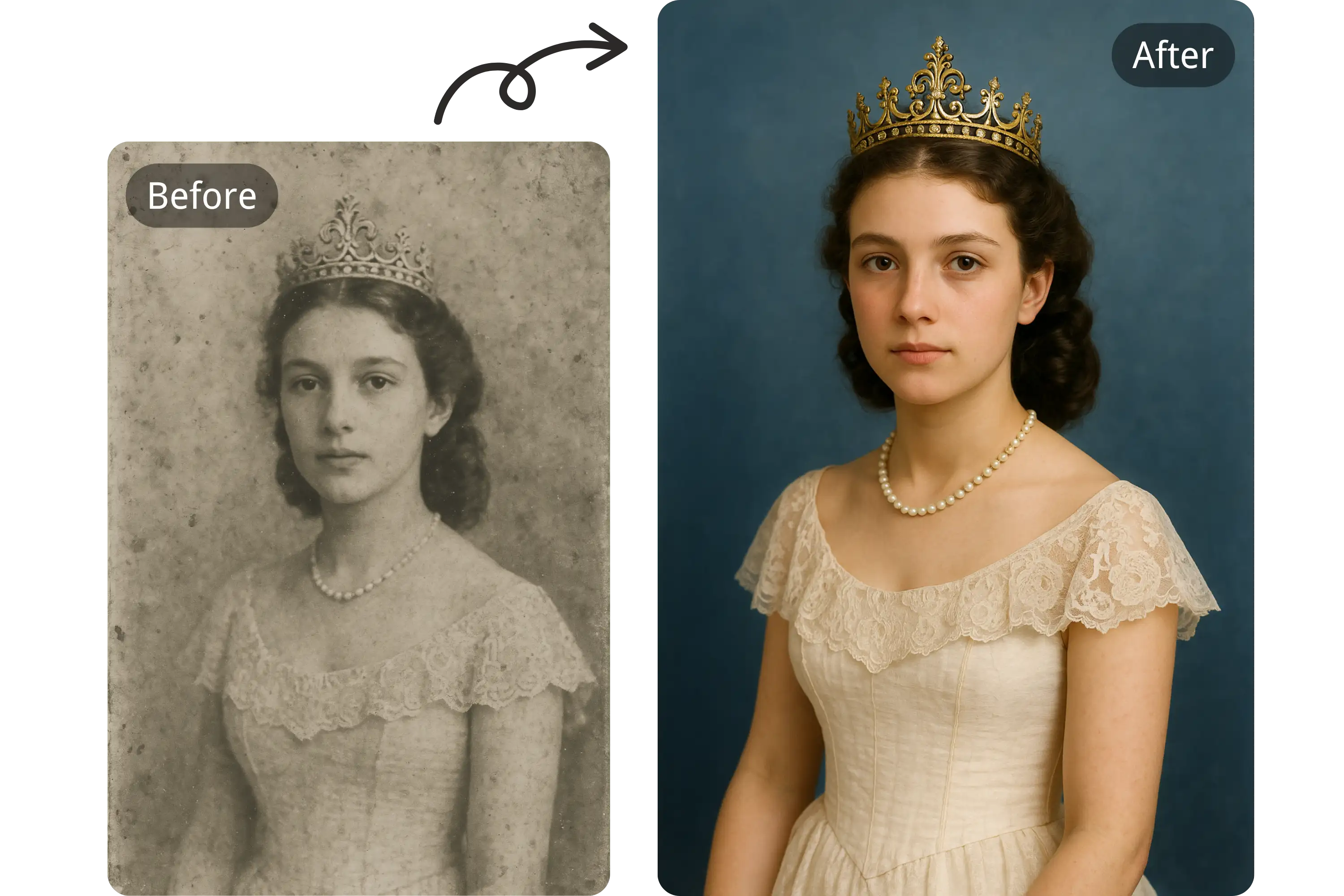
Removes scratches and stains
The AI finds scratches, creases, stains and dust marks on old prints and paints over them so the edits are hard to spot.
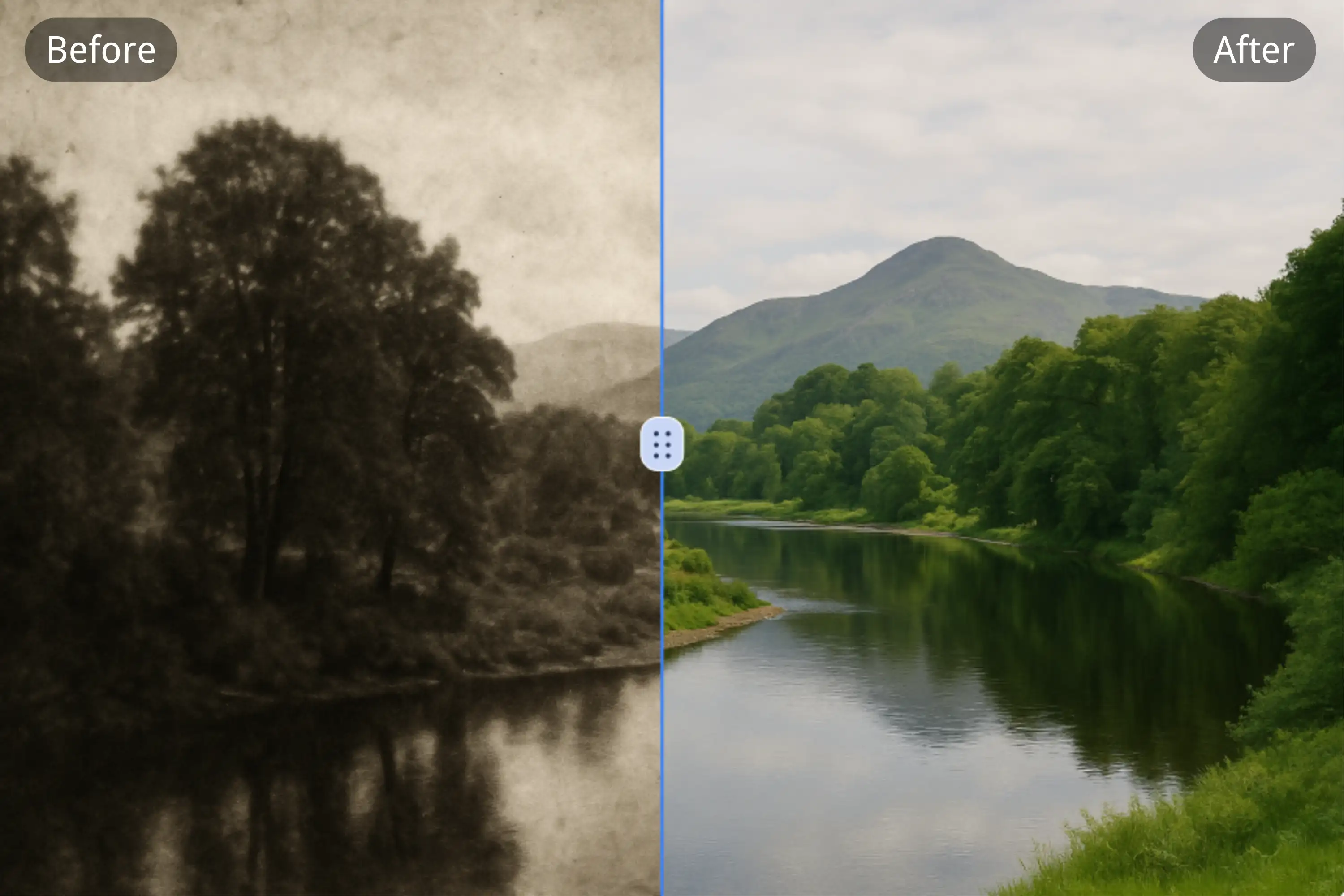
Brings back color
A faded print can get its contrast and saturation back, and a black-and-white photo can be colorized: just say so in your notes.
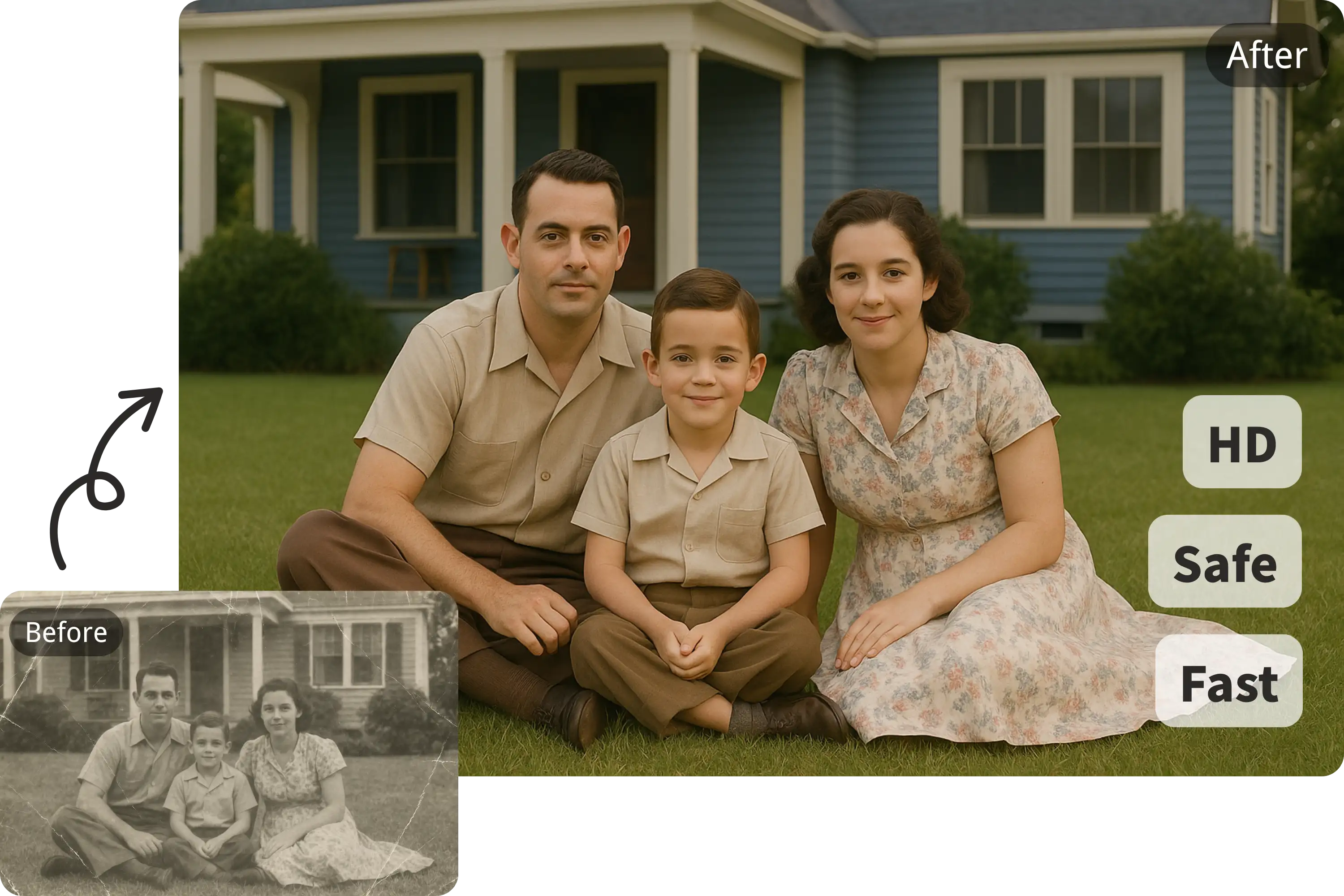
Takes care with faces
With old portraits, the person must stay the same. Write "keep the facial features" and compare the result with the original; if the face has changed, try another model.
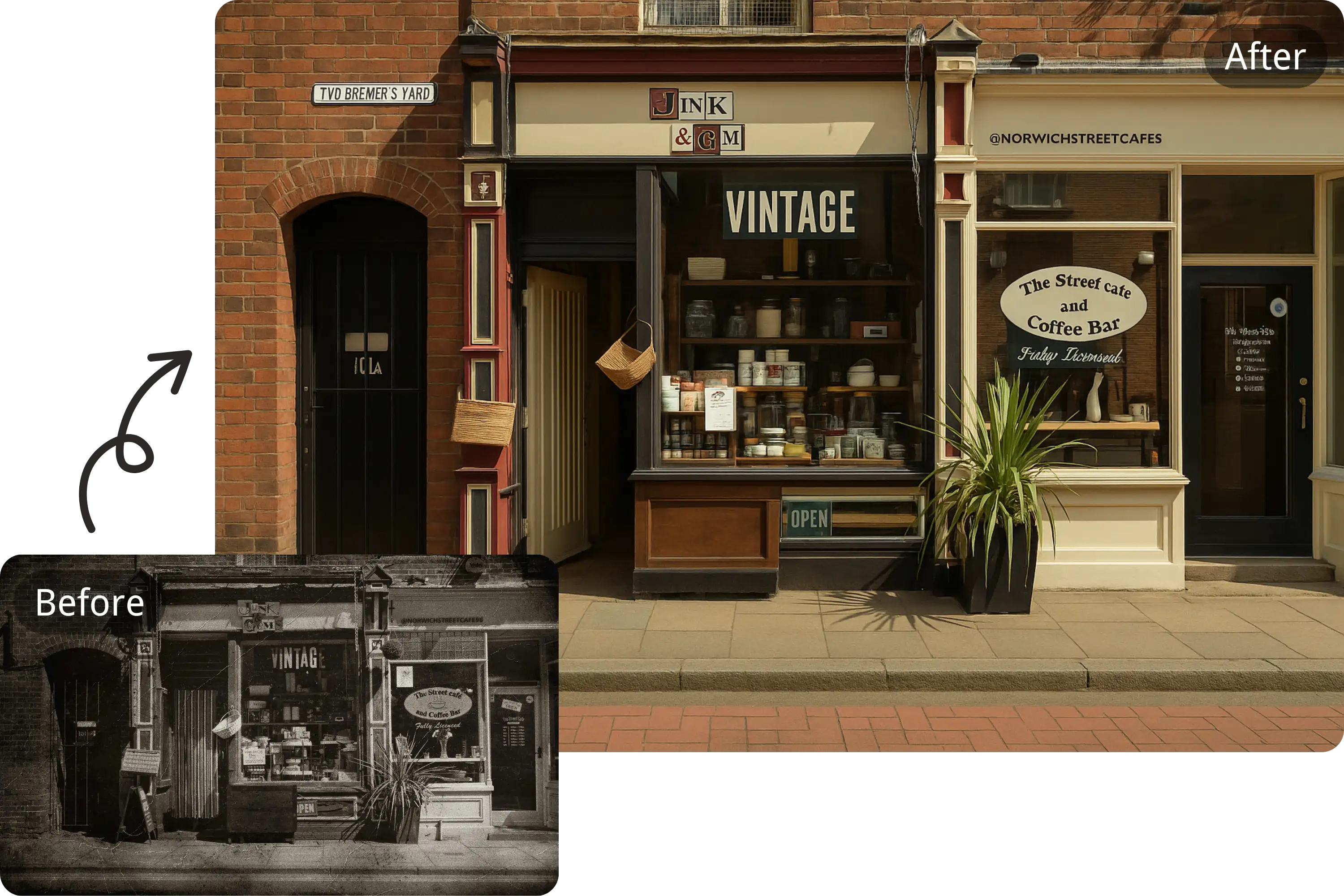
Makes photos sharper
Blurry and grainy pictures become clearer: the AI removes noise and brings out the details.
Who it is for
Family archives
Restore photos of your grandparents, wedding pictures and childhood snapshots to keep them safe and share them with relatives.
History and local archives
Clean up old pictures for exhibitions, publications and school projects. Keep the original too, so people can see what the restoration changed.
Gifts and celebrations
A restored photo makes a good gift for a milestone birthday or an anniversary; you can print it or turn it into a video.
Damaged prints
Torn, creased and faded photos can be scanned and restored digitally without putting the original at risk.
Example uses
Scan a faded print and write "remove the scratches, restore the contrast, keep the faces": you get a photo you can proudly print.
A 1960s wedding photo
Example
Upload a black-and-white portrait and ask to "colorize the photo with natural colors", handy for a family album.
Colorize a black-and-white photo
Example
Take a picture of a torn photo with the pieces placed together and ask to "remove the tear line"; the original stays untouched.
A torn print
Example
Restore an old street scene for a local history project and show the original and the result side by side.
A historical photo
Example
Restore a photo of your parents when they were young, then animate it to make a short video for the celebration.
A photo for an anniversary
Example
Upload an unsharp photo and write "make it sharper, remove the noise, do not change the faces": the details become easier to see.
A blurry picture
Example
Photo restoration FAQ
How do I restore an old photo online?
Scan or photograph the print, upload it, add your notes if needed and click "Restore photo". You need to sign in to process photos.
Can I restore a photo for free?
Yes: after you sign up you get welcome credits that you can spend on restoration. After that, there are paid plans with a monthly allowance of credits.
Do I need to sign up?
Yes, you need an account to process photos. Sign-up is free and needs no credit card.
Can I colorize a black-and-white photo?
Yes, write "colorize the photo" or "natural colors" in your notes. The AI chooses the colors, so the shades of clothes and objects may not match the real ones.
Will the AI change the face in the photo?
It can happen, especially with badly damaged prints. Write "keep the facial features", compare the result with the original and try another model if needed.
Can I use restored photos commercially?
Photos restored on a paid plan can be used for commercial purposes.
How do I make a good scan of an old photo?
Shoot in even daylight, without flash or glare, and hold the phone parallel to the photo. If you have a scanner, scan the print at a high resolution.
Can I animate a restored photo?
Yes. Restore the picture here first, then upload the result on the Animate Photo page: the person in the photo can smile or blink.