 Yeschat
Seedance 2.5 AI Video Generator
Generate videos from a prompt, from your own frames, or from reference images, videos and audio with ByteDance’s Seedance 2.5.
Key Features of Seedance 2.5
Up to 9 Images, 3 Videos and 3 Audio Clips as References
In Reference to Video mode you can combine up to 9 reference images, 3 reference videos and 3 audio clips to guide the look, motion and sound of the result.
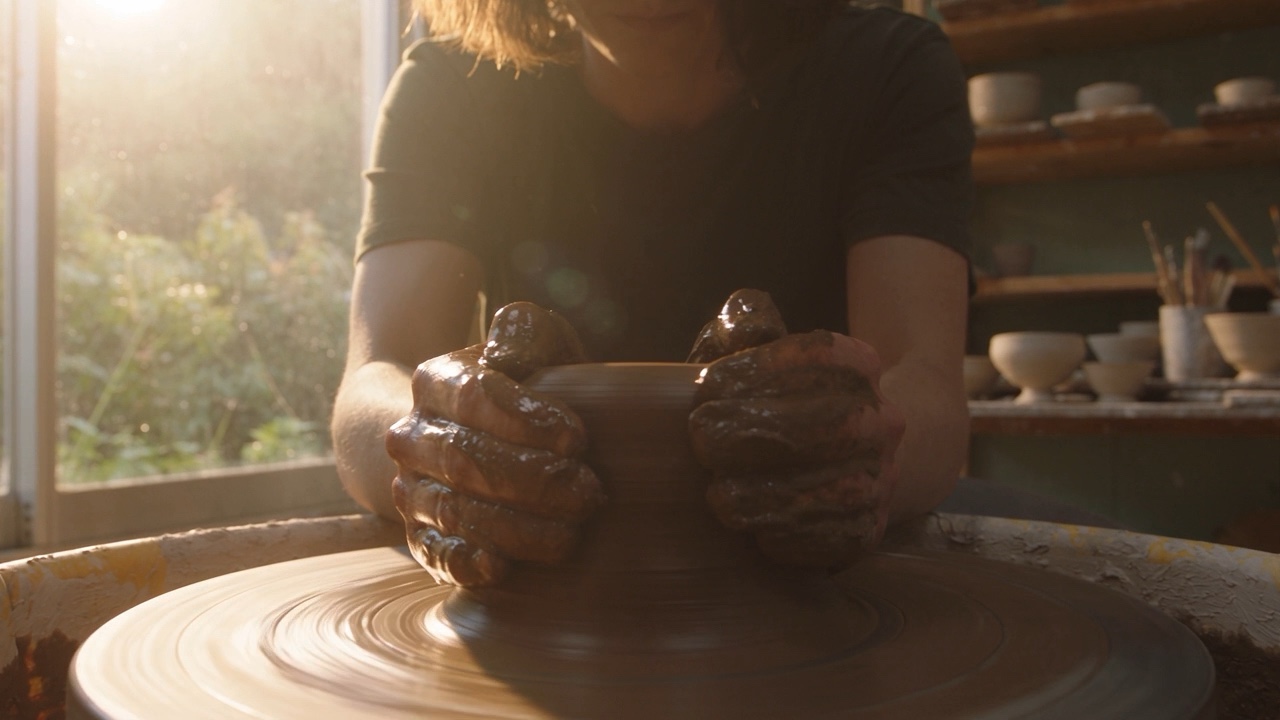
480p, 720p or 1080p Resolution
Videos are generated at 720p by default. Use 480p for quick drafts, or choose 1080p for a sharper final video.
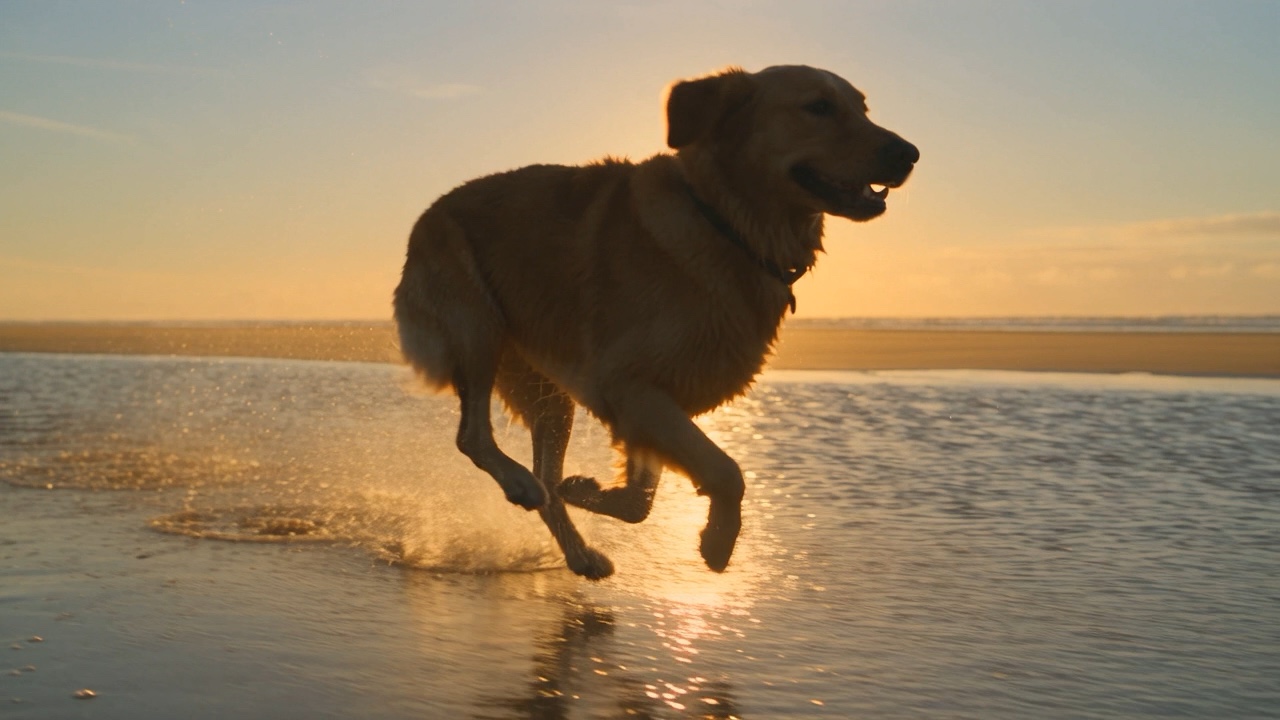
Clips from 4 to 15 Seconds
Set the length anywhere from 4 to 15 seconds. The default is 10 seconds.
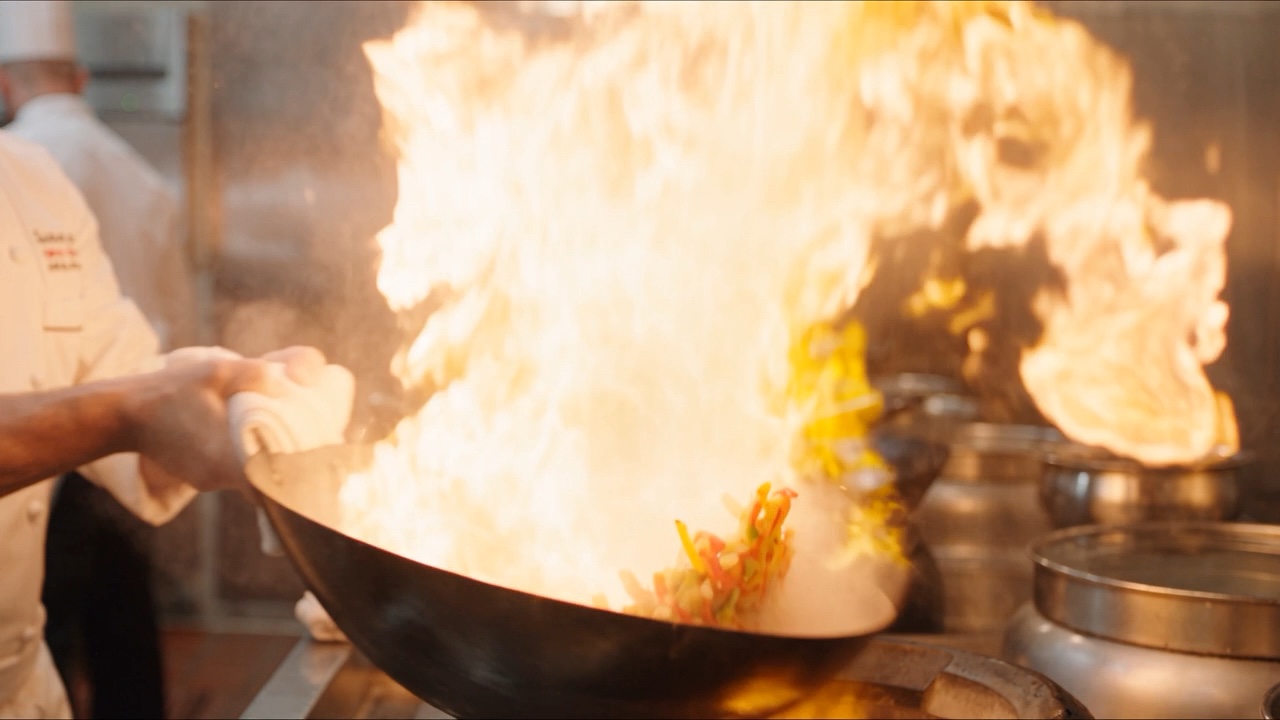
6 Aspect Ratios and Optional Audio
Choose 16:9, 4:3, 1:1, 3:4, 9:16 or 21:9. Audio generation is off by default; switch it on when you want the clip to come with sound.
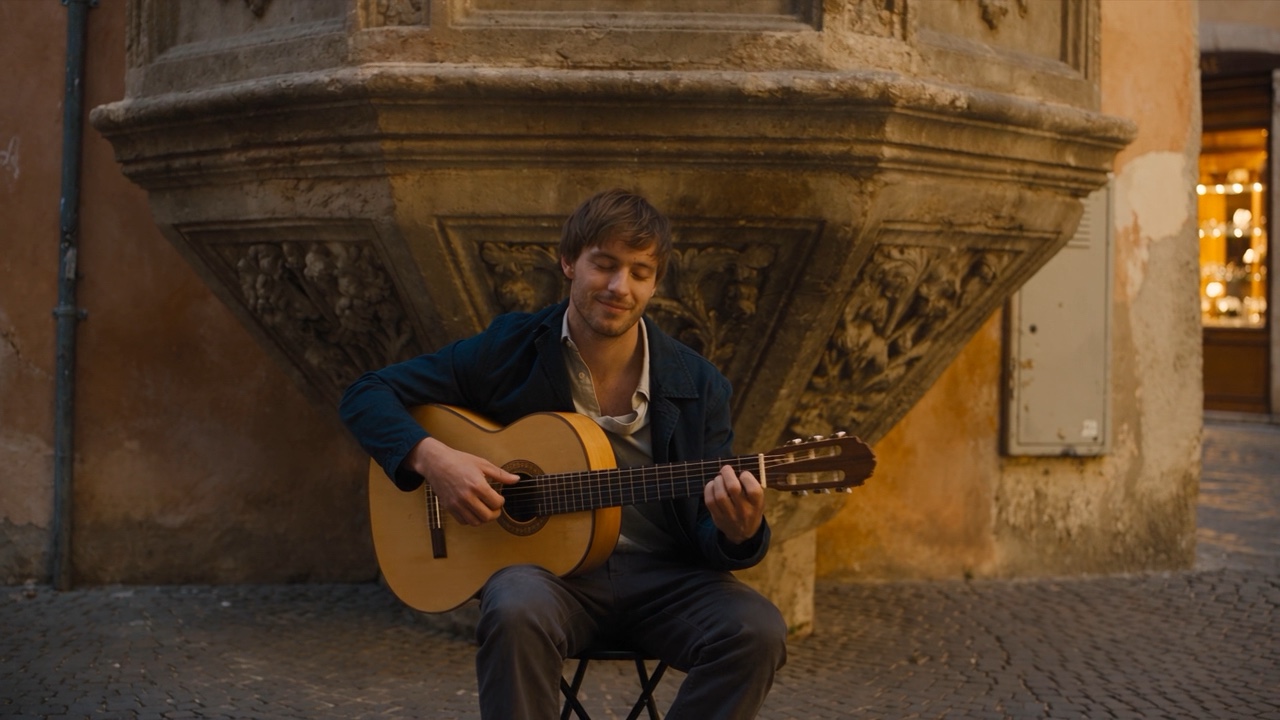
3 Ways to Create with Seedance 2.5
Text to Video
Describe the scene, action, camera movement and mood in a prompt of up to 1800 characters, and Seedance 2.5 generates the video from scratch.
Frame to Video
Upload a start frame, or a start and an end frame, and Seedance 2.5 animates the motion. The prompt is optional in this mode.
Reference to Video
Add reference images, videos and audio to steer characters, style, motion and sound. The prompt is optional in this mode.
How to Use Seedance 2.5 on YesChat.ai
Choose a Mode
Add Your Prompt and Set Options
Generate and Download
Who Seedance 2.5 Is For
Short-Form Video Creators
Make vertical 9:16 clips for social feeds, and add audio when the clip needs sound.
Marketing and E-Commerce Teams
Turn product photos into short videos with Frame to Video, and keep a consistent look across clips with reference images.
Filmmakers and Storyboard Artists
Use 21:9 for a cinematic frame and test camera moves and scene ideas before a shoot.
Designers and Animators
Use reference images and videos to carry a style or a motion pattern into new clips.