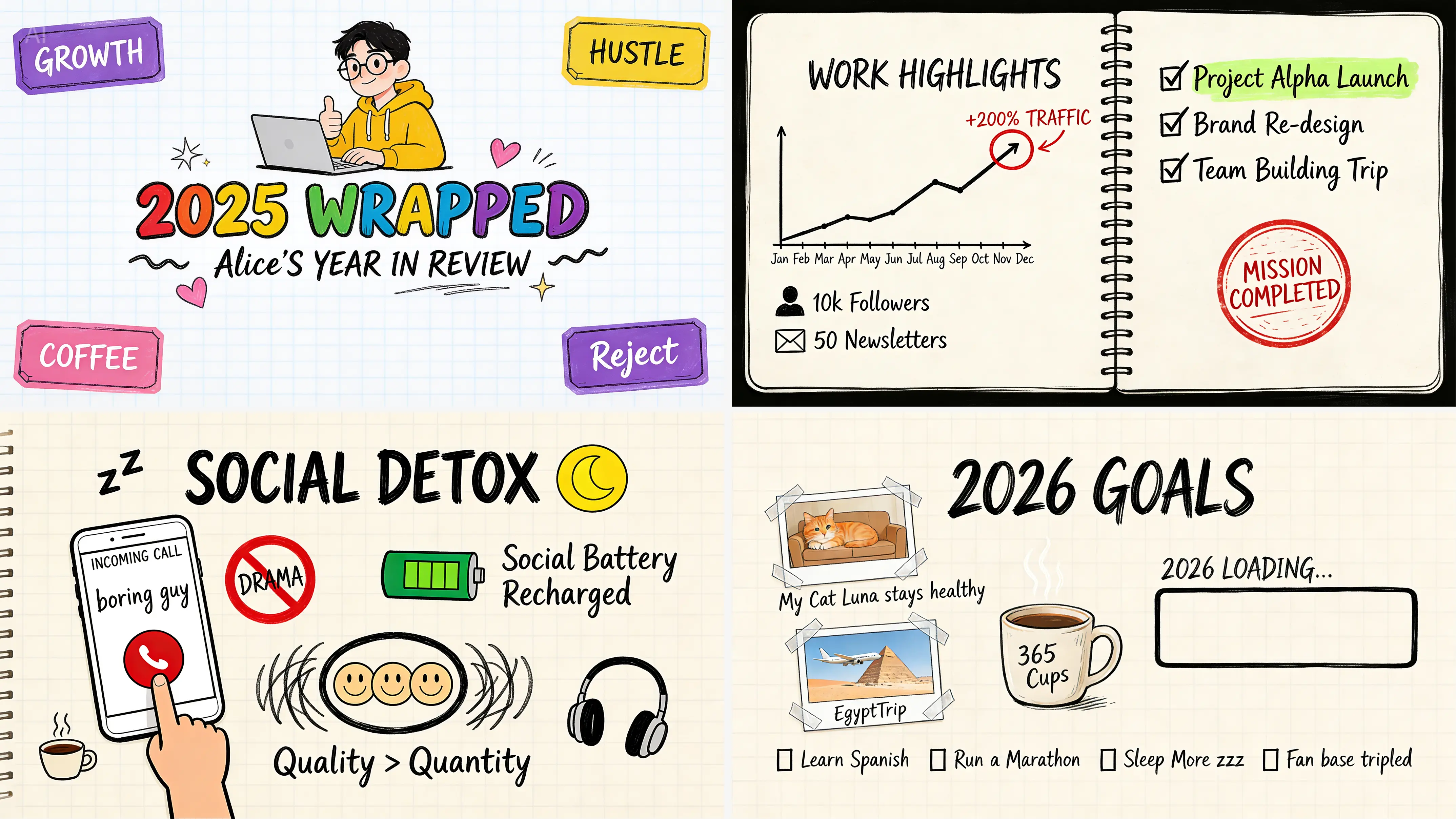
Select the model you want to generate your image with.
Free Seedream 5.0 Lite AI Image Generator
Create 3K visuals with real-time web search and precise identity control. Try Seedream 5.0 Lite free on YesChat.ai.

Your Generated Images
Real-Time Web Search in Seedream 5.0 Lite
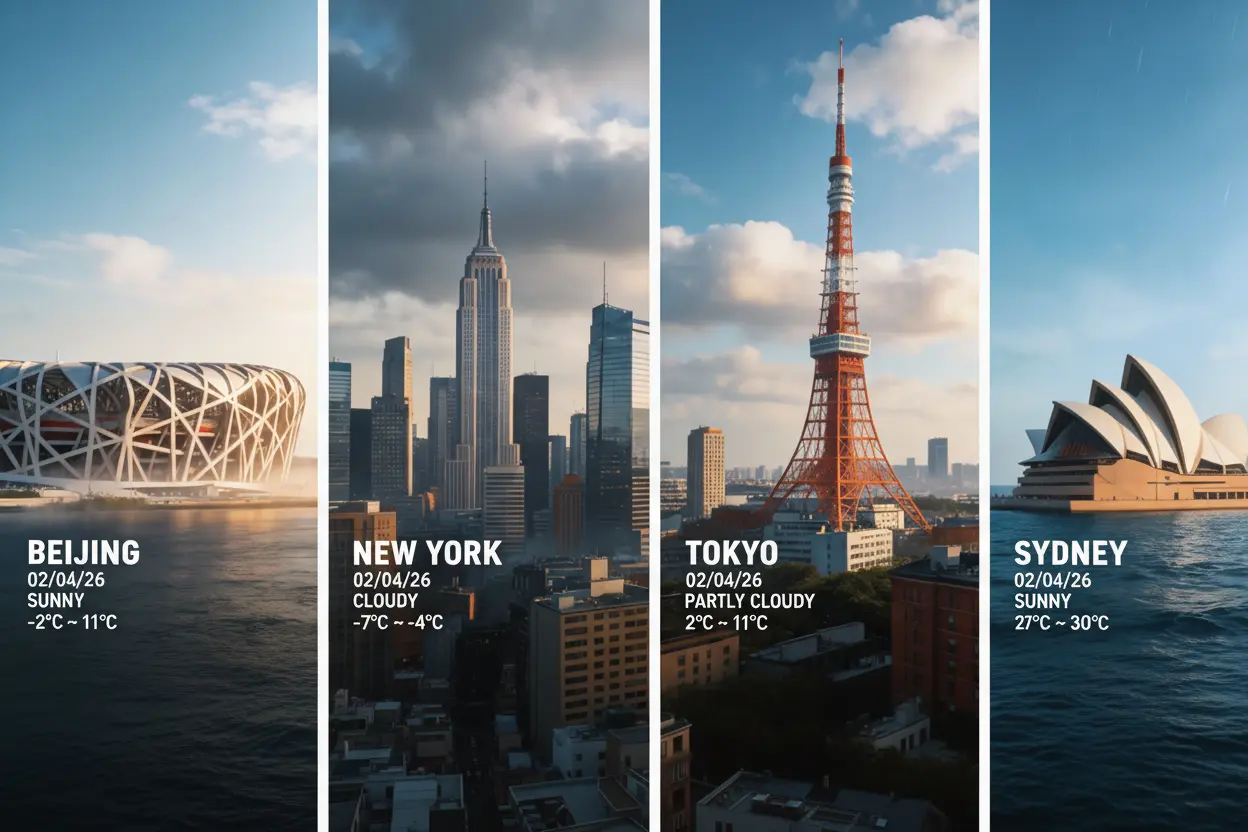
Stop relying on AI image models limited by outdated training data. Bytedance Seedream 5.0 Lite breaks the "static knowledge" barrier by retrieving real-time web data during generation, ensuring your visuals align with real-world logic. Beyond factual accuracy, the Seedream 5.0 AI image generator offers superior spatial reasoning and prompt adherence. At yesChat.ai, you can access Seedream 5.0 Lite free online for high-fidelity 3K image generation and precise image editing.

What’s New in Seedream 5.0 Lite Compared to Seedream 4.5
Enhanced World Knowledge & Physics
The Seedream 5.0 Lite model features a vastly expanded world knowledge base. It now accurately simulates real-world physical laws, lighting, and spatial structures, while significantly improving its capability for precise information visualization in complex graphical layouts.

Real-Time Web Search Integration
Unlike Seedream 4.5, Seedream 5.0 Lite integrates real-time web retrieval. This allows the AI model to search the internet during generation, ensuring your designs incorporate the latest facts, trends, and current information rather than relying on static training data.

Multi-Step Reasoning & Prompt Comprehension
Seedream 5 Lite leaps forward in logical comprehension. It excels at multi-step reasoning, accurately interpreting both complex instructions and vague user prompts. This upgraded Seedream AI image model deeply analyzes text to generate exactly what you envision without endless prompt engineering.

AI Image Editing with Precise Control
Beyond image generation, Seedream 5.0 Lite functions as a precise AI image editor. Instead of regenerating entire scenes, it accurately identifies core features in your input to enable localized edits. This provides creators with strict visual control when modifying specific elements.

14 Reference Images & 3K Resolution
To support complex style blending, the Bytedance Seedream 5.0 Lite model now processes up to 14 simultaneous reference images. This ensures character and stylistic consistency across multiple angles. Additionally, it natively outputs in crisp 3K resolution, delivering the high-fidelity detail required for professional workflows.

How to Use Seedream 5 Lite Free Online
Step 1: Input your prompt or reference images
Select the Seedream 5.0 Lite model and enter your text prompt. To ensure character or style consistency, you can upload reference images, allowing the Seedream 5.0 Lite to accurately interpret your visual requirements and specific design context.
Step 2: Set aspect ratio and resolution
Customize your output by selecting from multiple aspect ratios to fit various social media or print layouts. Choose between 2K or 3K resolution to leverage the high-fidelity capabilities of the Seedream 5.0 model for professional-grade clarity and detail.
Step 3: Generate, refine, and download
Click the "Generate" button to create your image in minutes. You can then use the Seedream AI image editor for quick local adjustments or simply download the high-resolution file directly from YesChat.ai.
Popular Use Cases for the ByteDance Seedream 5.0 Model
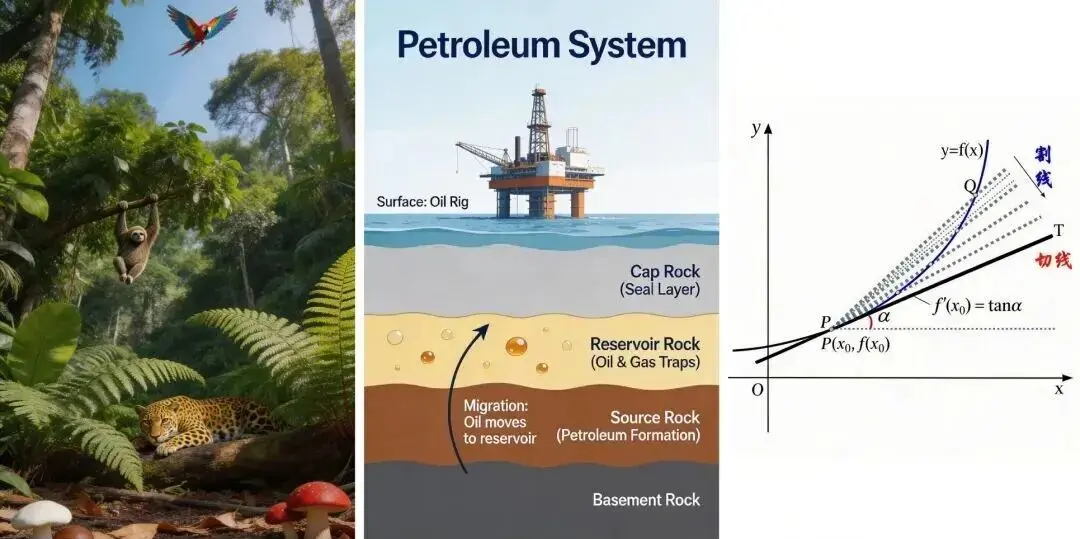
Information Visualization with World Knowledge
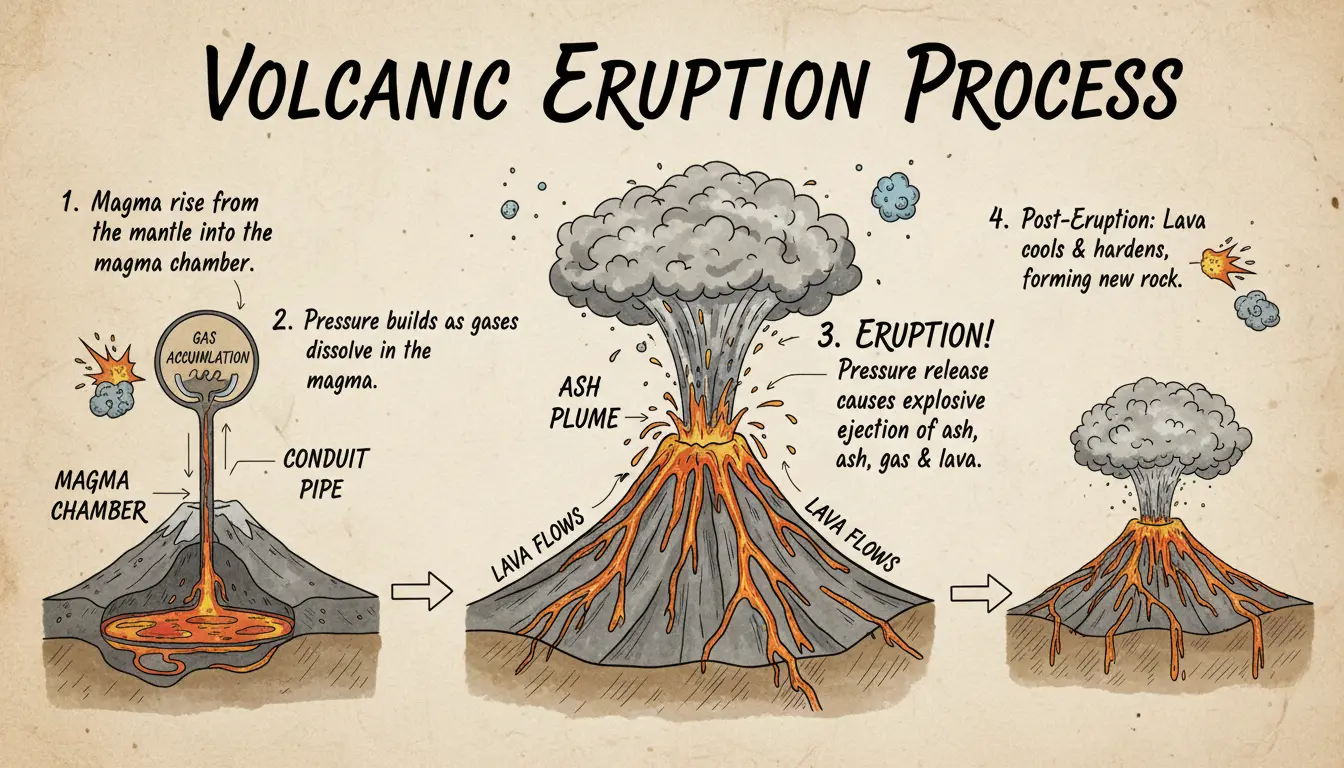
The ByteDance Seedream 5.0 Lite model performs well in structured visuals such as infographics and comparison charts. With improved world knowledge and layout control, the Seedream AI image generator organizes complex information into clear, readable designs suited for marketing and content teams.

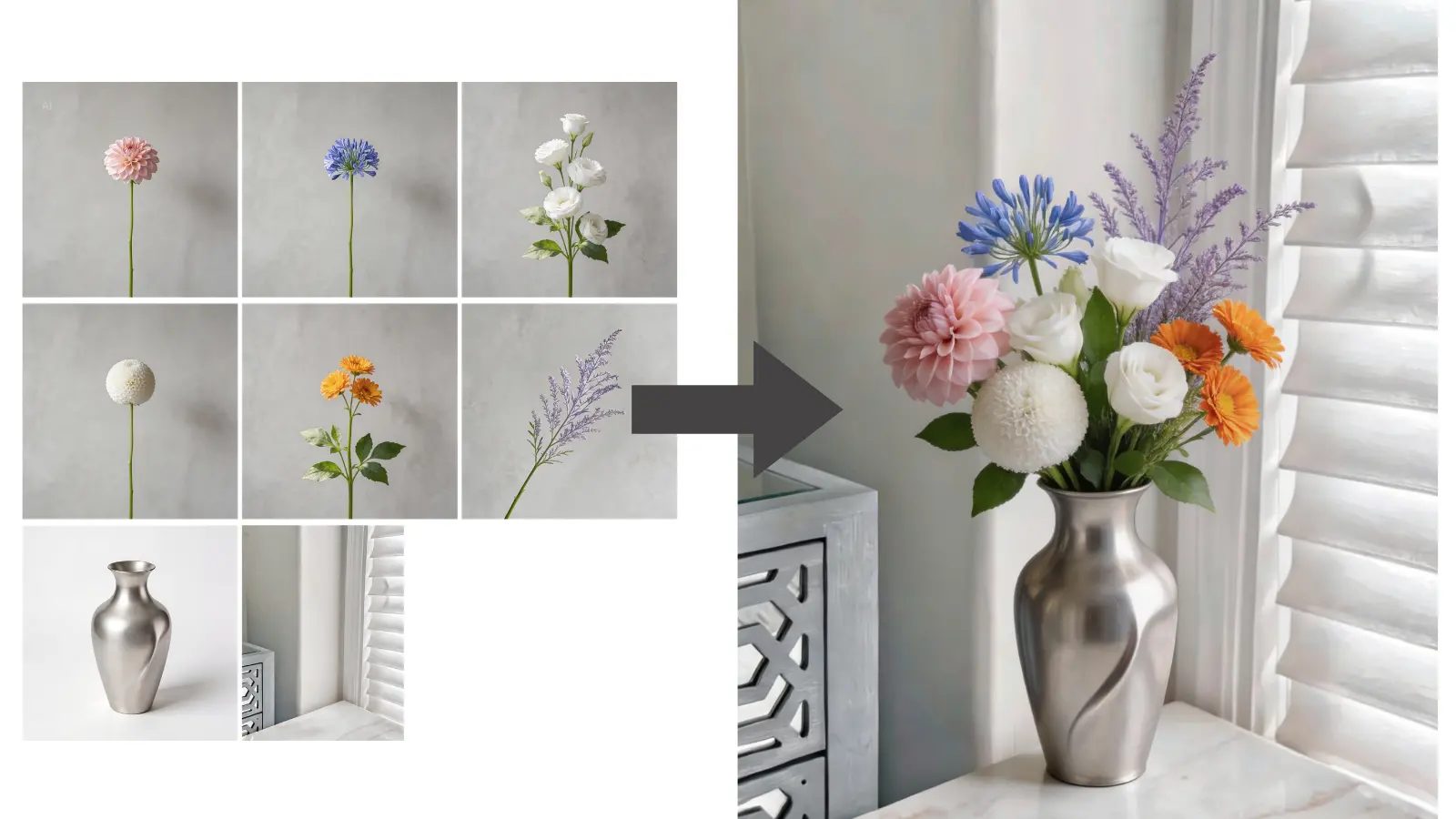
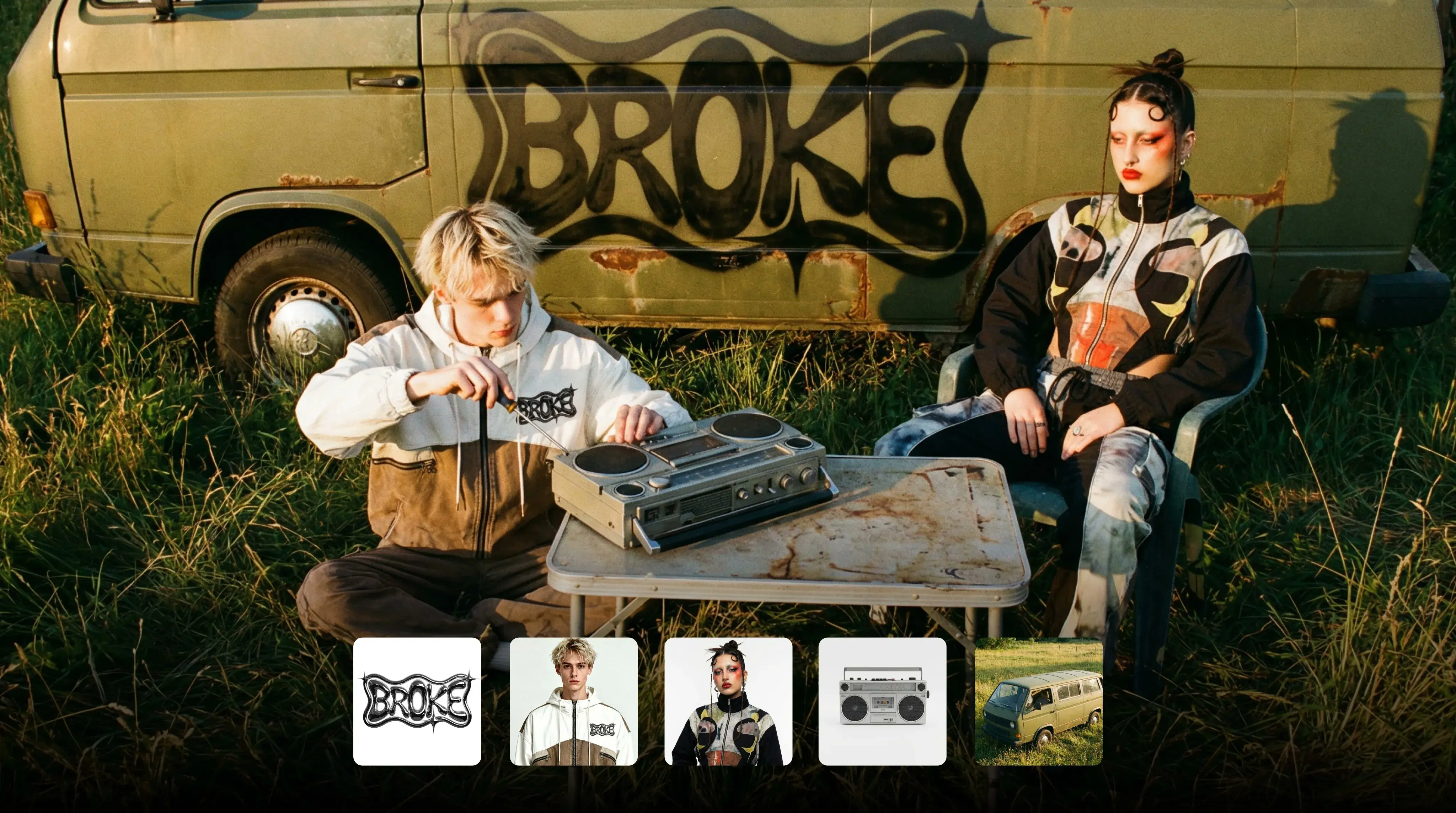
Precise Style Transfer with Multiple References
Seedream 5.0 Lite supports up to 14 reference images, enabling consistent character identity and stylistic alignment. Instead of relying on highly detailed prompts, users can upload visual references and let the Seedream AI image generator infer the desired aesthetic direction.

Complex Multi-Subject Generation
Seedream 5.0 Lite handles complex multi-subject scenes with strong structural consistency. The Seedream AI model can follow detailed instructions involving multiple characters, layered layouts, or interacting elements without losing composition logic.

Visual Reasoning with Multi-Step Logic
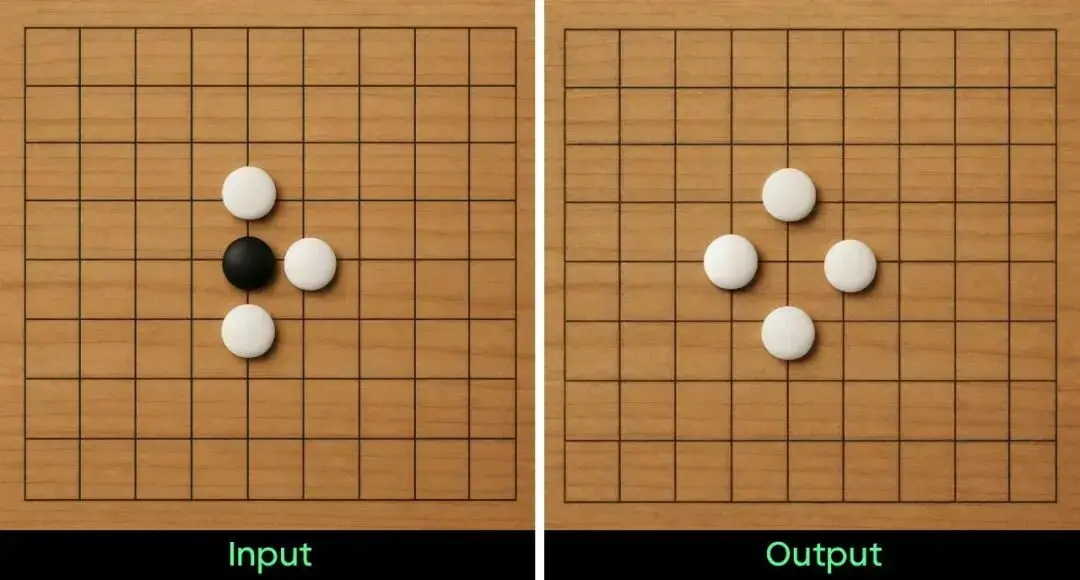
Seedream 5.0 Lite improves visual reasoning by applying multi-step analysis during image generation. The Seedream 5.0 model evaluates spatial relationships, object interactions, and lighting consistency to produce results that better align with internal logic and basic physical rules.

Seedream 5.0 Lite vs. Nano Banana Pro vs. GPT Image 1.5
Selecting the right AI image model depends on your specific production needs.
| Feature Aspect | Bytedance Seedream 5.0 Lite | Google Nano Banana Pro | OpenAI GPT Image 1.5 |
|---|---|---|---|
| Core Strength | Real-time web search and multi-step visual/logical reasoning | Studio-quality realism, pixel-perfect text rendering, and high-fidelity layouts | High prompt adherence, precise editing, strong conceptual understanding |
| Real-Time Web Search | Yes; natively retrieves current data (prices, news, trends) during generation | Yes; utilizes Google Search grounding for accurate real-world knowledge | No; relies strictly on its static pre-trained knowledge base |
| Reference Images | Up to 14 images for identity, style, and composition control | Up to 14 images; focuses on multi-character consistency | Supported with good preservation, but variable in complex multi-subject scenes |
| Consistency | Excellent identity stability; retains facial features and skin tones across series | Best-in-class; maintains strict character and branding details | Good overall, though may show subtle drift during heavy revisions |
| Reasoning & Prompt Following | Excels at complex layouts, diagrams, and intent-aware reasoning | Enhanced for coherence and physical plausibility | Strong conceptual understanding and precise instruction following |
| Text Rendering | Improved multilingual support and layout-aware typography | Industry leader; handles dense content with perfect spelling | High quality; precise for standard labels and short slogans |
| Resolution / Output | Native 2K output with 3K support | Native 4K output | High-quality standard output (2K) |
How to Get Better Results with Seedream 5.0 Prompts
The Bytedance Seedream 5.0 Lite model is highly responsive to structured, specific instructions. Because it relies on deep reasoning rather than simple keyword matching, optimizing your input will drastically improve your output.
Trigger Real-Time Web Search
Include specific dates, events, or product names to activate web retrieval. Instead of “modern electric car,” write “2026 flagship electric SUV.” Clear, time-based details help the Seedream 5.0 Lite model incorporate current information into the result.
Structure Prompts for Logical Clarity
Since Seedream AI handles multi-step reasoning well, organize prompts as: Subject > Action > Environment > Style. Example: "A barista pouring latte art (Subject/Action), inside a sunlit Tokyo cafe (Environment), cinematic lighting, shot on 35mm film (Style)."
Use Quotation Marks for Exact Text
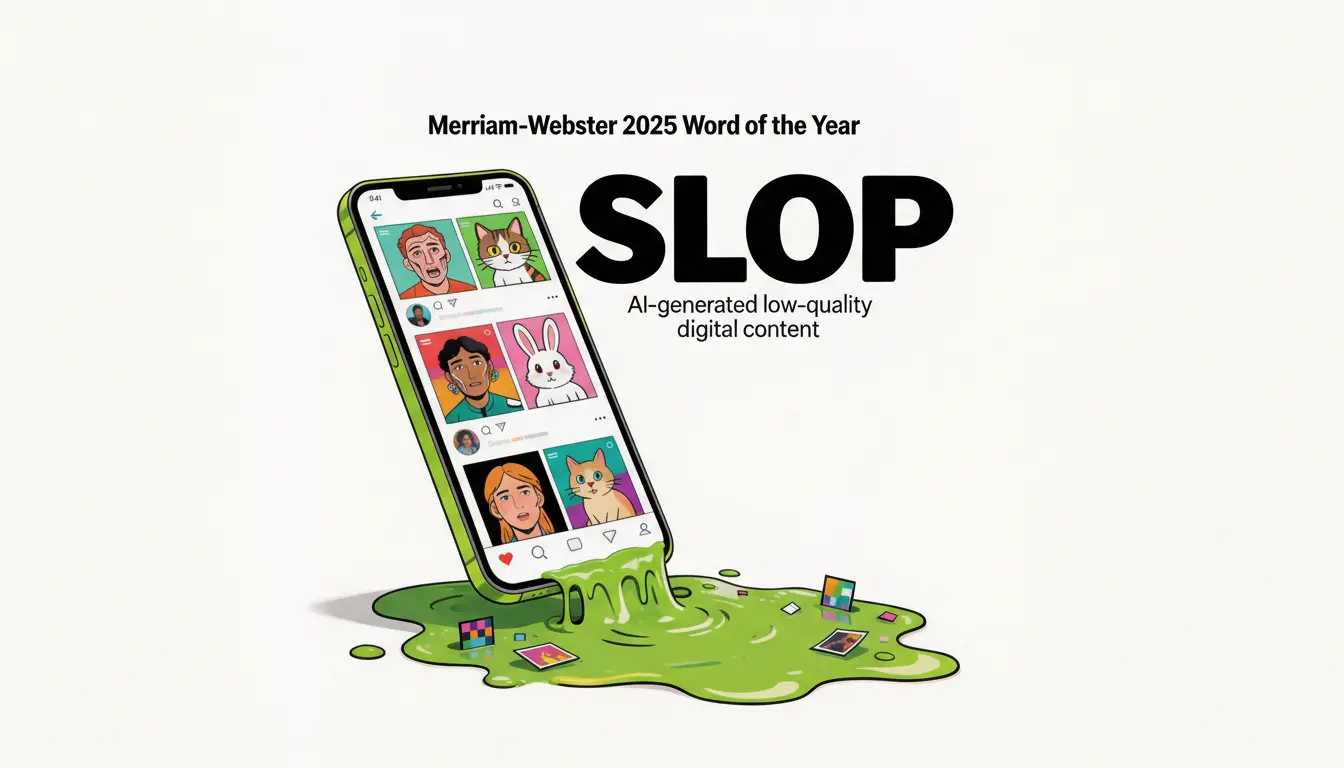
When adding typography, place the exact phrase in quotation marks. This helps the Seedream 5.0 Lite AI image generator isolate the text and reduce spelling or layout errors. Example: “A neon storefront sign reading ‘Open 24/7’.”
Specify How to Use Reference Images
If uploading reference images, clarify their purpose. For example, write “adopt the watercolor style of the reference” or “preserve the character’s facial features.” Clear instructions help the Seedream 5.0 Lite model maintain style and identity consistency.