Social Media Clips
Use 9:16 for vertical feeds and 1:1 for square posts, with sound already included in the clip.
 Yeschat
Turn a prompt or your own start and end frames into short videos with sound, using Alibaba’s Wan 3.0.
Describe the scene, action, camera movement and mood in a prompt of up to 2000 characters, and Wan 3.0 generates the video from scratch.
Upload one image as the first frame, or two images as the first and last frames, and Wan 3.0 animates the motion between them.
Audio generation is on by default, so each clip comes with sound. Switch it off when you only need the picture.
Set the length anywhere from 2 to 15 seconds. The default is 5 seconds, which suits quick tests and short social clips.

Videos are generated at 720p by default. Drop to 480p for fast drafts, or choose 1080p for a sharper final video.

Choose Auto, 16:9, 9:16, 1:1, 4:3 or 3:4 so the video fits a landscape player, a vertical feed or a square post from the start.

Wan 3.0 starts from 20 credits per video. The exact cost depends on the settings you choose and is shown before you generate.
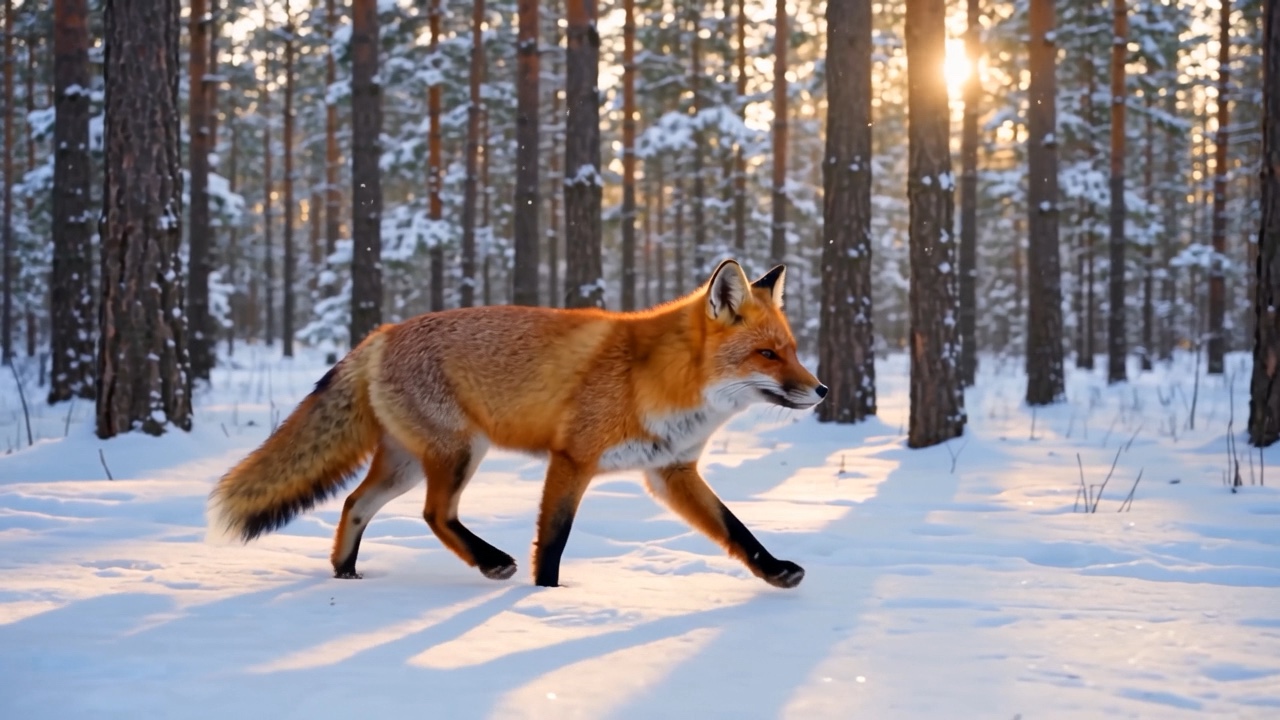
Use 9:16 for vertical feeds and 1:1 for square posts, with sound already included in the clip.
Upload a product photo as the first frame and describe the motion to turn a still shot into a short product video.
Set a start frame and an end frame to move smoothly from one scene, pose or look to another.
Describe a short scene in text to visualize a story idea or a storyboard moment before you plan a shoot.