Old Version

Select the model you want to generate your image with.

0/2000

No Watermark

Private

Z-Image Turbo on yeschat.ai: Lightning-Fast Free Z Image AI Generator

Ignite Your Imagination with Z-Image – Where Z Image AI Meets Lightning-Fast Z Image Turbo Magic

Record image

Your Generated Images

No images yet. Generate your first masterpiece!

What is Z-Image?

Z-Image Model Background

Z-Image Turbo Update Features

Z-Image Turbo Models Family Overview

Z-Image Turbo – Lightning-Fast Daily Driver

Z-Image Base – Maximum Fidelity Flagship

Z-Image Edit – Precision Image-to-Image & Inpainting Specialist

Key Features of Z-Image Turbo

Z-Image Turbo redefines Z Image AI by tackling core user frustrations: endless wait times, garbled text, and rigid edits.

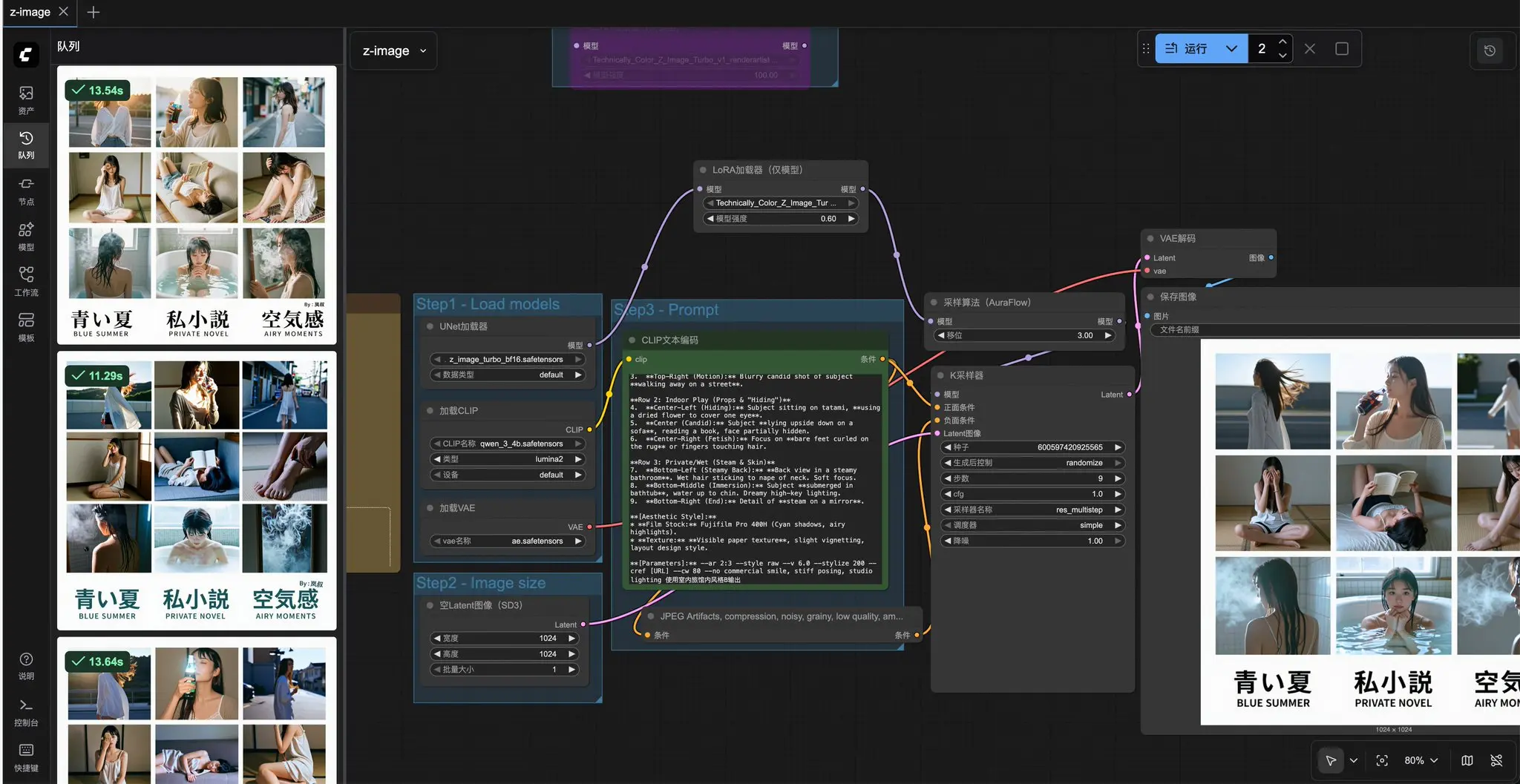
Z-Image Turbo 8-Step Blazing Speed

Z-Image Turbo 8-Step Blazing Speed

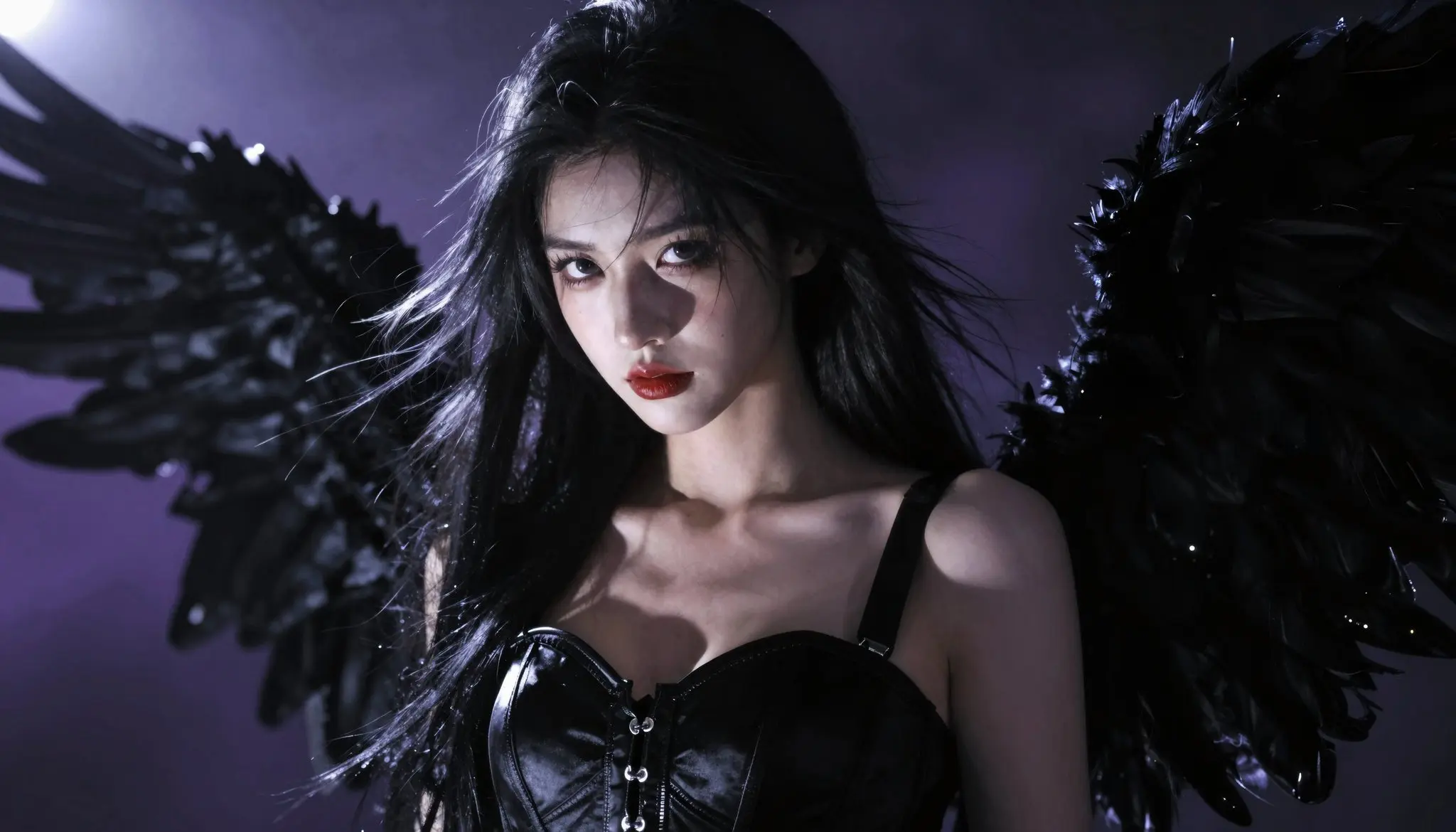
Z-Image-Turbo Photorealism Without AI Plastic Look

Z-Image-Turbo Photorealism Without AI Plastic Look

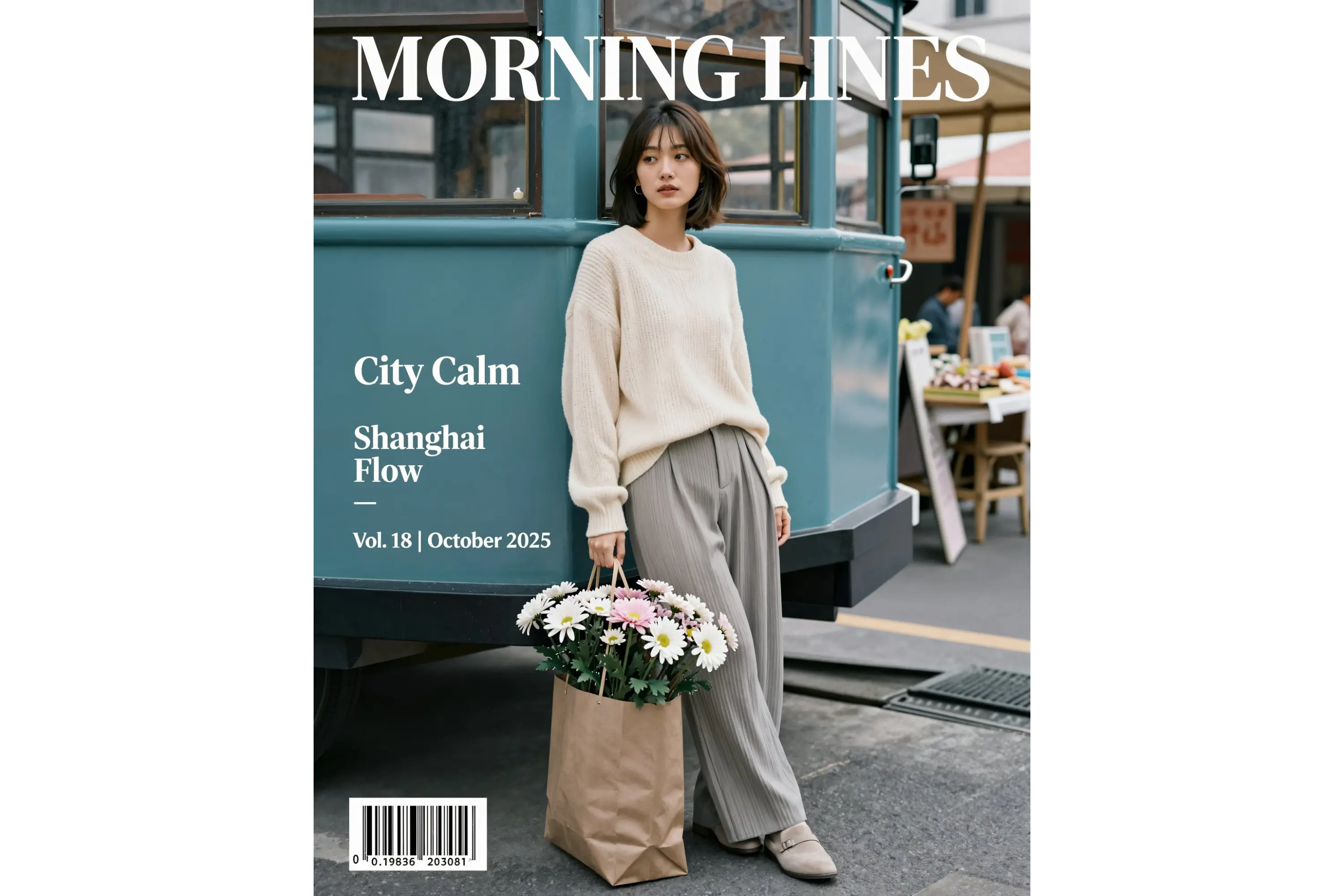
Z Image Turbo Flawless Bilingual Text Rendering

Z Image Turbo Flawless Bilingual Text Rendering

Z-Image Turbo Image to Image Precision Editing

Z-Image Turbo Image to Image Precision Editing

Z-Image Turbo Uncensored & Fully Open-Source Freedom

Z-Image Turbo Uncensored & Fully Open-Source Freedom

Popular Uses for Z-Image AI

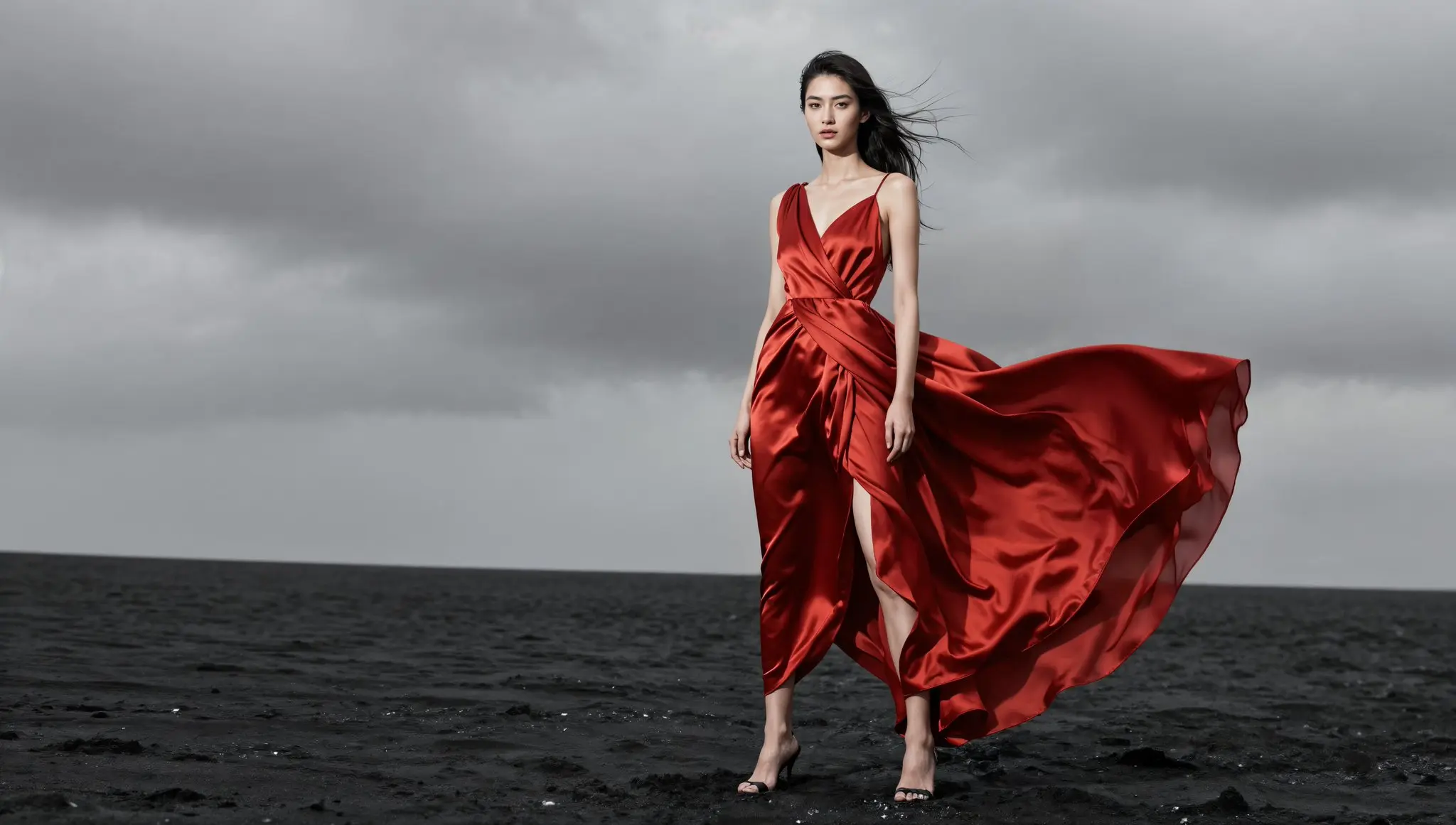
Z-Image Turbo for Hyper-Realistic Portraits and Character Design

Creators generate stunningly lifelike portraits with natural skin, accurate lighting, and expressive details in just one second. Perfect for book covers, RPG character sheets, VTuber models, and social media avatars. Z Image Edit makes it easy to change age, expression, or ethnicity while keeping perfect photorealism that beats most commercial models.

Z-Image Turbo for Hyper-Realistic Portraits and Character Design

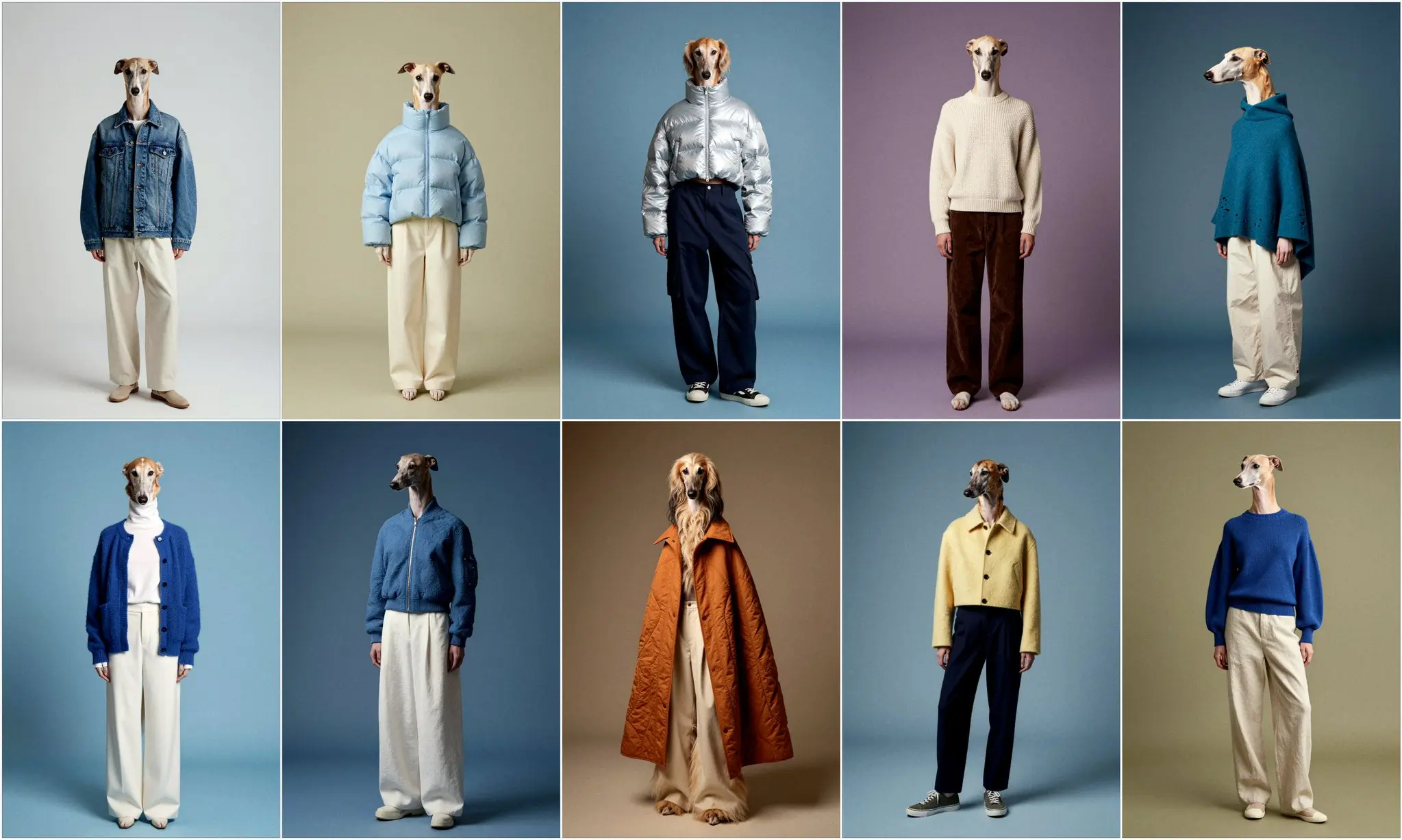
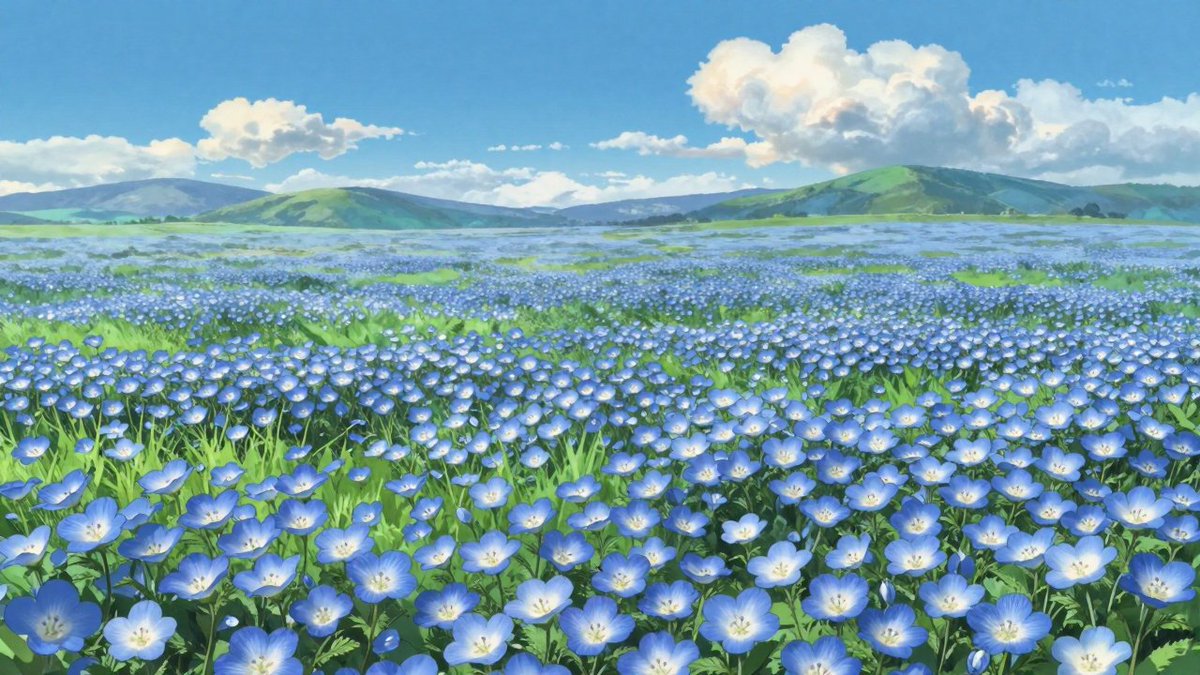
Z-Image Turbo Image to Image for Anime and Stylized Illustrations

Artists upload rough sketches or line art and instantly get fully colored, studio-quality anime illustrations with perfect line weight and shading. Z Image Turbo Image to Image preserves original composition while applying any style — from classic 90s anime to modern painterly looks — making it a favorite for comic creators and fan-artists.

Z-Image Turbo Image to Image for Anime and Stylized Illustrations

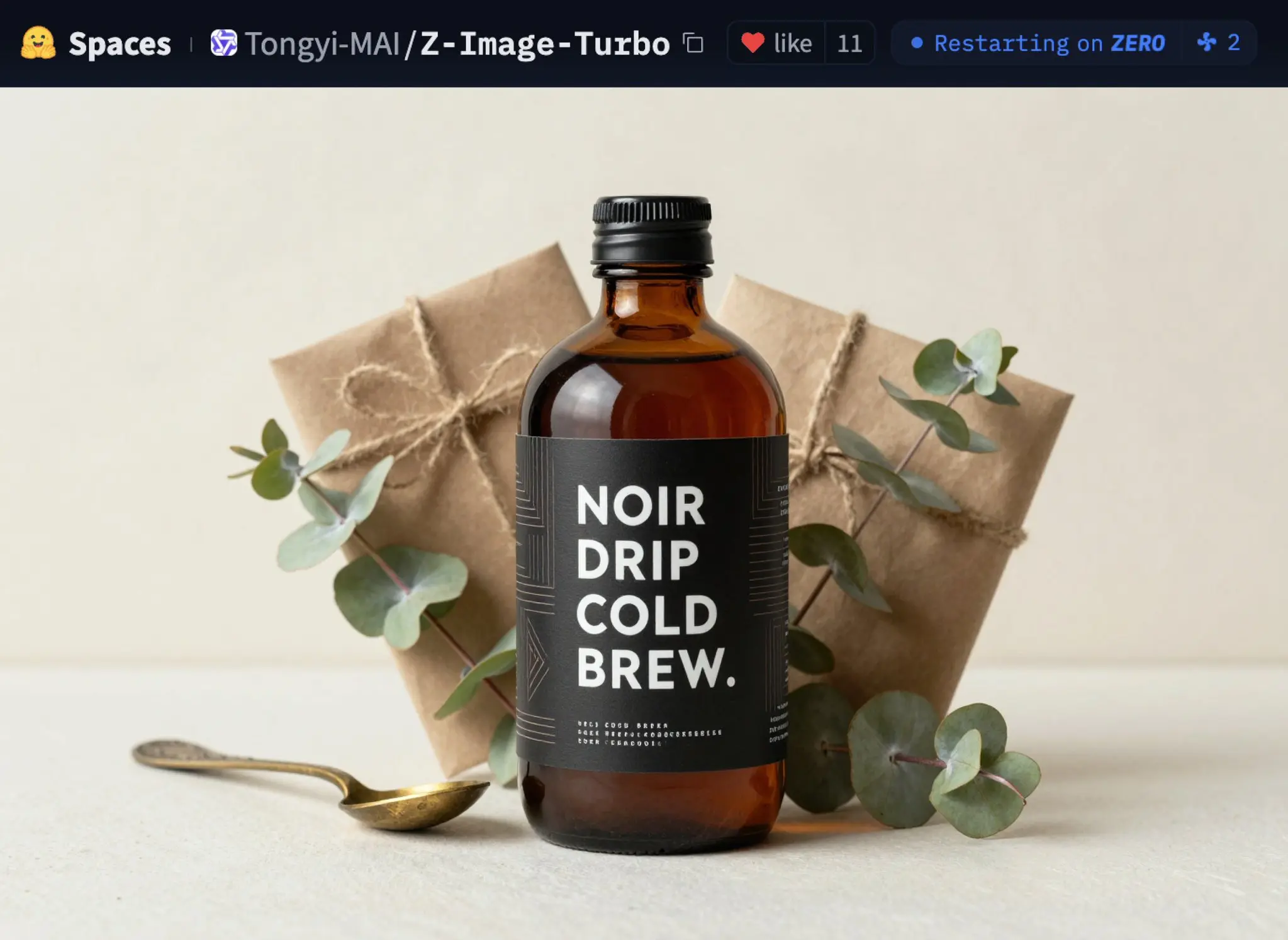
Z-Image Turbo for Product Mockups and E-Commerce Visuals

Brands and sellers create professional product photos without ever booking a studio. Simply type a Z Image Prompt or upload a plain object shot, and Z-Image Turbo places it on marble tables, lifestyle scenes, or floating backgrounds with realistic shadows and reflections — ready for Amazon, Shopify, or ads in seconds.

Z-Image Turbo for Product Mockups and E-Commerce Visuals

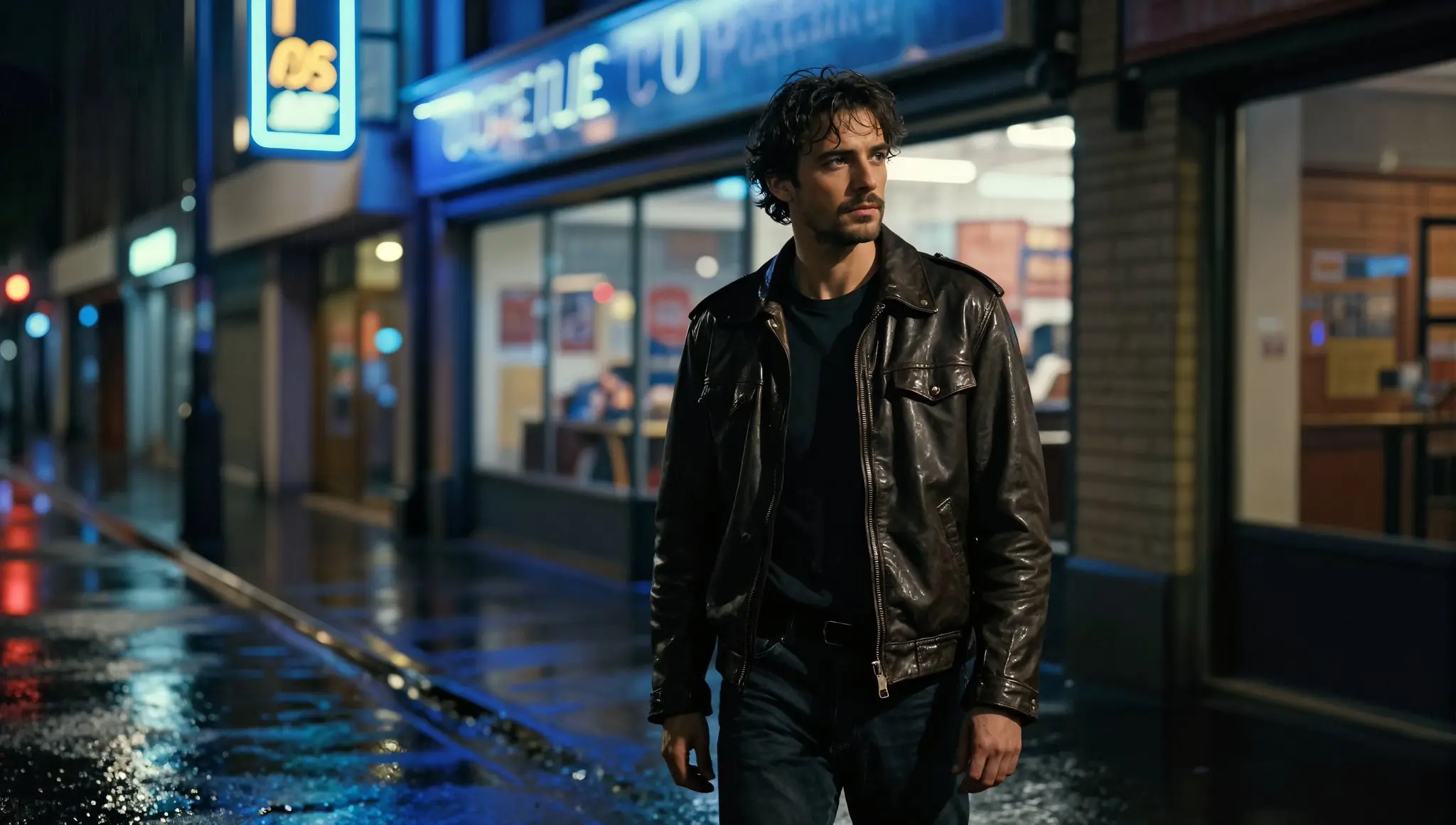
Z-Image Turbo for Concept Art and Fantasy Environments

Game developers and world-builders generate massive cyberpunk cities, enchanted forests, dystopian wastelands, and epic battle scenes with incredible depth and atmosphere. The uncensored model + Z Image Turbo Image to Image workflow allows rapid iteration of dark fantasy, sci-fi, and mature themes that other platforms often block.

Z-Image Turbo for Concept Art and Fantasy Environments

Z-Image Turbo vs FLUX.2 vs Nano Banana Pro

FeatureZ-Image TurboFLUX.2Nano Banana Pro
Speed~1–3s per image (8 steps, low-latency, consumer GPU)~6–12s per image (depends on model/API)~10–15s per image (cloud/API)
LicenseOpen-source / Apache 2.0Commercial / APIProprietary / Commercial API
Character ConsistencyVery GoodExcellentExcellent
Text PreservationExcellent (EN + CN)ExcellentVery Good
Resolution / OutputUp to 4MPUp to 4MPUp to 4MP
Control / FlexibilityMedium fast inference, limited editingMedium balanced speed & quality, supports referencesMedium cloud/API-based, limited local control
Best Use CasesRapid prototyping, concept art, quick iterations, bilingual textHigh-quality final images, marketing visuals, multi-reference projectsHigh-resolution realism, marketing, multi-image references, commercial projects

How to Use Z-Image on yeschat.ai

  • Step 1: Choose Z-Image Turbo on yeschat.ai Z Image AI Generator

  • Step 2: Upload an Image or Enter Your Z Image Prompt

  • Step 3: Generate and Download Z Image Edit Art

Z-Image Turbo FAQs