Jamming in the Studio: Content Creators' Remix Haven
Podcasters and YouTubers use Suno v5 to generate custom soundtracks, leveraging Suno v5 prompts for quick, royalty-free music that matches video themes.
 Yeschat
Unleash Your Musical Vision with Suno v5 – Where AI Meets Infinite Creativity
Suno v5 is the cutting-edge iteration of Suno AI, a powerful platform designed to generate music from simple text prompts. Launched on September 23, 2025, the Suno v5 release date marks a significant milestone in AI-driven music creation. Building on the foundations of Suno Studio, this version elevates the experience with superior Suno v5 audio quality and more intuitive controls.Whether you're a novice or a seasoned musician, Suno v5 empowers users to craft professional-grade songs effortlessly, blending genres and styles with unprecedented precision. As part of the Suno AI ecosystem, it continues to push boundaries, offering tools that rival traditional music production software.
Suno v5 introduces groundbreaking advancements that enhance every aspect of music generation. From the Suno v5 launch, users have praised its focus on Suno v5 creative control and refined outputs.
Experience crystal-clear soundscapes with Suno v5 audio quality improvements. This feature reduces artifacts like shimmer and degradation, delivering fuller mixes that sound studio-ready, even for extended tracks up to 8 minutes.
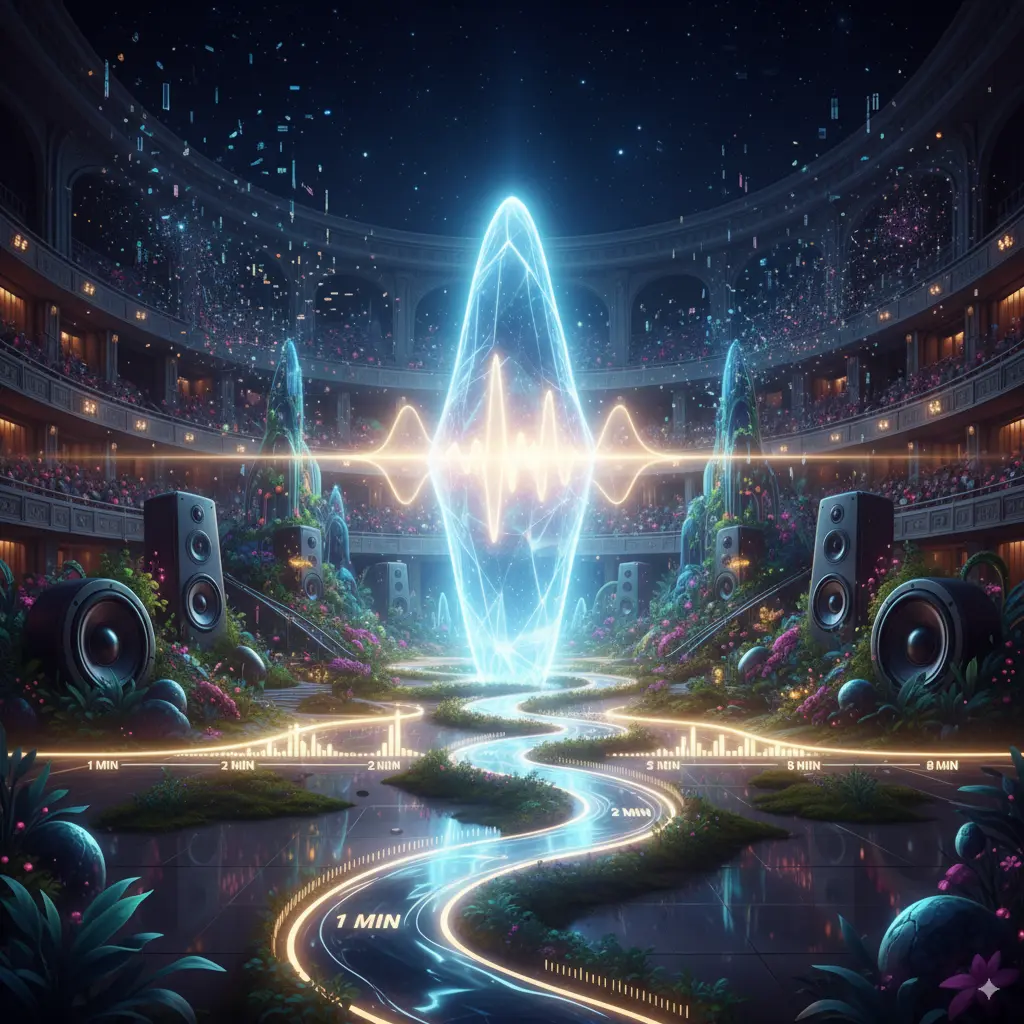
Suno v5 vocals bring a new level of realism, with dynamic range, emotional depth, and subtle harmonics. Compared to previous versions, vocals now blend seamlessly with melodies, minimizing metallic tones for a more natural, expressive performance.

Optimize your creations with Suno v5 prompts that interpret evocative descriptions more accurately. The enhanced AI grasps complex genre combinations and stylistic nuances, ensuring outputs align closely with your vision.

Suno v5 creative control lets you swap vocals, add instrumentals, or remix elements with ease. Features like voice cloning hints and better prompt adherence give you conductor-like authority over your compositions.

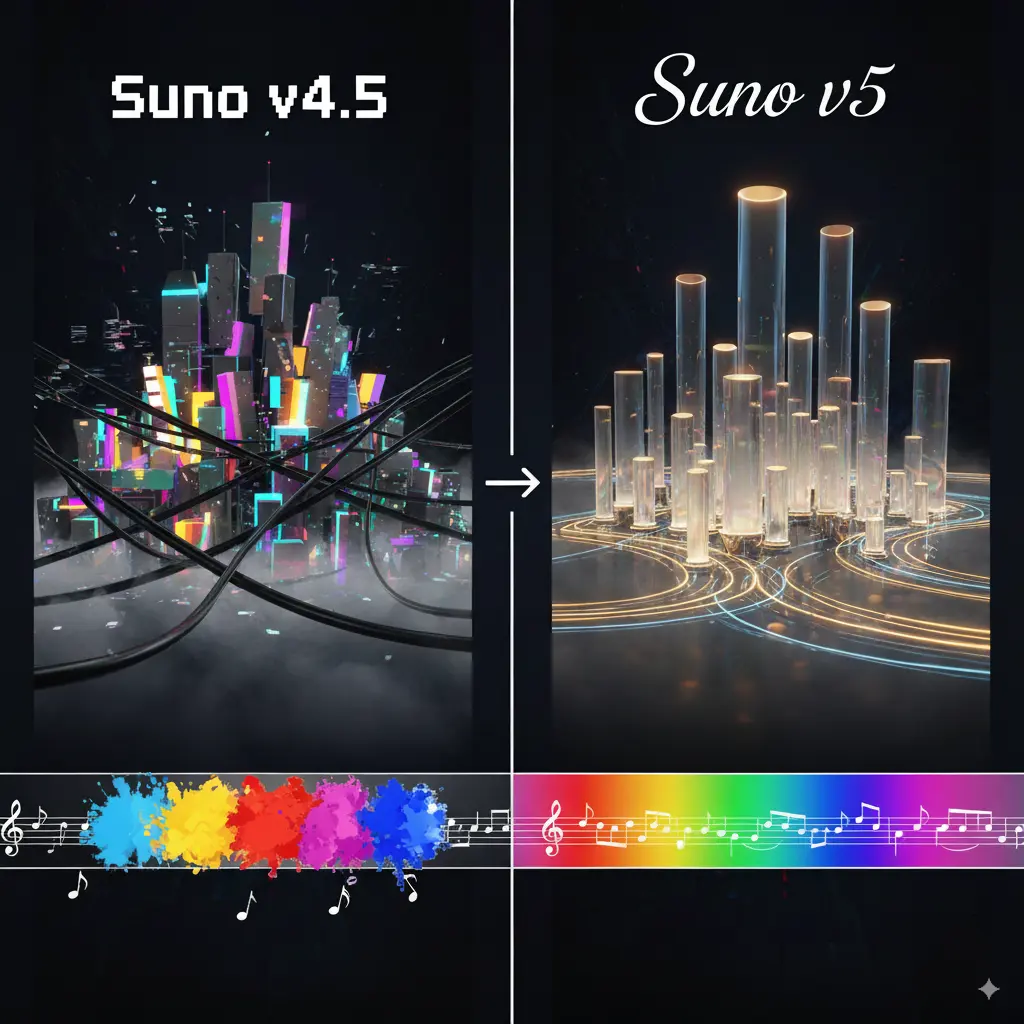
In Suno v5 vs v4.5, the upgrades shine through with superior mixing, reduced AI artifacts, and more cohesive genre blending. While v4.5 extended song lengths and improved speed, v5 takes it further with human-like nuances and multimodal potential.
Suno v5 opens doors to diverse applications, integrating seamlessly into creative workflows. Its versatility makes it ideal for various scenarios, infused with musical flair.
Podcasters and YouTubers use Suno v5 to generate custom soundtracks, leveraging Suno v5 prompts for quick, royalty-free music that matches video themes.
Influencers craft viral hooks with Suno v5 vocals, blending genres to create shareable clips that boost engagement on platforms like TikTok.
Therapists and wellness coaches employ Suno Studio features in v5 to produce calming ambient tracks, tailored via creative control for relaxation sessions.
Brands utilize Suno AI to develop jingles with high Suno v5 audio quality, ensuring professional polish for ads and promotions.
Mastering Suno v5 prompts can unlock its full potential. Here are practical tips to craft effective inputs, focusing on structure, detail, and experimentation for better results.
Outline the song's sections clearly, like intro, verse, chorus, and bridge. Instead of shortcuts like "[chorus repeats]," fully repeat lyrics in each section to ensure accurate adherence and avoid glitches. Example: "Intro: Instrumental build-up. Verse 1: [lyrics]. Chorus: [full chorus lyrics]. Verse 2: [lyrics]. Chorus: [full chorus lyrics again]."
Specify vocal types, such as male/female, duet, or featured artists, along with styles like whispery, vibrato, or emotional. This leverages Suno v5's improved human-like vocals. Example: "Female vocals with natural vibrato and breathy tone, male duet in chorus, evoking a heartfelt ballad."
Combine genres creatively and use parameters like S 0% W 0% for stronger prompt following. Describe instrumentation in detail for punchier, immersive results. Example: "Fusion of rock and synth-pop, punchy drums, heavy bass, electric guitar riffs, S 0% W 0%."
Include exact durations and complexity levels to match your vision. For ambitious tracks like duets or multi-voice, explicitly request them for consistent outputs. Example: "3-minute track with duet vocals, building to a crescendo, featuring a guitar solo at 2:00."
Getting started with Suno v5 on Yeschat.ai is straightforward, adapting the intuitive interface from Suno AI.
Find answers to common questions about our service.