Song Maker: Turn Your Lyrics into a Song
Paste your poem, a birthday message or a few lines: the AI composes a melody and arrangement and sings your words. Choose the genre and mood, then download the finished song.

music.toolTips
relatedTools.title
AI Song Generator – Lyrics, Music & Vocals Online | YesChat
MusicGen AI Song Generator Online | YesChat
Icarus Tattoo Ideas Generator by YesChat AI – Free Creative Tattoo Designs
Free Haiku Generator by YesChat.ai – Create Poetry Effortlessly
AI Pixel Art Maker – Generate Pixel Art Online | YesChat
Free Random Choice Generator by YesChat | Fun & Instant Decisions
YesChat's Free Artificial Intelligence Detector - Identify AI-Generated Content Instantly
Free UX/UI AI Generator by YesChat | Humanize AI Text with Ease
How the lyrics-to-song maker works
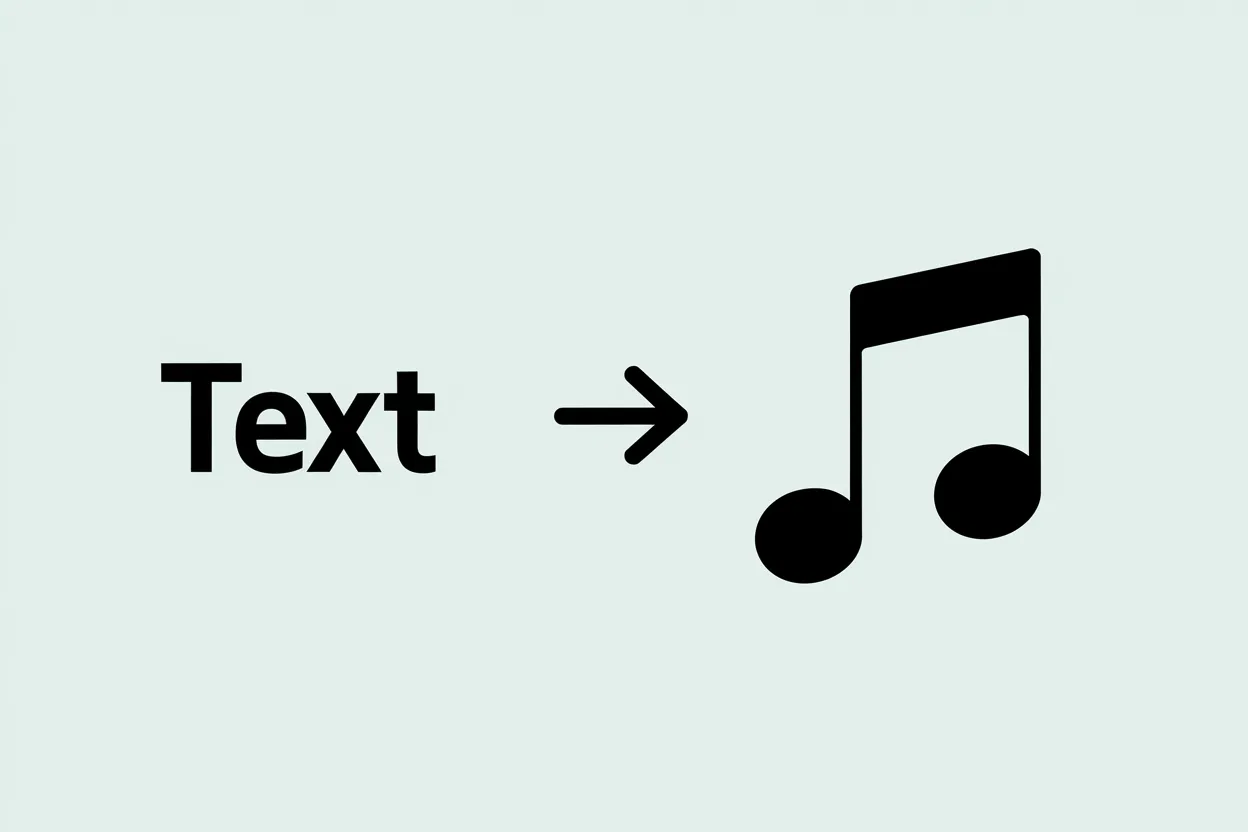
Your lyrics, sung
Paste your verses and chorus in full. The AI fits a melody to the rhythm of your lines and sings your exact words.
No lyrics? Describe the idea
If you have no lyrics, describe what the song is about: "summer at the lake, upbeat". The AI writes the words, and you can edit them and generate again.
Genre and voice
Say how it should sound: "pop, female vocals", "rock, male voice", "acoustic, calm".
How to prepare your lyrics
Separate verses and chorus with a blank line and keep lines short with an even rhythm, so the words fit the melody more easily.
Several versions of one song
Don't like the melody? Generate again with the same lyrics, or change the genre.
Works in your browser
Nothing to install: the song maker opens on a computer or phone, and you can download the finished song.
How to make a song from your lyrics
Step 1. Paste your lyrics
Copy your poem or lyrics into the lyrics field. No lyrics yet? Describe what the song is about.
Step 2. Set the genre and mood
For example: "ballad, slow tempo, male vocals" or "upbeat pop for a party".
Step 3. Create and download
Press the generate button. You need to sign in to create a song: sign-up is free and new accounts get welcome credits. You can download the finished song.
Who it is for
People who write poems
Hear how your lines sound with a melody and find the genre that suits them.
Anyone preparing a gift
Turn a message with a name and shared memories into a song for a birthday, wedding or anniversary.
Teachers and students
Set a poem or lyrics for a school event to music, so they are easier to remember.
Creators
Make a song from your own lyrics for a video, a channel intro or a challenge.
Example uses
Paste four lines with her name and ask for "a warm pop ballad, female vocals" to make a song as a gift.
A song for Mom
ExamplePaste your poem and ask for "acoustic guitar, calm male vocals" to hear it as a song.
A poem with guitar
ExamplePaste the lyrics for graduation and choose "upbeat pop, cheerful mood".
A school event song
ExampleWrite a short chorus with your team's name and ask for "energetic rock, male vocals".
A team anthem
Example
FAQ about turning lyrics into songs
How do I make a song from my own lyrics?
Paste your lyrics, choose the genre and mood and start generating: the AI writes a melody and sings your words. You need to sign in to do this.
Can I make a song from lyrics for free?
Yes: new accounts get welcome credits for music generation, and after that there are paid plans. Sign-up is free and needs no credit card.
What if I don't have lyrics?
Describe what the song should be about and the AI writes the words. For a song from a single idea, the AI song generator page is the easier place to start.
Can I make music without lyrics?
Yes, choose the instrumental version. For beats, try the beat maker, and you can compare all YesChat music tools in the music tools overview.
Can I use the song commercially?
Paid plans include a commercial license: songs created on a paid plan can be used commercially.
Do I need to install anything?
No. There is no separate app; YesChat works in the browser on computers and phones.