Improve Your Writing with AI: YesChat's Writing Assistant
Paste your text and tell the AI what to improve: grammar, clarity, tone or length. You get back a corrected version you can review and adjust.
Hello! How can I assist with your writing today?
Can you help improve this paragraph?
Suggest a more concise version of this.
Give me feedback on this sentence structure.
Rewrite this to sound more professional.
Você também pode gostar
Free Grammar Corrector by YesChat | Improve Writing Effortlessly
Free Paragraph Writing Assistant by YesChat AI - Effortless Content Creation
Free Name Logo Generator by YesChat: AI-Powered Logo Creation
Free Business Logo Generator – Create Custom Logos with YesChat.ai
Free IEEE Citation Generator | Accurate Referencing by YesChat.ai

Free Love Quotes Generator by YesChat: Beautiful Quotes for Her and More

GPT O3-Mini Online by YesChat - Free AI Reasoning for Developers & Researchers
Free Lightning Tattoo Ideas Generator by YesChat.ai | Instant Custom Designs
What the AI writing assistant does
Fixes grammar and spelling
It spots agreement errors, typos, punctuation problems and awkward sentences, and suggests a corrected version. You can ask it to explain each change so you learn from your mistakes.

Adjusts the tone
Turn a casual text into a formal one, or the other way round. Say who you're writing for (a client, a teacher, your team) and the assistant adapts the vocabulary and structure.
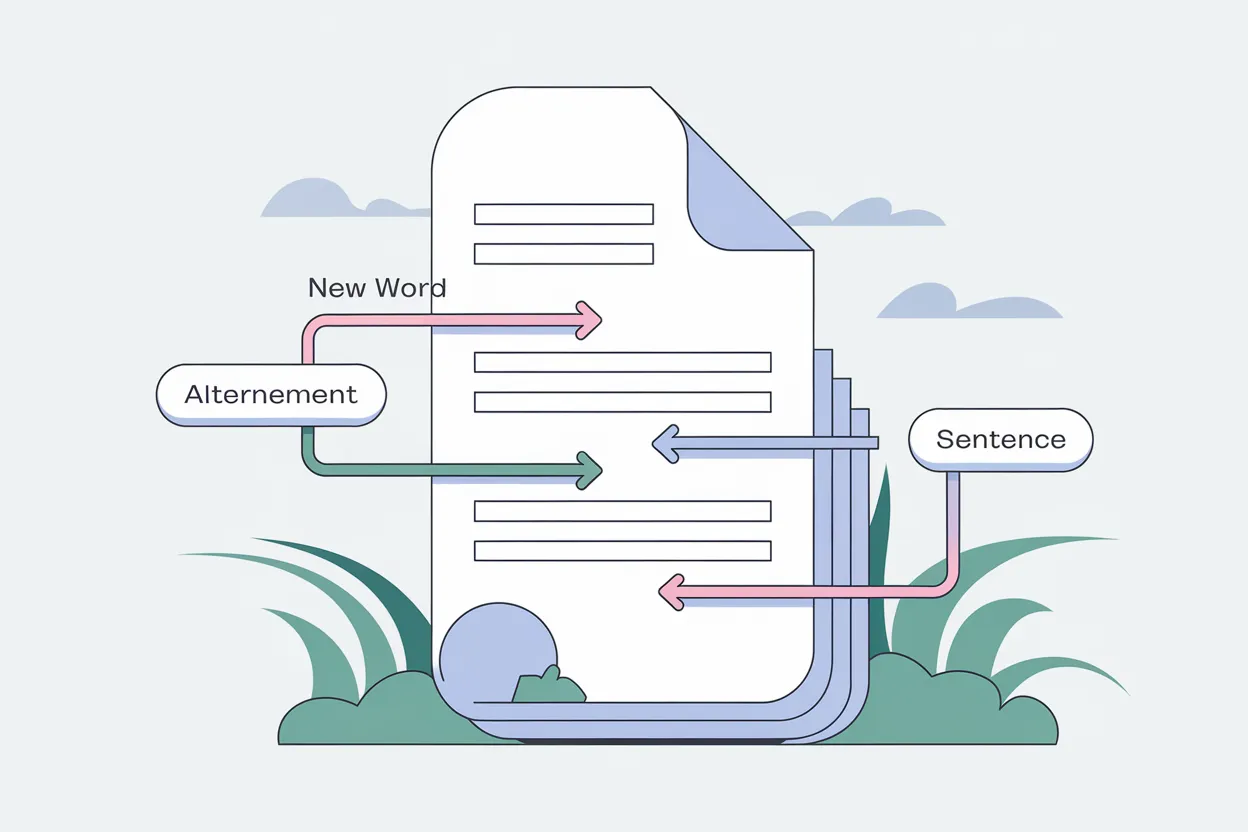
Makes your text clearer and shorter
It removes repetition, splits sentences that run too long and replaces vague words with more precise ones. Useful for emails, reports and posts that need to be read quickly.
Helps you get started
If you're stuck, ask for an outline, three possible openings or ideas to develop a point. Then you choose and rewrite it in your own words.
How to improve your writing with AI, step by step
Step 1: Paste your text
Copy the paragraph, email or essay you want to improve and paste it into the chat. Without signing up, you can send 5 free messages in 24 hours; after that, create a free account to keep going.
Step 2: Ask for a specific change
Write what you want: "fix the grammar", "make it more formal", "summarize it in 100 words" or "explain my mistakes". The more specific the request, the better the result.
Step 3: Review and adjust
Compare the new version with yours, keep what works and ask for another version if something doesn't fit. Always check names, figures and quotes: AI can make mistakes.
Who is it for?
Students
To check the spelling and clarity of your own work and understand why a sentence sounds wrong. It doesn't replace your own work or your school's rules on using AI.
Professionals
To get emails, reports and proposals into the right tone and free of errors before you send them.
Content creators
To polish articles and posts: clearer headlines, shorter paragraphs and less repetition.
People writing in another language
To check whether a text in English, Spanish or another language sounds natural, and to fix the typical mistakes of non-native writers.
Examples
Paste: "hey, didn't get the invoice yet, can u send it?" and ask "make it formal for a client". You'll get something like: "Good morning, I'm writing because I haven't received the invoice yet. Could you please send it to me?"
A formal email
ExamplePaste a paragraph and ask "fix the grammar and explain each change". You'll get the corrected text and a short list of the mistakes, for example a missing comma or a verb in the wrong tense.
An essay paragraph
ExampleAsk "cut this text in half without losing the main idea". Useful for summaries, product descriptions and social media posts.
A text that's too long
ExampleWrite the topic and ask "give me three possible openings". Choose the one you like best and rewrite it in your own style.
Stuck at the start
Example
Frequently asked questions
How can I improve my writing with AI?
Paste your text into the assistant and ask for a specific change: fix the grammar, make it more formal, clearer or shorter. Review the version it suggests and keep what works. Asking it to explain the changes helps you learn and avoid repeating the same mistakes.
Is it free?
Yes, you can start for free: without signing up, you can send 5 messages on this page in 24 hours (counted from your first message). After that, sign up for free (no credit card) to keep going. Once you're signed in, each message on this page uses credits: new accounts get welcome credits and, for heavier use, paid plans include credits every month.
Do I need to sign up?
Not to get started: without signing up, you can send 5 free messages in 24 hours, counted from the first one. To keep going, sign in; signing up is free and doesn't ask for a card.
What exactly can I ask for?
For example: "fix spelling and punctuation", "make it more formal", "make it simpler for a general audience", "cut it to 150 words", "explain why this sentence is wrong" or "give me three titles for this text".
What kinds of text can it help with?
Emails, essays, reports, blog and social media posts, letters and product descriptions. It works best with texts you've written yourself and want to improve.
Is the AI always right?
No. It can change the meaning of a sentence, make up a fact or pick a tone you didn't want. Always review the result, especially names, figures and quotes, before you send or publish it.
Does it work in languages other than English?
Yes, you can write and ask for corrections in English, Spanish and other languages, and you can also ask it to translate and adapt a text.
Can I use it for schoolwork?
To review and improve a text you wrote, yes. Check your school's rules on using AI first: submitting AI-generated text as your own may not be allowed.
Can I choose the tone?
Yes. Say which tone you want (formal, friendly, persuasive, neutral) and who the text is for; the assistant adapts the vocabulary and structure.
Can I use the texts commercially?
Yes, with an active paid plan.