AI Crossword Puzzle Generator
Set the topic, age and number of words: the AI picks the words, writes clues for them and suggests how to arrange them in a grid.

Welcome! Ready to craft or solve some amazing puzzles?
Create a themed crossword puzzle.
Design a medium-level Sudoku grid.
Generate a logic puzzle challenge.
Build a word search about nature.
Você também pode gostar
Music Maker Online – Make Music in Your Browser | YesChat

Free Decision Maker Tool - YesChat.ai | Make Smarter Choices
Free Royalty Free Music Generator - YesChat AI
Free AI Bild Generator by YesChat - Create Stunning Images from Text
AI Homework Helper – Step-by-Step Help Online | YesChat
Free Image to Text Converter – Convert Images to Text Online with YesChat.ai
Humanize AI Text with YesChat - Transform Robotic Text into Natural Content
Free AI Photo Maker by YesChat - Create Stunning Images from Text
What the crossword generator does
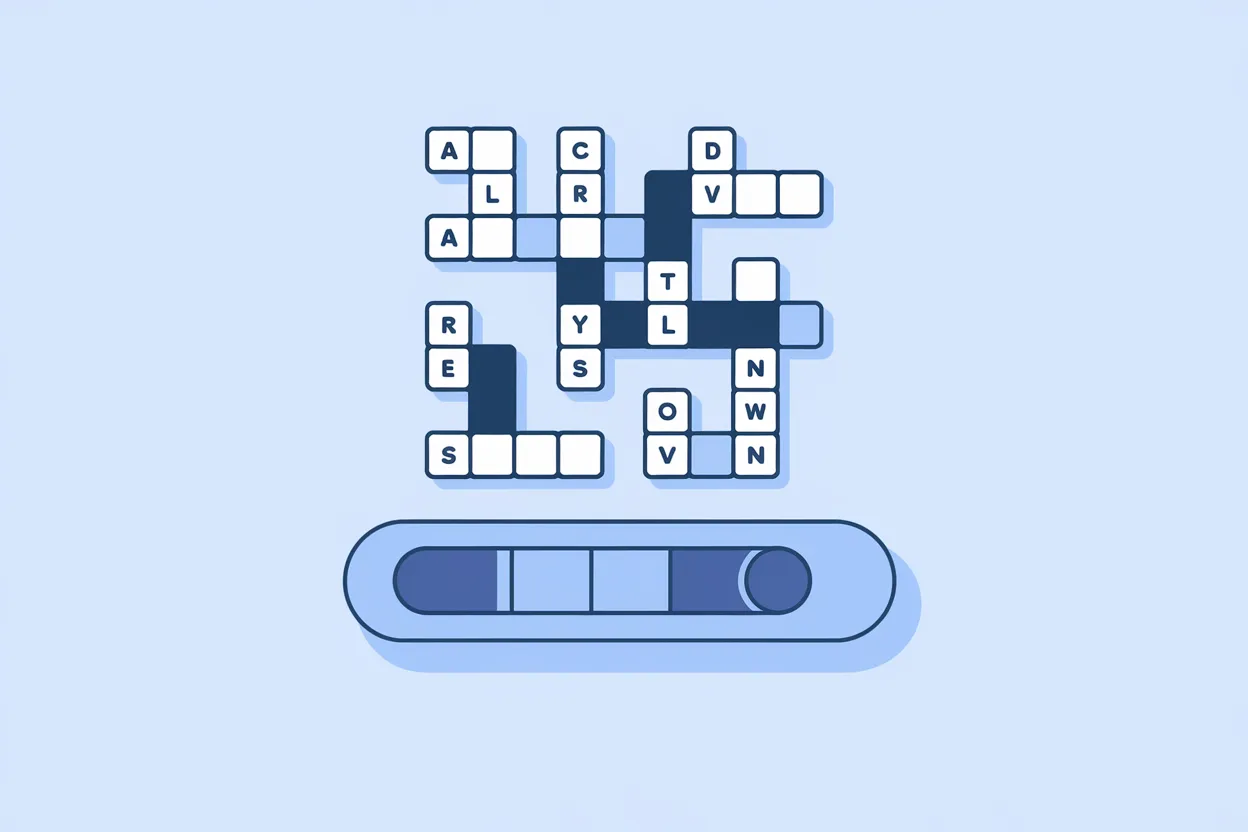
A crossword on any topic
History, biology, vocabulary, a holiday, a team party: name the topic and the AI picks suitable words and clues.
Your own words
Already have a word list? Paste it and the AI writes a clue for each word at the difficulty you need.

Difficulty by age
Say who the crossword is for: young kids, high school students or adults. The clues get easier or harder accordingly.
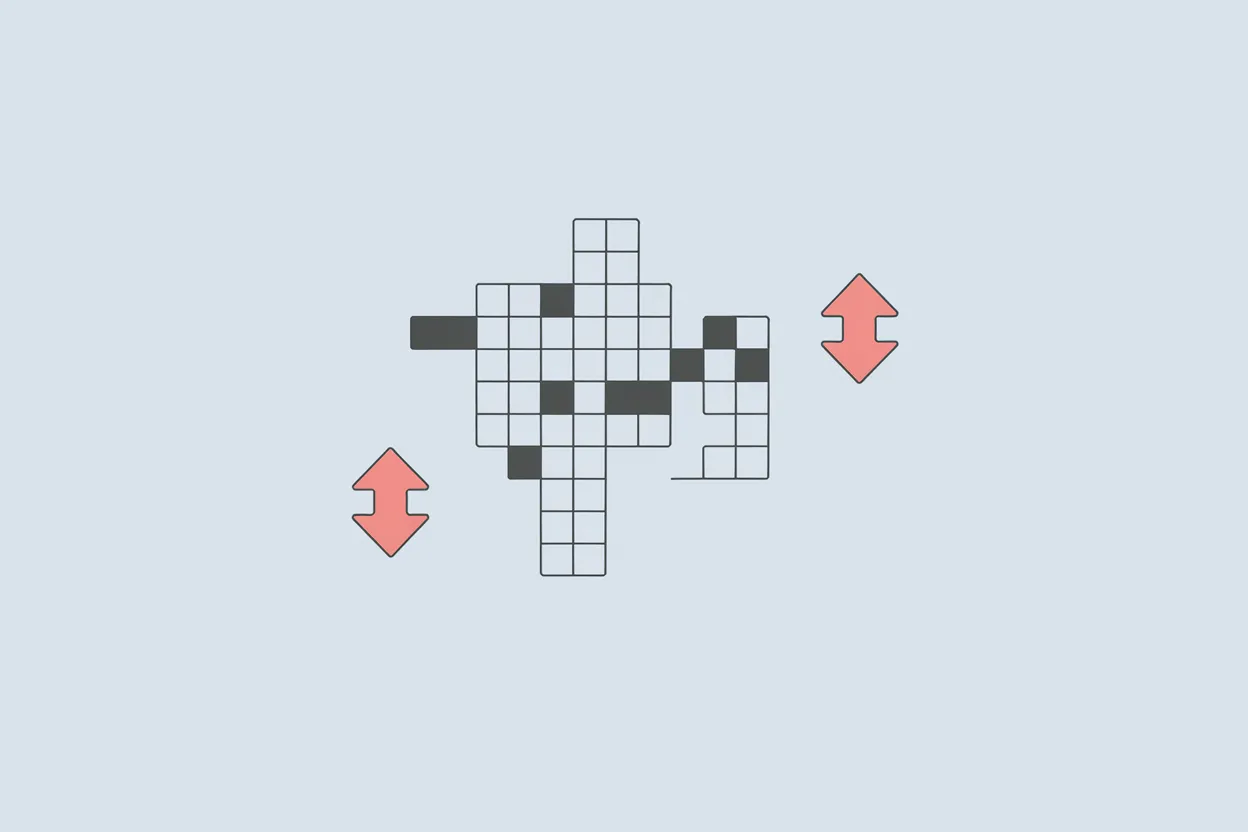
Hidden keyword
Ask for a crossword with a hidden keyword running down the grid: the AI picks words so the highlighted letters spell it out.
How to make a crossword
Step 1. Describe the crossword
Give the topic, how many words and the age group, for example: "a 10-word crossword on cell biology for 6th grade".
Step 2. Get the words and clues
The AI sends a list of words with clues and suggests how they cross. Ask it to swap a word or reword a clue if needed.
Step 3. Lay out the puzzle
Copy the grid and clues to paper or a document. Check where the letters cross; it is best to verify those by hand.
Who it is for
Teachers
Prepare a crossword for class in minutes to review a topic or test key terms.
Puzzle fans
Make a crossword on a topic you love, for yourself or for friends.
Party planners
A crossword for a birthday, wedding or office party, with words about the guests of honor.
Parents
A simple crossword to help a child practice letters, animals or words from a textbook.
Example uses
"Make a 10-word crossword on 'cell structure' for 6th grade, with clues": ready-made review material.
Biology lesson
ExampleList a few facts about the birthday person and ask for a crossword whose hidden keyword is their name.
Birthday
Example"A crossword with 12 Spanish words about food, clues in English": a fun way to practice vocabulary.
Vocabulary practice
ExamplePaste 15 terms from a lesson and ask for a short clue for each.
Your own list
Example
FAQ
How do I make a crossword online?
Give the topic, the number of words and the age group: the AI sends the words, clues and a suggested grid layout.
Can I make a crossword from my own words?
Yes. Paste your word list and the AI writes clues for it.
Can I make a crossword with a hidden keyword?
Yes. Give the keyword and the topic. It is best to check the letter crossings in the final layout by hand.
Is it free?
You can start for free: without signing up you can send 5 messages on this page within 24 hours (counted from your first message). After that, sign up for free, no credit card needed. Once you're signed in, each message on this page uses credits: new accounts get welcome credits, and paid plans include a monthly credit allowance.
Can I choose the topic?
Yes, any topic: a school subject, a holiday, a movie, a profession, or words in another language.
What format do I get?
Text: a list of words with clues and answers, plus a simple layout. You lay out the printable grid yourself, on paper or in a document.
Can I set the difficulty?
Yes. Give the age or level and the clues get easier or harder.
Do I get the answers?
Yes. The AI sends the answer words together with the clues. If the crossword is for someone else, remove the answers before printing.
Can I make a crossword on my phone?
Yes. The page works in your phone's browser; there is no app to install.