- 4:3
- 3:4
- 1:1
AI Pixel Art Maker
Describe what you want to draw and add "pixel art" to the prompt, and the AI creates a character, item, icon or game scene in a retro style.
Apenas imagine, nós podemos criar.
Você também pode gostar
Free AI Pixel Art Generator by YesChat | Create Stunning Pixel Art
Minecraft Pixel Art Generator by YesChat – Free, Fast, and Easy Pixel Art Creation
APA Citation Generator (APA 7) – Free Online | YesChat
Free Address Formatter by YesChat.ai | Accurate and Reliable
DeepSeek V3.1: Advanced Open Source AI Model
Free Microsoft Math Solver by YesChat - Fast, Accurate, Step-by-Step Solutions
Free Motivation Letter Writer - YesChat AI
Free Photo Caption Generator by YesChat: Instant Captions & Hashtags
What the AI Pixel Art Maker Can Do
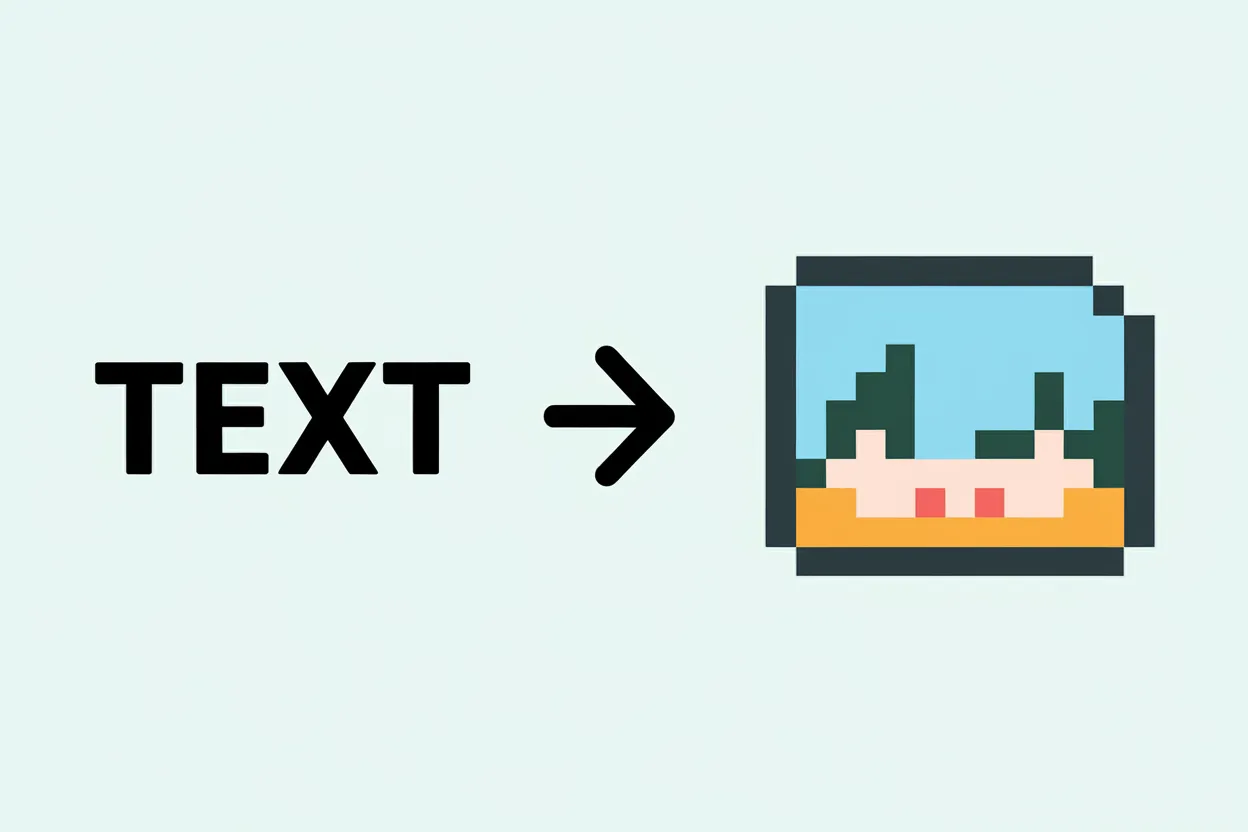
Pixel art from a text description
Write what should be in the picture: "knight with a sword, side view", "potion in a glass bottle", "cabin by a lake at night". Add "pixel art" and the AI draws it in a pixel style: the style comes from your description.
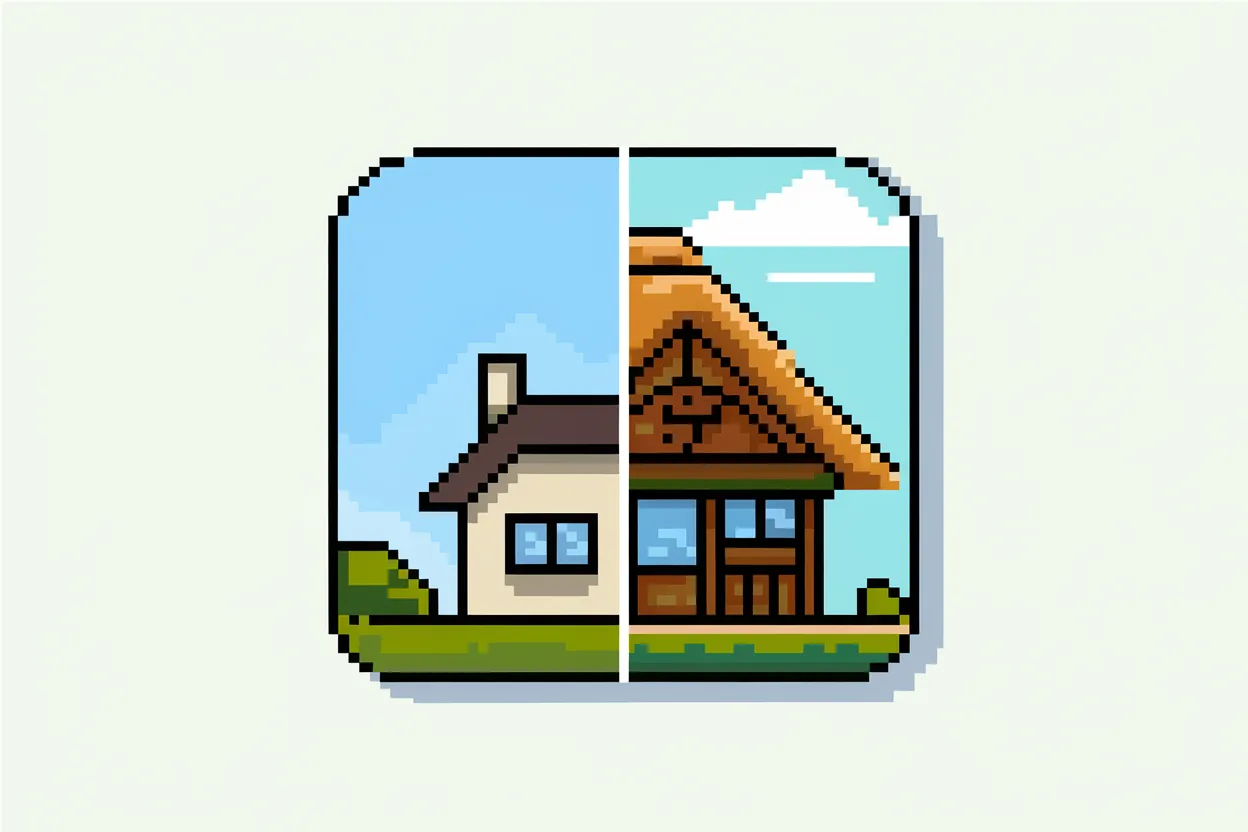
Characters and game objects
Good for sketching characters, inventory items, icons and backgrounds in the spirit of classic games, so you can see an idea before drawing it pixel by pixel.
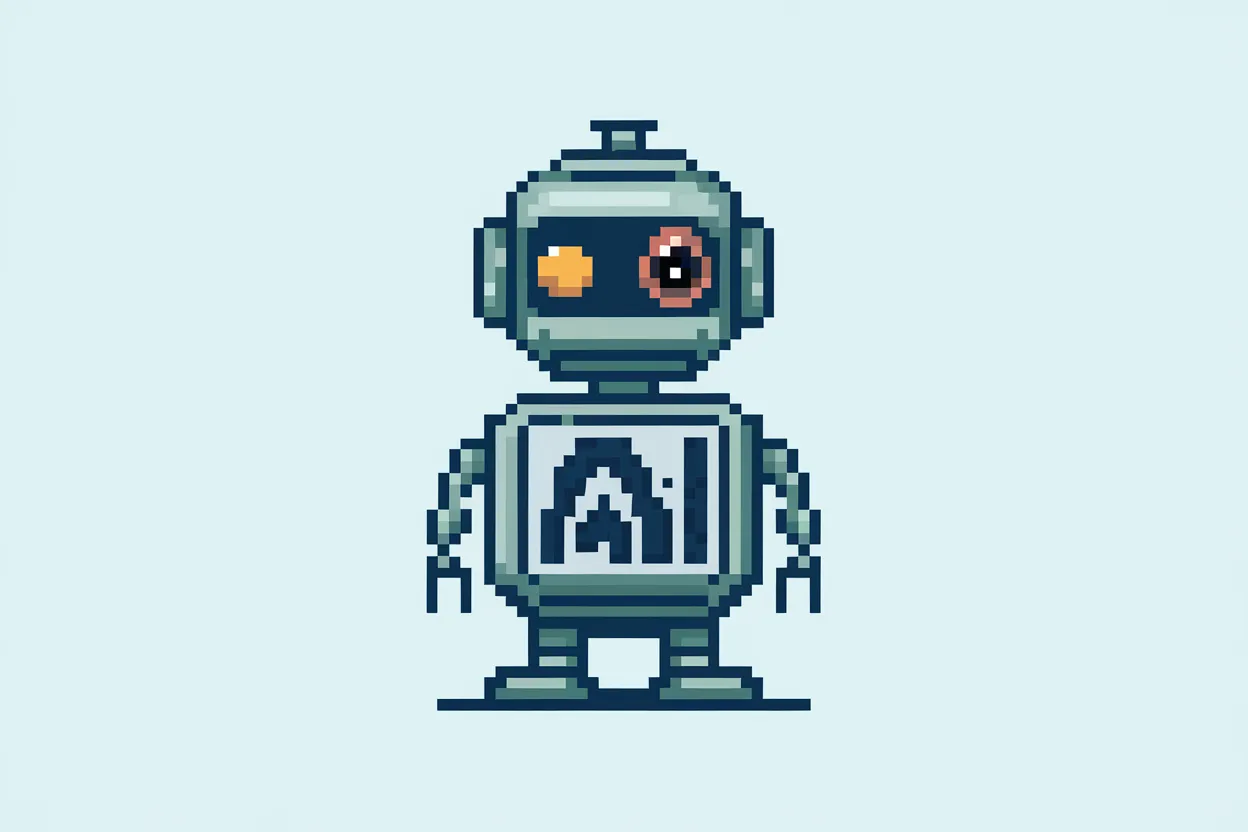
Different levels of detail
Say what you need in the description: "simple 8-bit style, few colors" or "detailed 16-bit pixel art". That decides how large the pixels are and how much detail appears.
Palette and mood
Name the colors and atmosphere: "warm sunset palette", "cold blue tones", "Game Boy palette". That brings the result closer to the style you have in mind.
Works in your browser
Nothing to install: the page opens on computers and phones, and you can download the finished picture.
How to Make Pixel Art with AI
Step 1: Describe the picture
Write who or what is shown, in which pose or from which angle, and on what background. Add "pixel art" and the level of detail: "8-bit" or "16-bit".
Step 2: Generate the image
Click "Generate". You need to sign in to generate; new accounts get welcome credits.
Step 3: Download or refine
Download the result. If something is off, adjust the description, for example remove extra details or set a palette, and generate again.
Who It's For
Indie game developers
Quickly sketch characters, items and backgrounds for a prototype, then finish the best options in a pixel editor.
Artists
Try several compositions and palettes before you start drawing pixel by pixel.
Retro game fans
Make an avatar, fan art or a wallpaper in the style of 8-bit and 16-bit games.
Social media creators
Create an eye-catching pixel image for a post, a cover or a stream.
Examples
"Pixel art, 16-bit, knight in blue armor with a sword, side view, plain background": a hero sketch for a platformer.
Game character
Example"Pixel art, 8-bit, red potion in a round bottle, close-up, dark background": an inventory icon.
Inventory item
Example"Detailed pixel art, a village by a river at sunset, warm palette": a level background or a wallpaper.
Game scene
Example"Pixel art, portrait of a ginger cat wearing glasses, light blue background, Game Boy palette": a social media avatar.
Avatar
Example
Frequently Asked Questions
How do I make pixel art with AI?
Describe the picture, add "pixel art" and the level of detail, click "Generate" and download the result. You need to sign in to generate.
How do I get a true 8-bit look?
Write "8-bit", "few colors" and "large pixels" in the description and name a palette. If the result is too detailed, remove extra details from the description.
Can I make a game character?
Yes, describe the character, the angle and the background. The generator is good for sketches; for sprite sheets and animation, frames are usually finished in a pixel editor.
Can I turn my own photo into pixel art?
This page works from a description. For your own picture, use the AI image generator from image and ask for "pixel art style".
Can I use it for free?
Yes, after sign-up you get welcome credits for generation. After that, paid plans include a monthly pool of credits.
Do I need an account?
Yes, you need an account to generate. Sign-up is free and does not require a credit card.
Why are the pixels uneven?
The AI draws the whole picture rather than working on a grid, so pixel edges may not be perfect. Phrases like "crisp pixel grid" and "no anti-aliasing" help; for an exact grid, finish the picture in an editor.
Do I need to install anything?
No. There is no separate app; YesChat works in the browser on computers and phones.
Can I use the pictures in commercial projects?
Paid plans include the right to use AI-generated content for commercial purposes. See the pricing page for details.
How can I pay for a subscription?
With a bank card, Apple Pay, PayPal, Cash App Pay, WeChat Pay or crypto. From Russia you can pay with a Russian bank card or SBP via Digiseller, and the subscription activates automatically.