AI Song Generator
Tell it what the song is about and how it should sound: the AI writes the lyrics, composes the music and performs it. You get a finished song with vocals that you can download.

Transforme seus pensamentos em músicas instantaneamente e libere sua criatividade!
Você também pode gostar
Song Maker – Turn Your Lyrics into a Song with AI | YesChat
MusicGen AI Song Generator Online | YesChat

Free Landing Page Builder by YesChat.ai | Create Campaign Pages Easily
Free Llama 3 AI Chat | Advanced Features & Benefits
Free Plagiarism Checker AI by YesChat: Detect AI-Generated Content and Ensure Originality
Best Text to Image AI by YesChat – Free Image Generation
Free Chat GPT Detection Tool - YesChat AI-Powered Text Analysis
Humanize AI Text Free - YesChat's Advanced Text Transformation Tool
What the AI song generator does
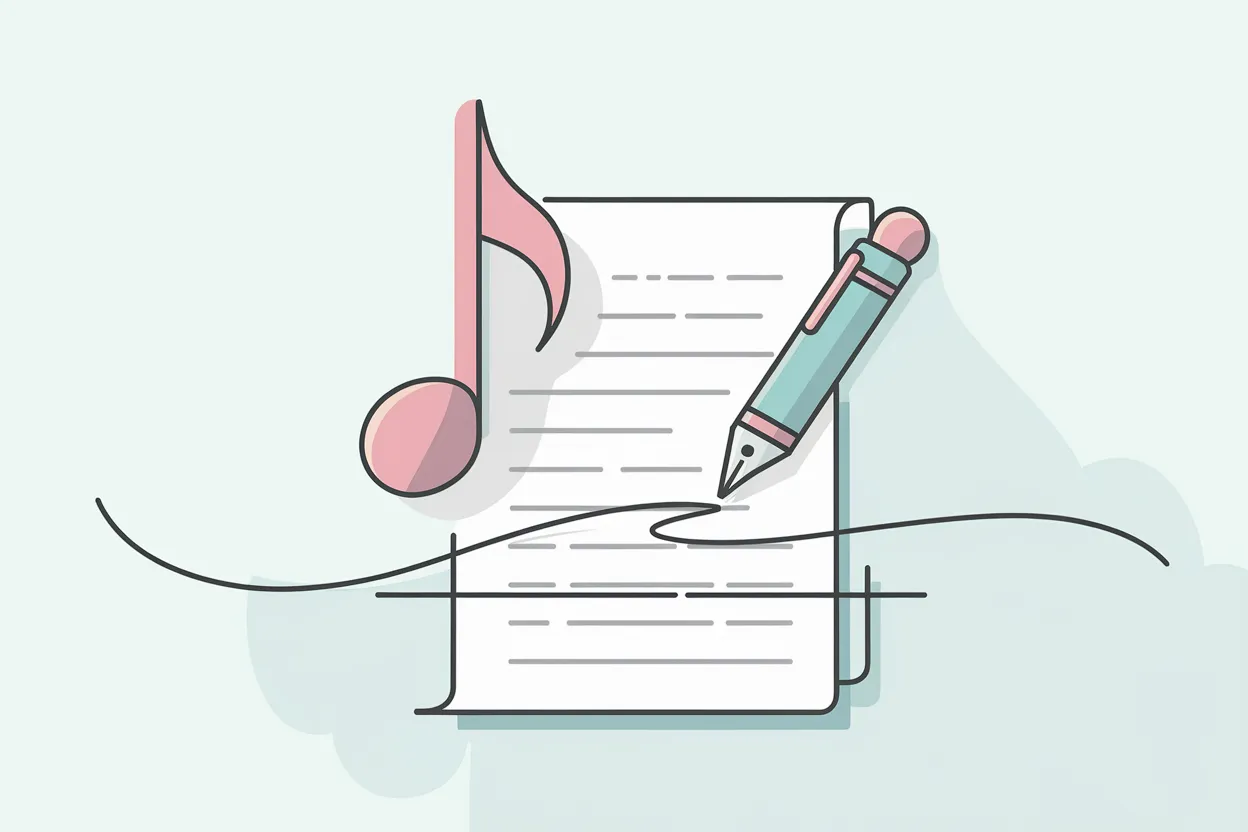
A song from one idea
A couple of phrases are enough: "a fun song about a cat who steals sausages, pop, kids' style". The AI comes up with the lyrics, melody and arrangement.
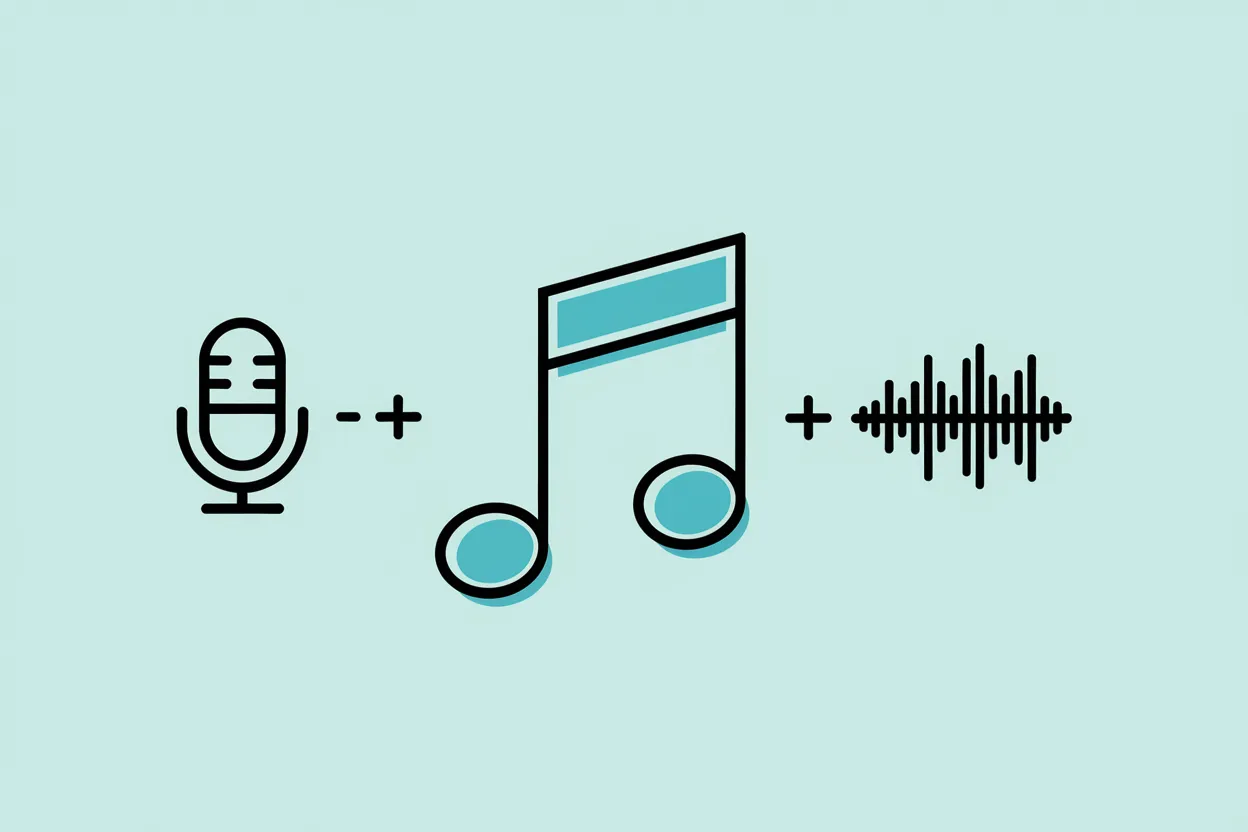
Vocals, lyrics and music together
You get a song with a voice, not just a tune. If you only need the backing track, choose the instrumental version.
Genre, mood and voice
Put the genre, tempo and vocal style in your description: "rock, fast, male vocals" or "lyrical ballad, female voice".
Edit the lyrics
Don't like a line? Edit the lyrics and generate again. If you already have your own lyrics, the lyrics-to-song maker is the better fit.
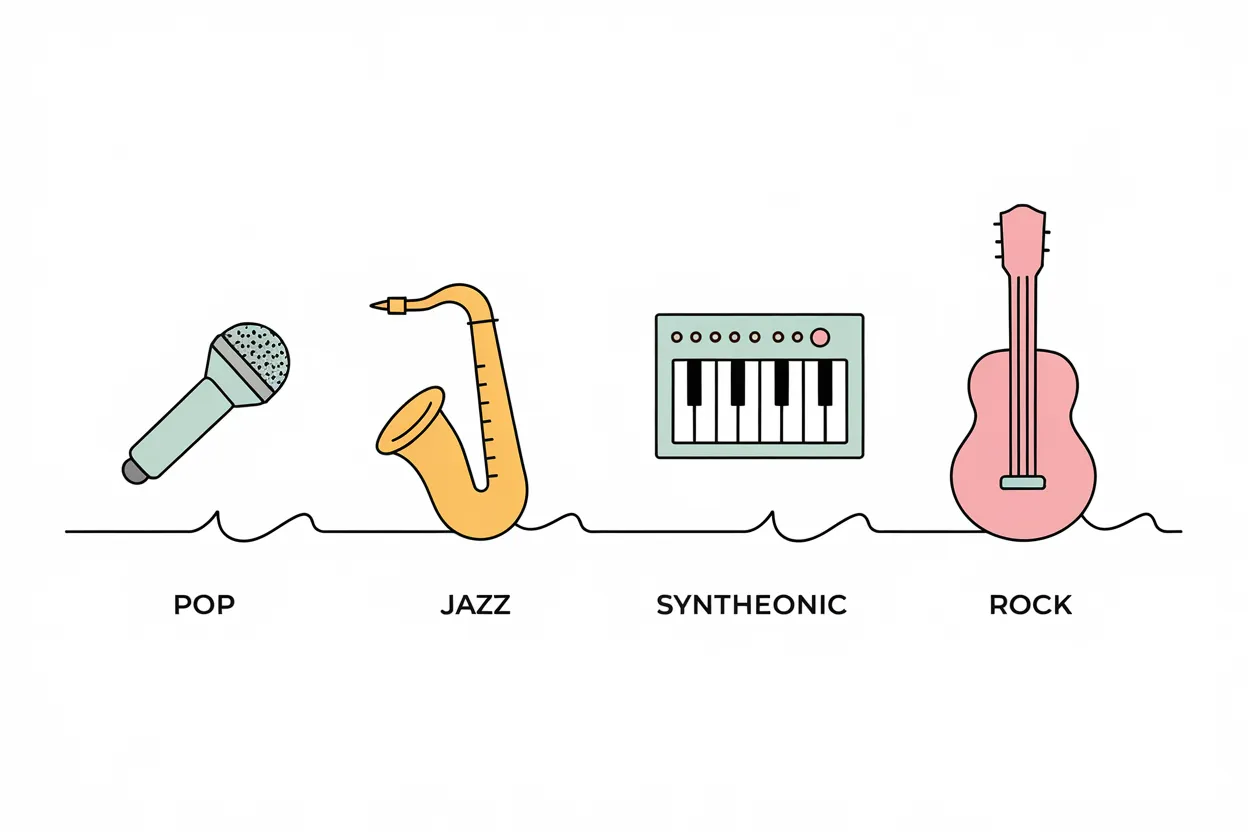
Several versions
Change a word or two in your description and compare versions; it is the easiest way to find the sound you want.
Works in your browser
Nothing to install: the page opens on a computer or phone, and you can download the finished song.
How to create a song with AI
Step 1. Describe the song idea
Write what the song is about, who it is for and its mood. Add names or details that should appear in the lyrics.
Step 2. Choose the genre and voice
Set the genre, tempo and vocals, or choose the instrumental version if you don't need words.
Step 3. Create and download
Press the generate button. You need to sign in to create a song: sign-up is free and new accounts get welcome credits. You can download the finished song.
Who it is for
People who don't write music
No musical training or skills needed: just describe what you want to hear.
Gifts and celebrations
Make a song for a birthday, wedding or office party, with names and inside jokes your friends and family will get.
Creators and streamers
Create a song for a video, a trend or a channel intro.
Songwriters
Test an idea fast: how the theme sounds in different genres and which chorus sticks.
Example uses
Describe it: "a fun pop song for Olivia's birthday, she loves hiking and coffee, female vocals". The AI writes the verses and chorus.
Birthday song
ExampleAsk for "upbeat rock about our sales team and the end of the quarter, male vocals" for the party.
Office party song
ExampleWrite "a quiet lullaby about stars and a teddy bear, soft female voice, slow".
Lullaby
ExampleDescribe the video's topic and mood: "summer road trip, indie pop, light chorus".
Song for a video
Example
FAQ about creating songs with AI
How do I create a song with AI?
Describe your idea, choose the genre and voice and start generating. The AI writes the lyrics, composes the music and performs the song. You need to sign in to generate.
Can I create a song for free?
Yes: new accounts get welcome credits for music generation. After that, there are paid plans.
Do I need an account?
Yes, you need an account to generate. Sign-up is free and needs no credit card.
Can I use my own lyrics?
Yes. Paste your lyrics into the lyrics field, or use the lyrics-to-song maker page.
Can I make a song without vocals?
You can choose the instrumental version, but for music without words the AI music generator page is easier, and for beats try the beat maker.
Which genres can I choose?
Pop, rock, rap, electronic, ballads, children's songs and more. You set the genre and mood in your description.
Do I need any music experience?
No. Just describe in words what the song is about and how it should sound.
Can I download the finished song?
Yes, you can download a song you like to your computer or phone.
Can I use the song commercially?
Paid plans include a commercial license: songs created on a paid plan can be used commercially.
Do I need to download an app?
No. There is no separate app; YesChat works in the browser on computers and phones.