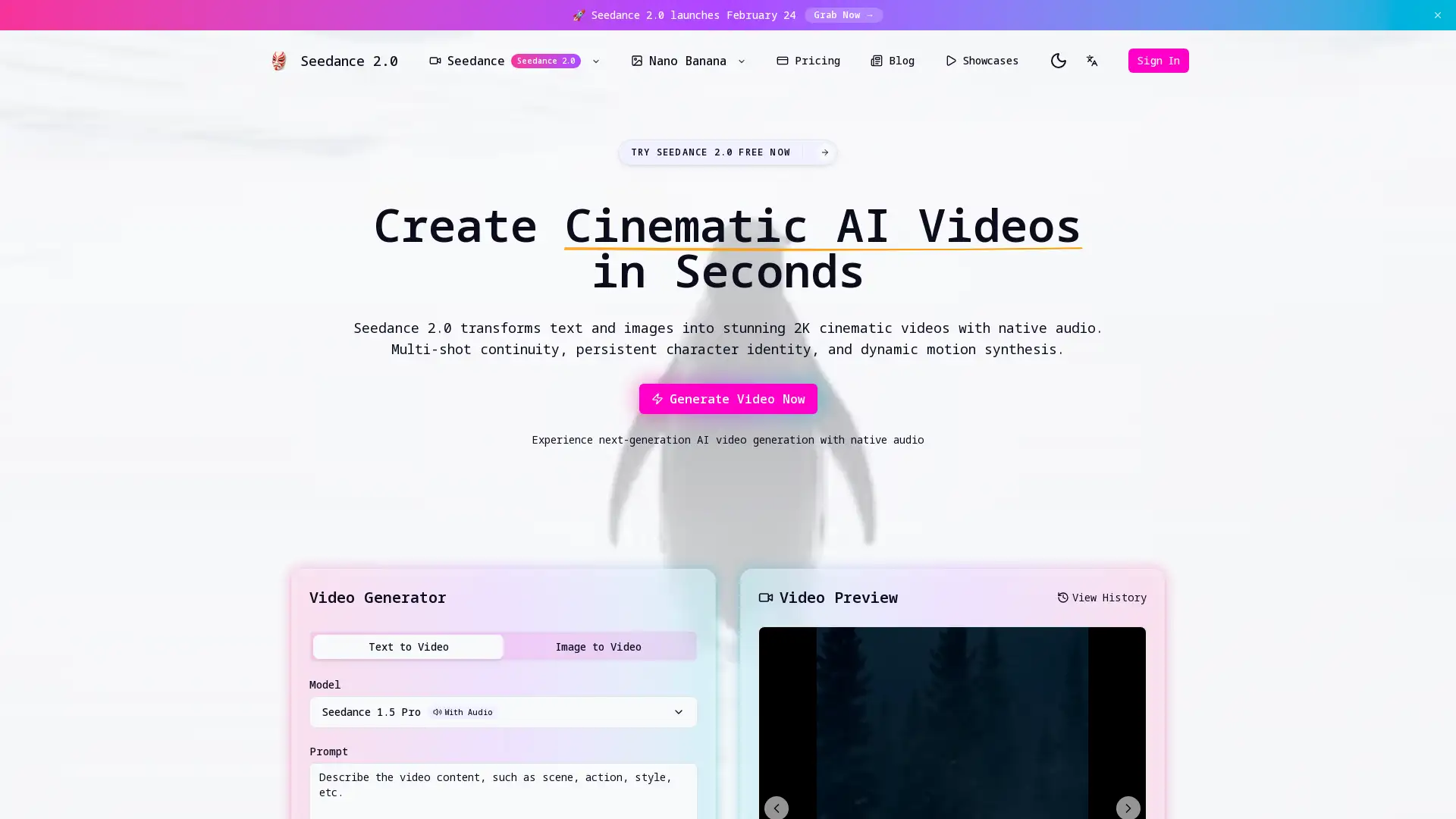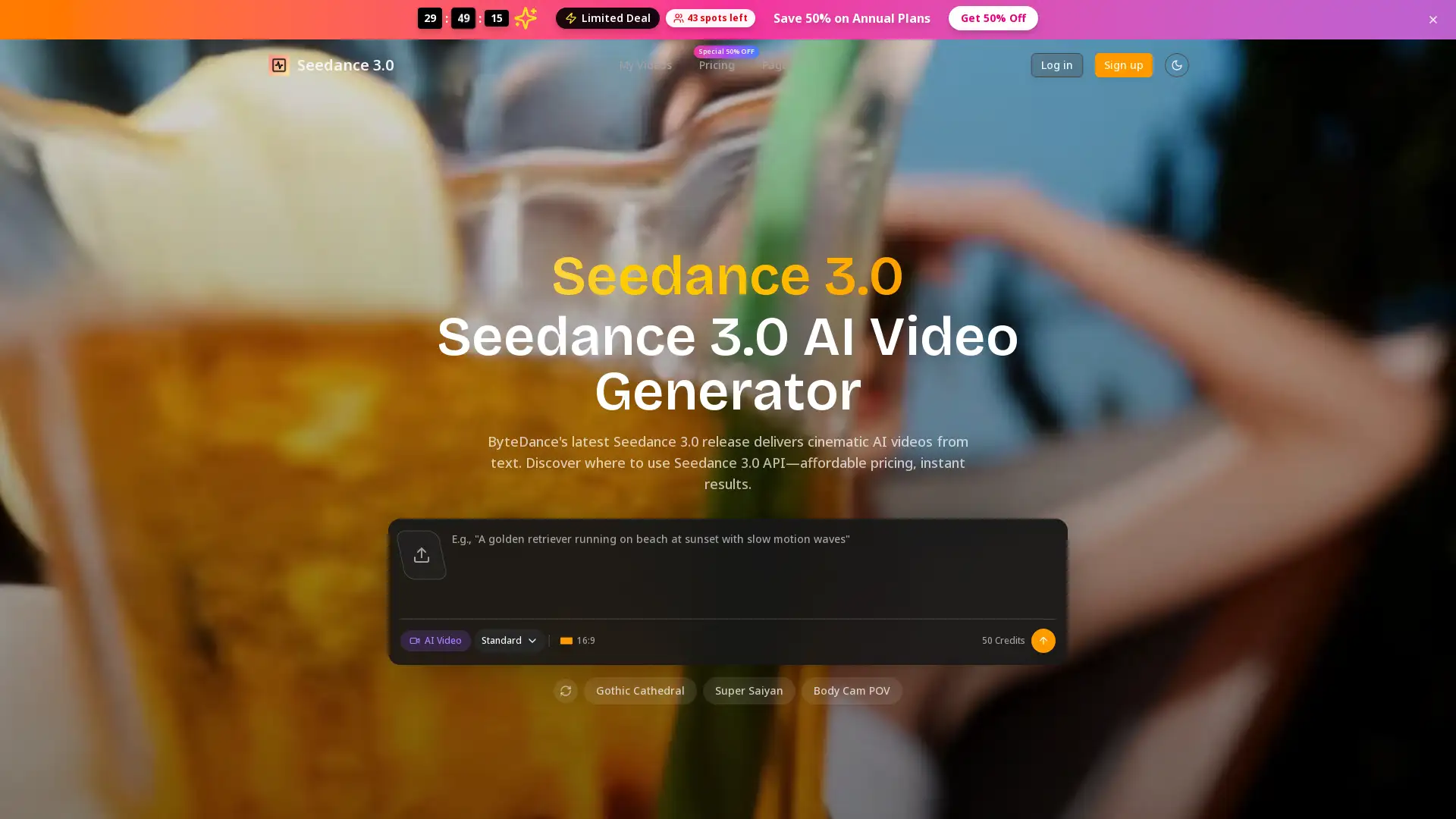
seedance 3.0
Visit- Introduction:
Transform text and images into cinematic videos instantly.
- Added on:
Feb 23 2026
- Company:
Bytedance
- AI video generation
Text to video
Image to video
- Cinematic video creation
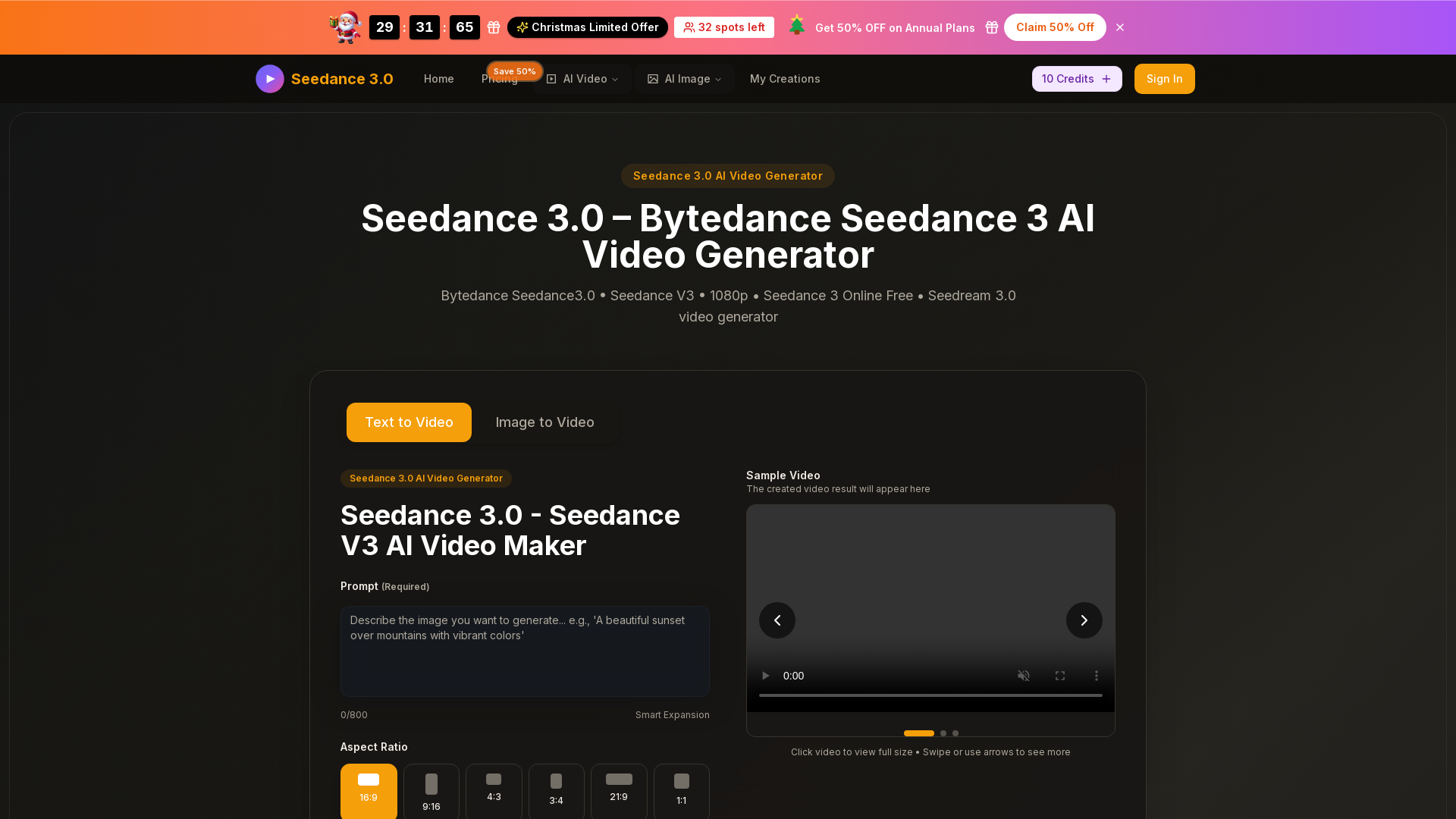
Introducing Seedance 3.0: The Ultimate AI Video Generator
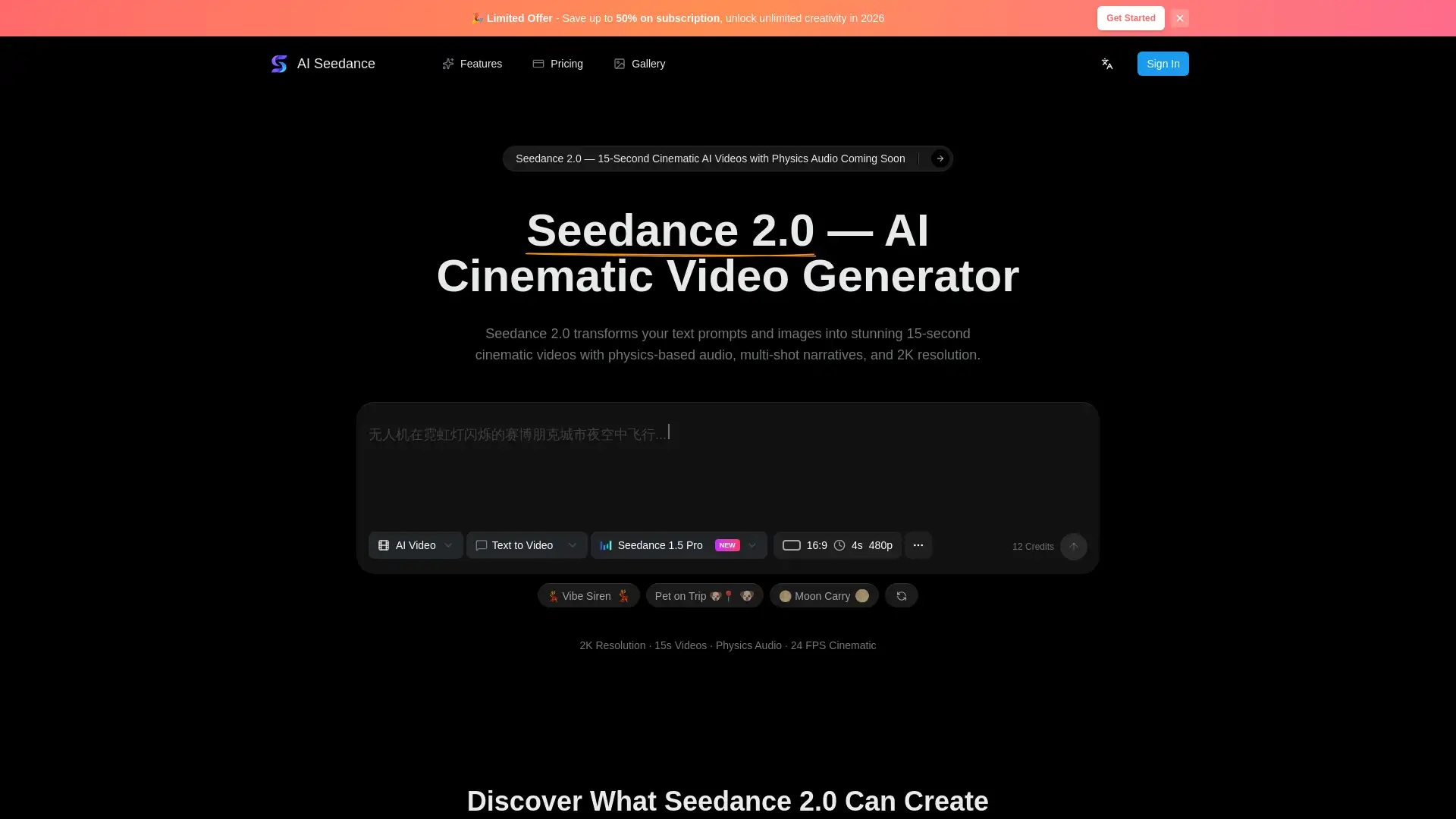
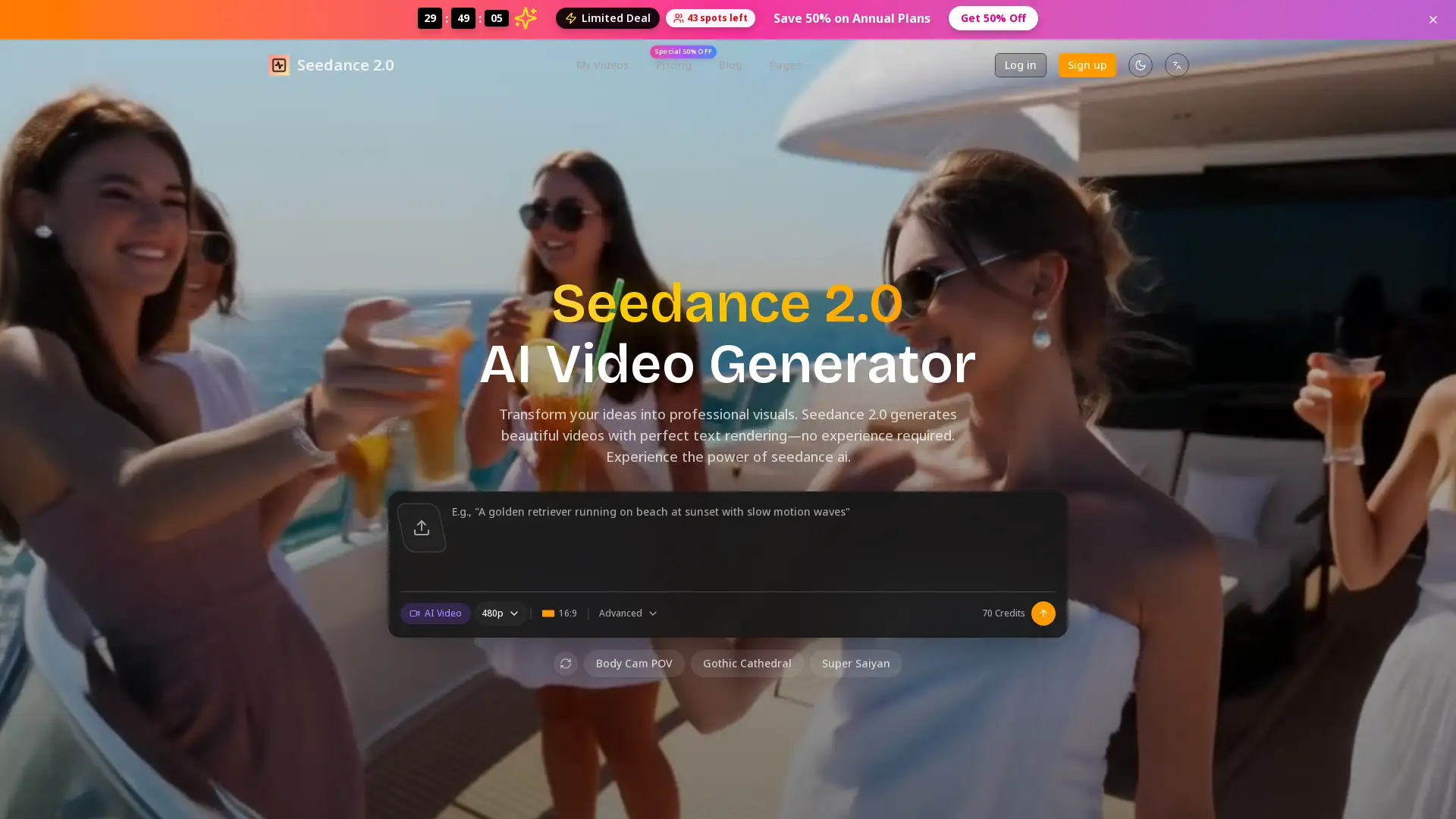
Seedance 3.0 is a cutting-edge AI video generation tool by Bytedance, designed to transform text prompts and images into high-quality 1080p videos effortlessly. Whether you're creating content for social media, marketing, or storytelling, Seedance 3.0 uses advanced AI technology to produce cinematic, smooth-motion videos with seamless scene transitions. Its user-friendly interface and powerful features make it ideal for both beginners and professionals alike.
Main Features of Seedance 3.0
Text-to-Video Generation
Example
Create a short promotional video from a text description.
Scenario
Ideal for marketers looking to quickly generate engaging video content from written descriptions or scripts.
Image-to-Video Generation
Example
Transform an uploaded image into a dynamic video clip.
Scenario
Perfect for designers or content creators who want to turn their static images into compelling videos for social media or ads.
Multi-Shot Storytelling
Example
Generate multi-shot videos that maintain consistent characters and styles.
Scenario
Great for filmmakers or storytellers who need to create narratives with smooth transitions between scenes, maintaining style consistency throughout.
Who Should Use Seedance 3.0?
Small Business Owners and Marketers
Individuals or small businesses looking for an easy way to create professional-grade videos for marketing and social media.
Content Creators and Influencers
Creatives, designers, or influencers who need quick and high-quality video content for branding and social media engagement.
Video Producers and Filmmakers
Professional video producers or film enthusiasts who need a tool to create smooth, multi-shot videos without extensive editing work.
How to Use Seedance 3.0
- 1
Step 1: Select Input Type
Choose your desired video generation option (text or image).
- 2
Step 2: Upload and Customize
Upload your image or enter your text prompts and select a video style.
- 3
Step 3: Generate and Download
Generate your video and download it in MP4 format.
Related Youtube Video About seedance 3.0
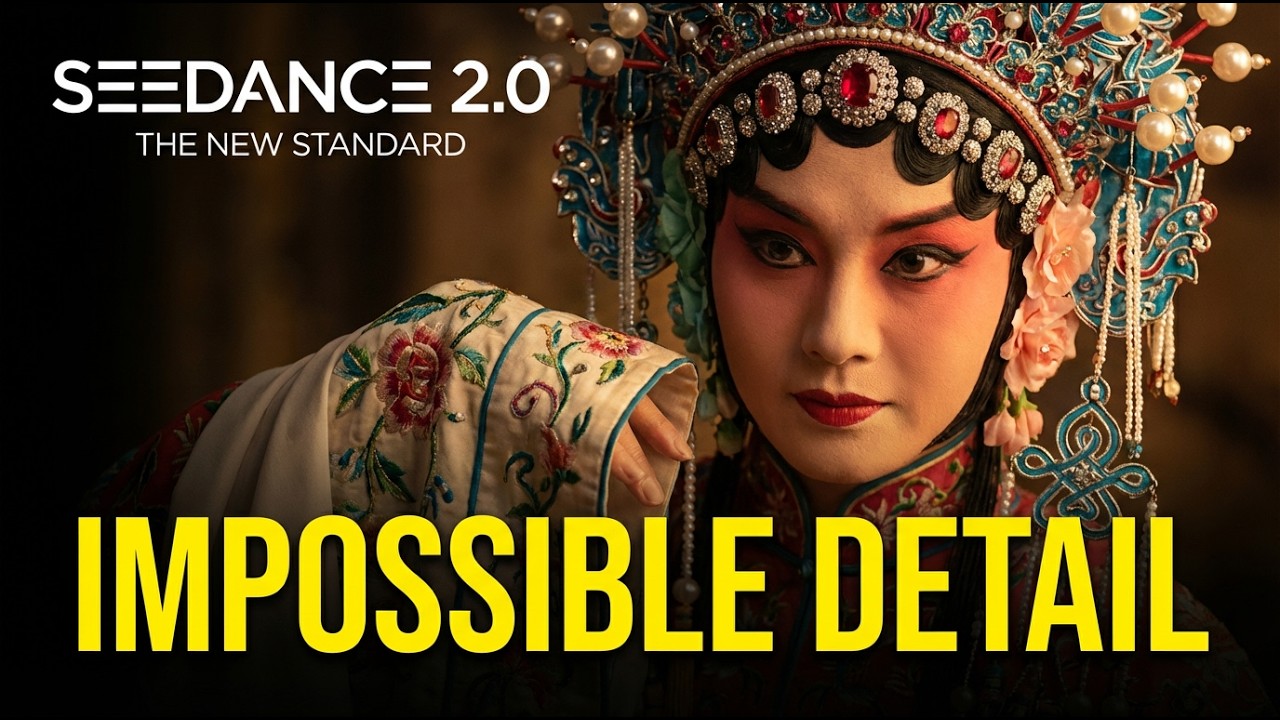
Seedance 2.0 is Actually Insane

Transform Text into Engaging Videos with Free Unlimited Conversions
How to Use Text to Video and Image to Video | Runway Academy
Text to Video is HERE! Create Realistic Cinematic Shots with AI
Discover How to Effortlessly Convert Text into Captivating Videos Using AI
Image To Video | Text To video - BEST FREE AI TOOL 2024 | Insane Outputs | Full Guide

Free Seedance 2.0 for AI Creators - What’s Likely Coming
Vidu Ai | Create High-Quality Animations For Free | Vidu Ai Tutorial
Frequently Asked Questions
seedance 3.0 Pricing
For the latest pricing, please visit this link:https://www.seedance-3.org/pricing
Basic Plan
$9.9/month or $99/year
800 credits per month (9600 credits/year)
Up to 80 videos per month
Seedance 3.0 video generation
Unlimited Seedance 3.0 downloads
Commercial use license
Priority customer support
Professional Plan
$19.9/month or $199/year
2000 credits per month (24000 credits/year)
Up to 200 videos per month
Seedance 3.0 video generation
Unlimited Seedance 3.0 downloads
Commercial use license
No watermark on videos
Priority customer support
Enterprise Plan
$49.9/month or $499/year
6000 credits per month (72000 credits/year)
Up to 600 videos per month
Seedance 3.0 video generation
Unlimited Seedance 3.0 downloads
Commercial use license
Priority generation queue
No watermark on videos
Priority customer support