Seedance 2.0
Visit- Introduction:
Create cinematic AI videos from text, images, or audio.
- Added on:
Feb 09 2026
- Company:
DREAMEGA INFORMATION TECHNOLOGY LLC
AI Video Generator
Text to Video
Image to Video
Audio to Video
Short Video Creation
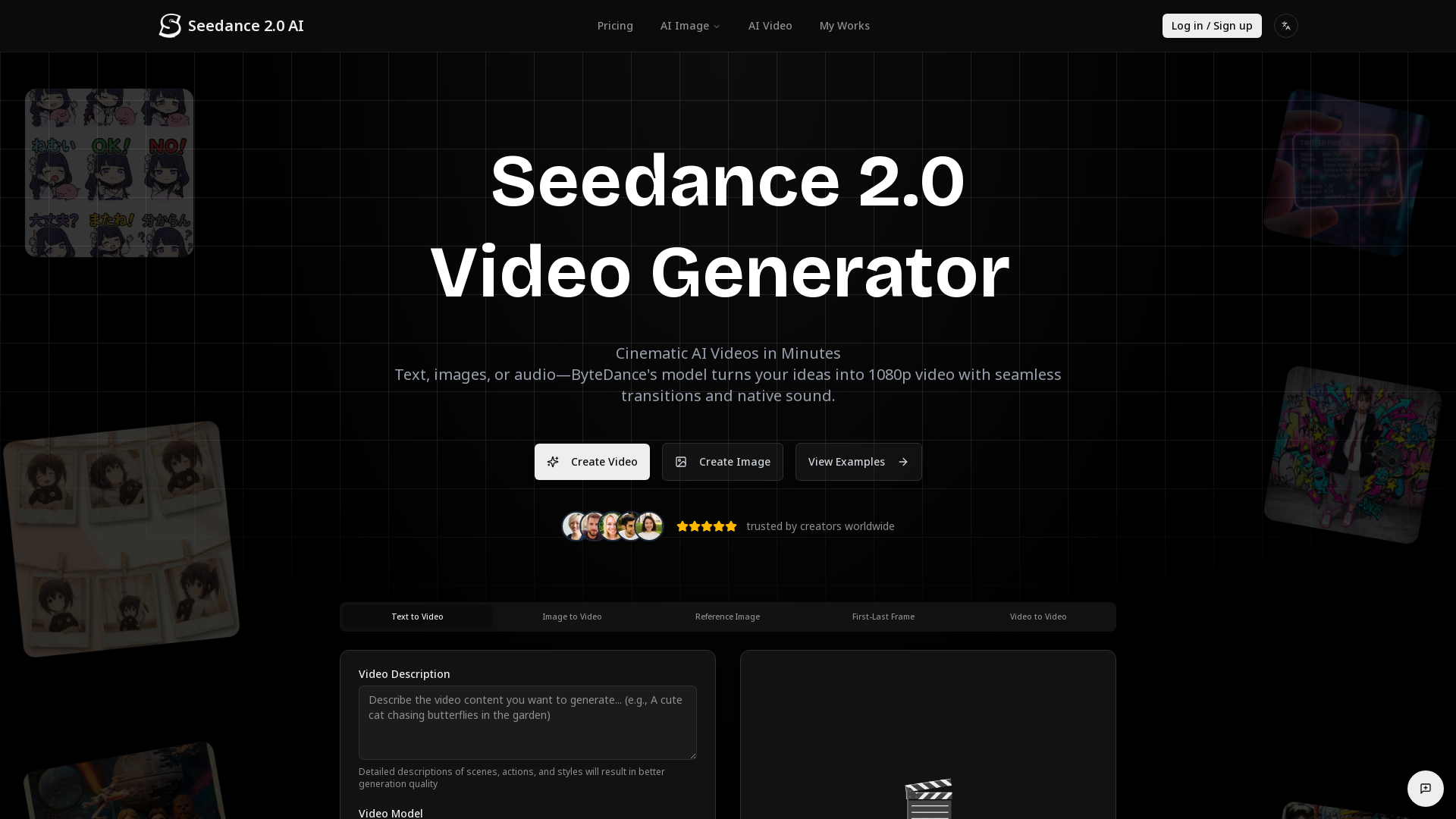
Seedance 2.0 AI Video Generation Platform
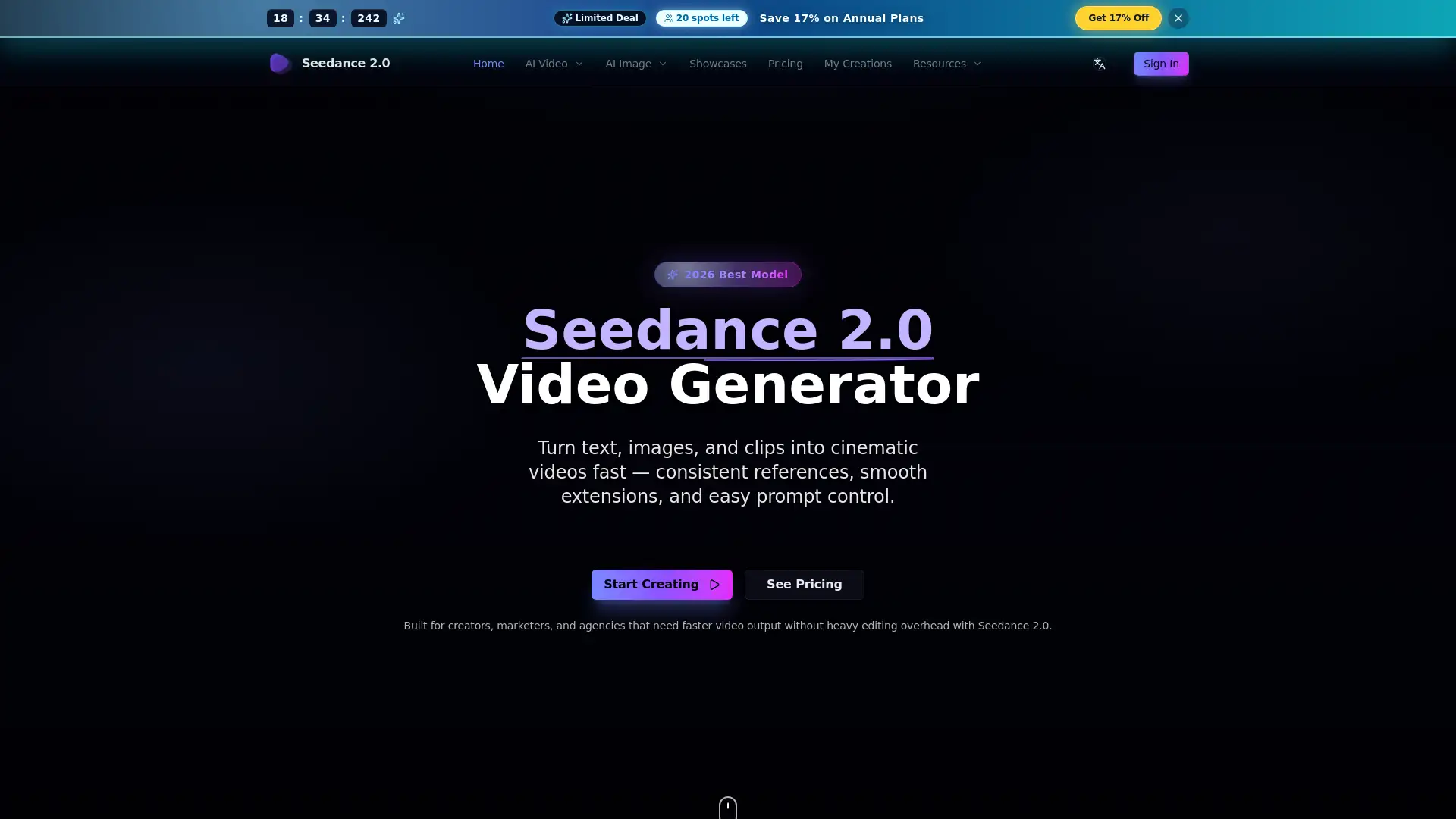
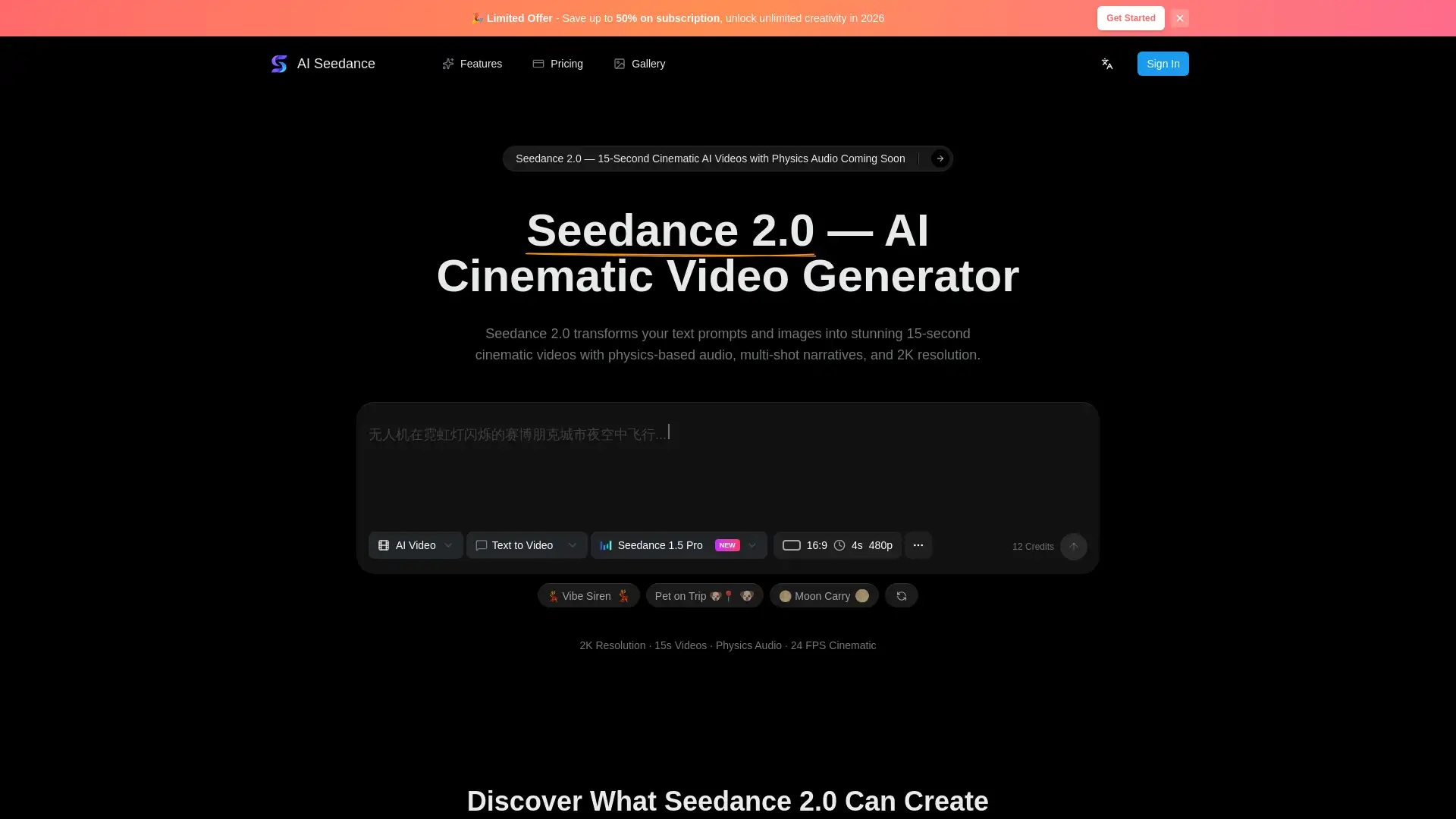
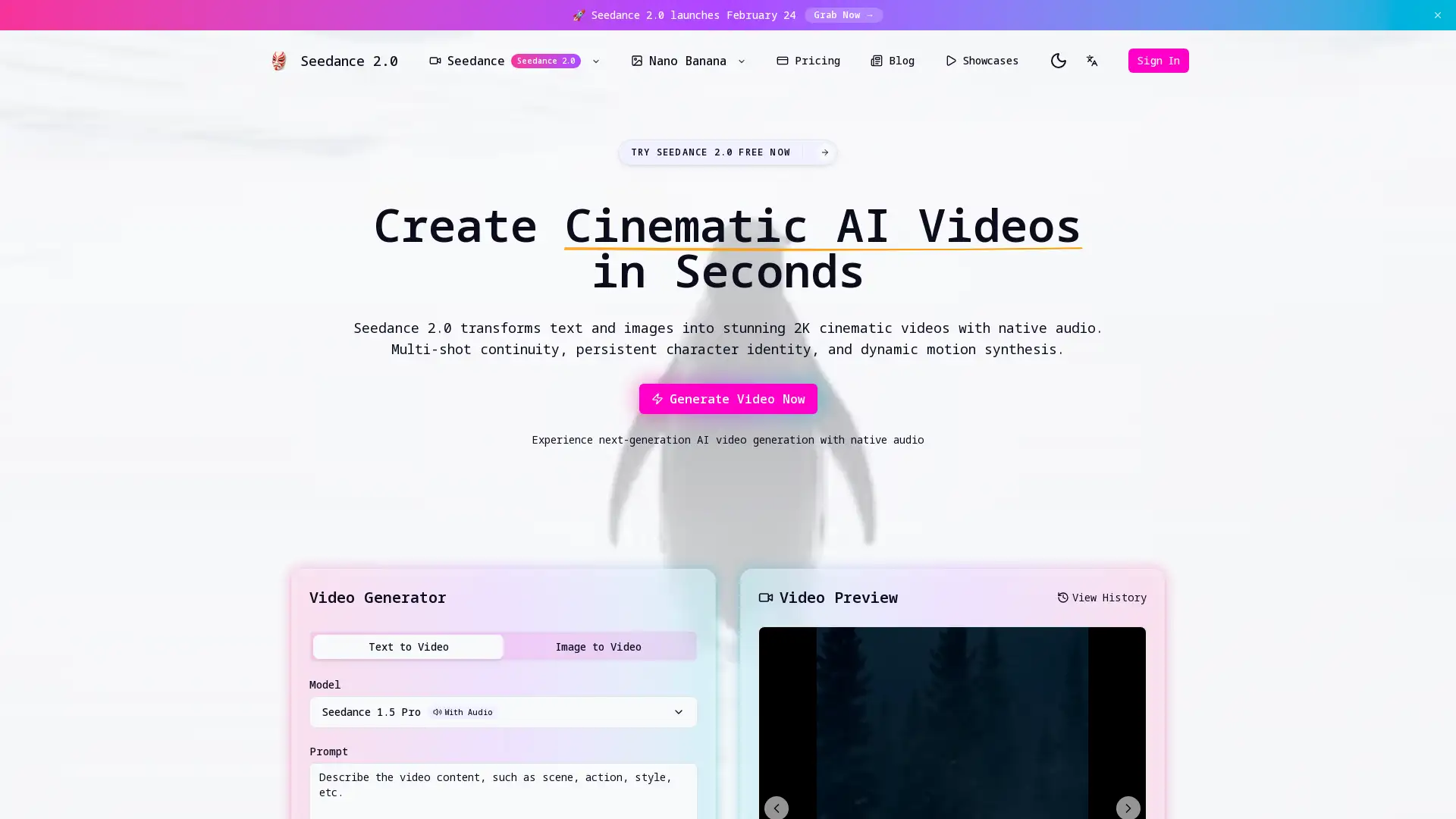
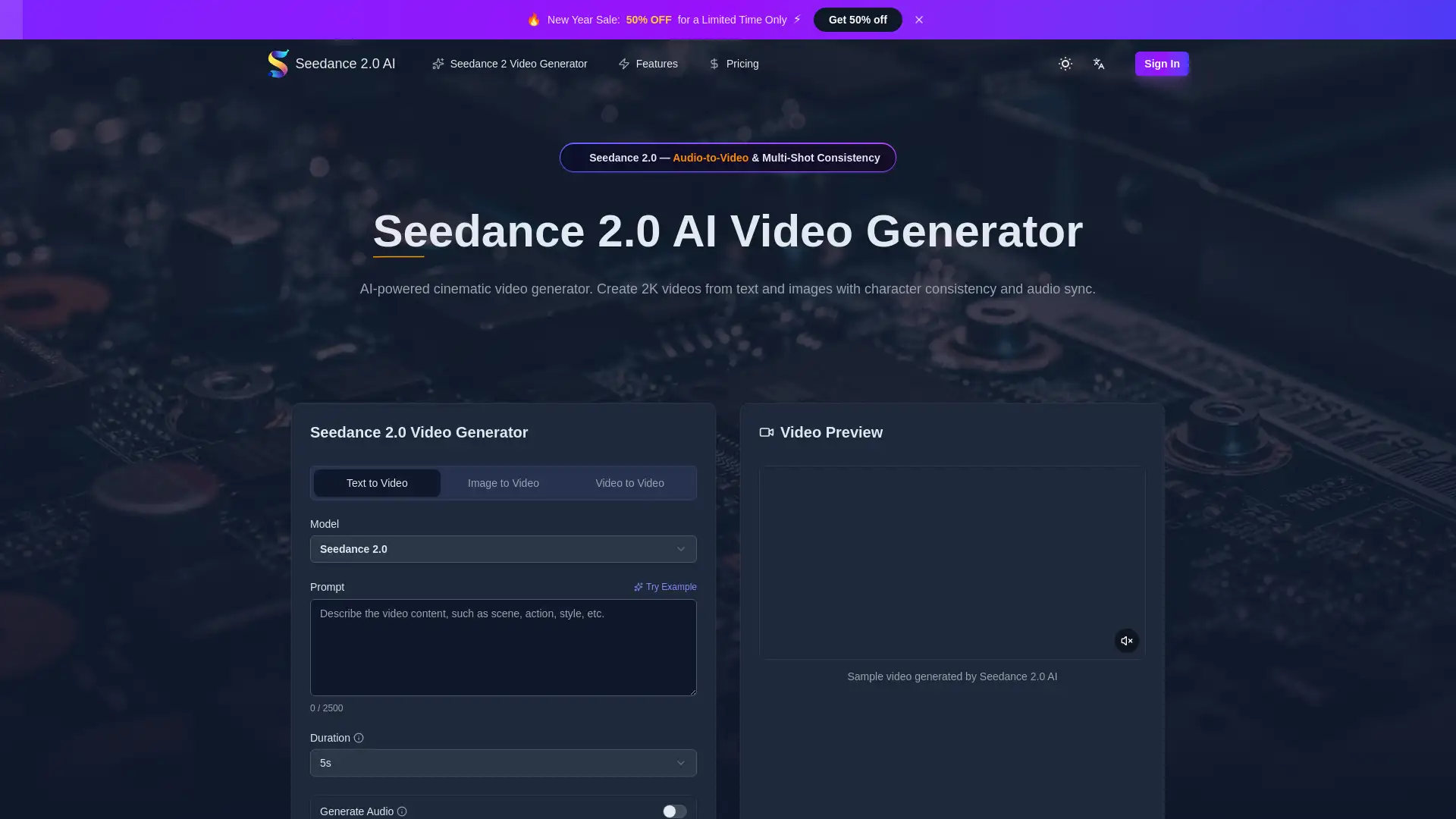
Seedance 2.0 is an AI-powered video creation platform that enables users to generate professional, short-form videos from text prompts, reference images, or audio input. Built on ByteDance’s advanced Seedance 2.0 video model, it focuses on multi-shot coherence, realistic motion, persistent character identity, and native audio generation with accurate lip-sync. The platform supports multiple aspect ratios and resolutions up to 2K, exports watermark-free MP4 files, and includes commercial usage rights for paid plans, making it suitable for marketing, education, social media, and storytelling.
Main Functions of Seedance 2.0
Text-to-Video Generation
Example
Turn a written prompt into a cinematic video clip.
Scenario
A marketer quickly creates an ad video by describing the product, scene style, and camera movement in text.
Image-to-Video Animation
Example
Animate a still image into a moving video scene.
Scenario
A creator uploads a character image and generates a short animated sequence for social media.
Audio-Driven Video Creation
Example
Generate visuals synchronized to voiceovers or music.
Scenario
An educator uploads narration audio and creates an explainer video with matching visuals and lip-sync.
Ideal Users of Seedance 2.0
Content Creators
Creators producing short-form videos for social media platforms who need fast, high-quality visuals with minimal editing.
Marketing Teams
Businesses and marketers creating ads, product promos, and branded campaigns with consistent characters and native audio.
Educators and Trainers
Teachers and course creators who want animated explainers or narrated lessons with accurate lip-sync and clear visuals.
How to Use Seedance 2.0
- 1
Choose Input Type
Enter a text prompt, upload one or two images, or provide audio to guide the video generation.
- 2
Set Video Parameters
Select aspect ratio, resolution, duration, and generation mode (Standard or Pro).
- 3
Generate and Download
Submit the request and download the watermark-free MP4 video when generation is complete.
Related Youtube Video About Seedance 2.0
Seedance 2.0 is Actually Insane

Free Seedance 2.0 for AI Creators - What’s Likely Coming

让图片动起来!在ComfyUI中从零开始搭建基于Stable video diffusion xt 1.1视频生成模型的图生视频/文生视频工作流 SVD节点参数详解 Sora未上线之前AI生成视频方法

ComfyUI图片转视频📽,轻松上手AI视频制作, Image To Video ,用图像讲故事,内容更出彩! #comfyui #aigc #videogeneration

【AI视频】革命性突破!最全无闪烁AI视频制作教程 真正生产力 Stable diffusion + EbSynth + ControlNet
AI Animation Generator : Create YOUR OWN 3D Movie With AI
【保姆級實操】一夜爆火最出色的 AI 影片生成神器 | 最新版 Pika Labs1.0 完整教學 | 文字生成影片 | 圖片生成影片ㄧ影片生成影片

AI自动化生成视频实操教程:AI变现新玩法,软件完全免费!音频驱动嘴和人脸,让照片动起来张嘴说话,每月涨粉十万不是问题!playground AI(虚拟形象生成)
Frequently Asked Questions
Seedance 2.0 Pricing
For the latest pricing, please visit this link:https://seedance20.net/pricing
Starter
$13.99/month
3000 video generation credits per month
MP4 video downloads
Access to all templates
Fast and Pro mode support
Email support and community access
Keep generated videos forever
Pro
$31.99/month
9000 video generation credits per month
Higher resolution video outputs
Faster generation queue
Priority customer support
Advanced video features
Download video thumbnails
Keep generated videos forever
Scale
$79.99/month
24000 video generation credits per month
Fastest generation queue
Dedicated account manager
Access to all Seedance 2.0 modes
All premium video features
Priority video processing
Keep generated videos forever